

MCSeedMap displays Minecraft world seeds on an online map and helps locate structures and terrain features.
MineAtlas
MineAtlas displays a Minecraft 1.8 seed map and identifies slime spawning areas.
About MineAtlas
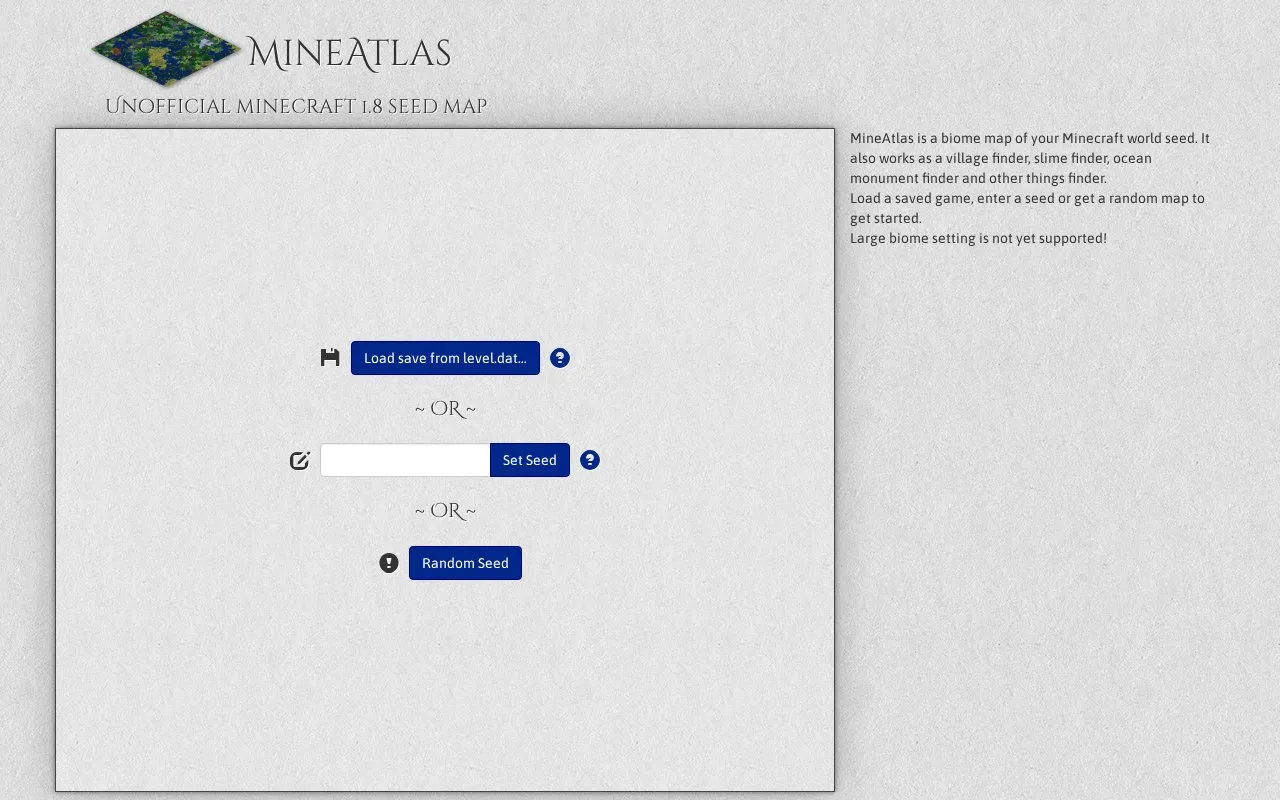
MineAtlas is an unofficial Minecraft 1.8 seed map and location finder. It draws a biome map from a world seed or a saved game's level.dat file, with marker overlays for structures such as temples, villages, slime areas and ocean monuments. Most markers are turned off by default. JavaScript must be enabled for the map to work, and the large biomes world setting is not supported. When a map is created from a level.dat save, a player icon tracks the player's position as they play.
Key features
- Biome map generated from a seed or level.dat save
- Hover or click to show the biome name in an info panel
- Markers for temples, villages, slime areas, ocean monuments and more
- Markers mostly disabled by default to avoid spoilers
- Player icon tracks position when created from a level.dat save
- Shading approximates how hilly an area is
Best for: Minecraft 1.8 players who want to preview the biomes and find locations in a specific seed before exploring it.
Good for
- Markers can be kept off by default so a world is not spoiled
- Can load a saved level.dat so player position is tracked on the map
- Console versions are reported to work now that their generation matches PC, though markers may be wrong
Watch out for
- Only supports Minecraft 1.8 terrain and does not yet support the large biomes setting
- Requires JavaScript to be turned on
- Terrain in old worlds may have been generated by an earlier version, and a stray trailing space in a seed changes the result
MineAtlas at a glance
- Website
- mineatlas.com
- Category
- Gaming › Game Guides, Wikis & Tools
- Type
- Website
- Pricing
- Not confirmed. Check the site
- Platforms
- Linux, Web, Windows
- Open source
- Not stated
- Language
- English
- Last checked
- Oct 5, 2026 · Online when checked
- Listed
- Oct 5, 2026
MineAtlas alternatives
Tools and sites you could use instead, ranked by how closely they match.

ChunkBase offers apps for finding Minecraft world features, including its interactive seed map.

This online seed map previews Minecraft worlds using their seed values.
Explore Minecraft biomes, structures, and ores on an interactive map generated from a seed.

BlueMap creates 3D maps of Minecraft worlds and displays them in a browser-based viewer.

Minecraft Earth Map displays a high-resolution map for exploring Minecraft geography.
Popular in Game Guides, Wikis & Tools
Well-known listings from the same topic.
GTA Bossgtaboss.ggGTAGaragegtagarage.comPocket Bardpocketbard.appSerebii.netserebii.netBlock Displayblock-display.comWorldPainterworldpainter.net


MineAtlas FAQ
What does the map show?
It shows biomes, with the colour corresponding to the biome at that point, such as blue for ocean. Hovering or clicking displays the biome name on the info panel. Player-built structures do not affect biomes and do not appear. Shading indicates how hilly an area is, but it is not an exact match to the game's hills.
How do I find my seed?
Use the "/seed" command by pressing "t" and typing "/seed". This may be disabled on some servers unless you are an admin or OP.
Why might the map not match my world?
Possible causes include an extra space at the end of the seed, terrain generated in a previous version even though you run Minecraft 1.8, or a world set to large biomes, which MineAtlas does not support.
Is something wrong or out of date?
Tell us and an editor will check it.
Own this website?
Claim this listing
Claim the listing and suggest updates yourself. An editor checks every claim first.