

Minecraft Generator collects tools for generating Minecraft assets and designs, including pixel circles and related creations.
Free
24 alternativesMinecraft Shapes turns pixel patterns into diagrams for building shapes in Minecraft.
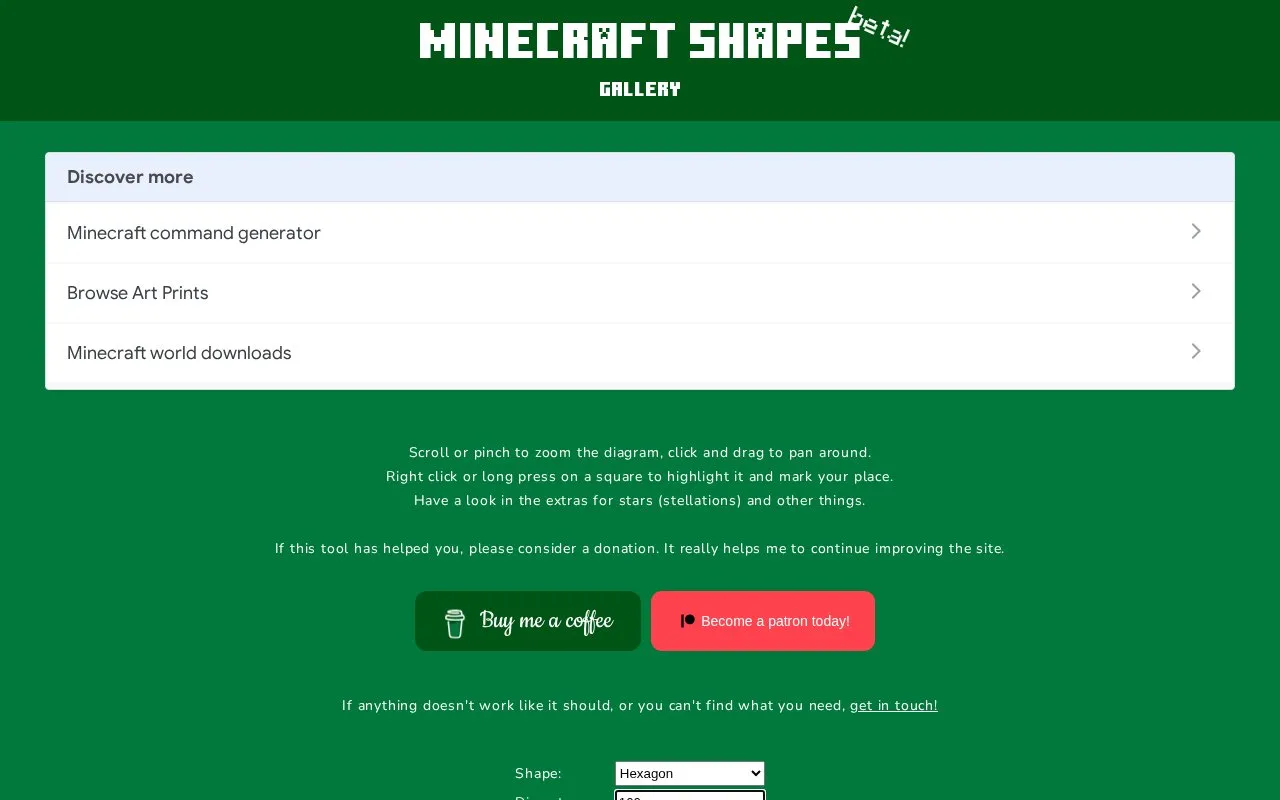
Minecraft Shapes is a web tool that draws geometric shapes on a pixel grid as diagrams for building in Minecraft. Users choose a shape such as a line, circle, angle, or regular polygon from a triangle up to a dodecagon, and set its position, size, and thickness. The diagram can be zoomed, panned, and marked up, with cells highlighted and integer coordinates shown with crosshairs. Results can be downloaded as SVG, PNG, or pixel data, and a permalink can be copied.
The tool has clear limits. It does not create Minecraft commands or world downloads, so blocks must be placed by hand. Because lines are rasterised, the result can depend on the direction a line is drawn, so a shape rotated 180 degrees may look slightly different. The homepage asks for optional donations, and no pricing is listed.
Tools and sites you could use instead, ranked by how closely they match.
Minecraft Generator collects tools for generating Minecraft assets and designs, including pixel circles and related creations.
Voxel Shape Generator creates a level-by-level breakdown of Minecraft sphere schematics.
Azgaar generates fantasy world maps for writers, game masters, and other creators through a free web app with editable layers and style tools.
Minecraft Pixel Art helps users choose a workflow for turning a picture into a Minecraft block plan or drawing a design.
MinecraftArt converts images into Minecraft pixel art plans that users can build from blocks.
Generate and edit Minecraft world maps by shaping terrain and painting materials, trees, snow, and ice.
Well-known listings from the same topic.
Tell us and an editor will check it.
Claim the listing and suggest updates yourself. An editor checks every claim first.


