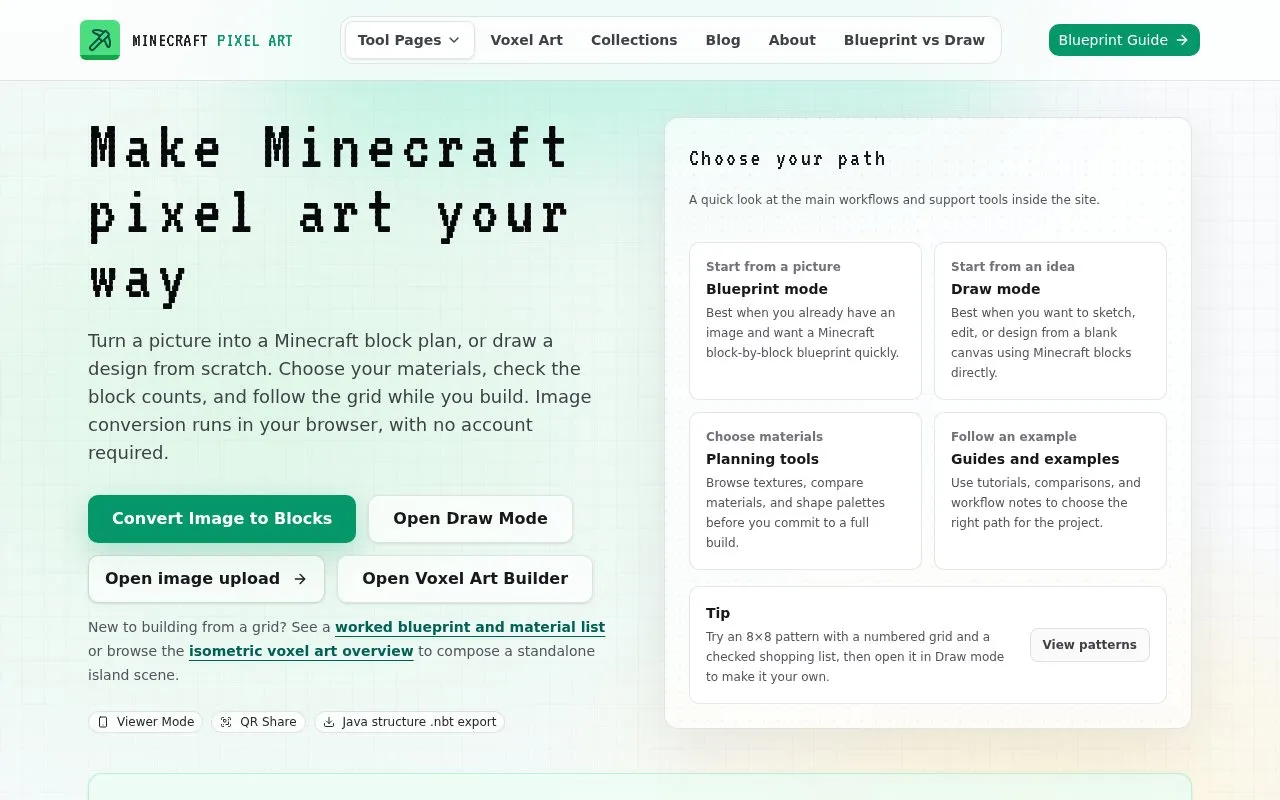
Minecraft Pixel Art is a website for planning Minecraft pixel art builds. Users can turn an uploaded picture into a block-by-block plan, or draw a design on a blank canvas using Minecraft blocks. The Blueprint workflow converts an image into a block grid, lets users adjust the palette, and lists the materials needed. Image conversion runs in the browser, and the site states that no account is required.
The site also includes planning aids such as block counts, shopping lists, palette filters, and texture browsing. Plans can be shared by link or QR code for viewing on a phone, and build outputs can be exported as a Java structure .nbt file. The site notes that QR sharing links have a practical length limit, so very large artworks may need to be reduced in width or exported instead. Pricing is not stated.
Key features
Converts an uploaded image into a Minecraft block grid with adjustable palette
Blank canvas mode for manual block placement and iterative editing
Block counts and shopping lists for gathering materials before building
Palette filters and texture browsing for choosing block materials
Can I manually fix blocks after generating a blueprint?
Yes. Generate the blueprint in Blueprint mode first, then click the Draw tab in the editor header to paint, pick, or erase blocks for final touch-ups.
Is there a limit on QR sharing for large builds?
Yes. The editor limits QR sharing links to about 4000 characters. Larger artworks produce longer links and may exceed this. In that case, the site suggests reducing the width, continuing to build without sharing, or exporting a Java structure .nbt file.
What is the Java structure .nbt export for?
It exports a Java structure .nbt file for compatible Java tools. A compatible Litematica build can import it and save the result as .litematic. It is not a Bedrock .mcstructure file.
Is something wrong or out of date?
Tell us and an editor will check it.
Own this website?
Claim the listing and suggest updates yourself. An editor checks every claim first.