

World Edit provides a Minecraft map editor for building and changing game environments.
MineGIT
Store Minecraft world saves in Git repositories with the MineGIT cloud save system.
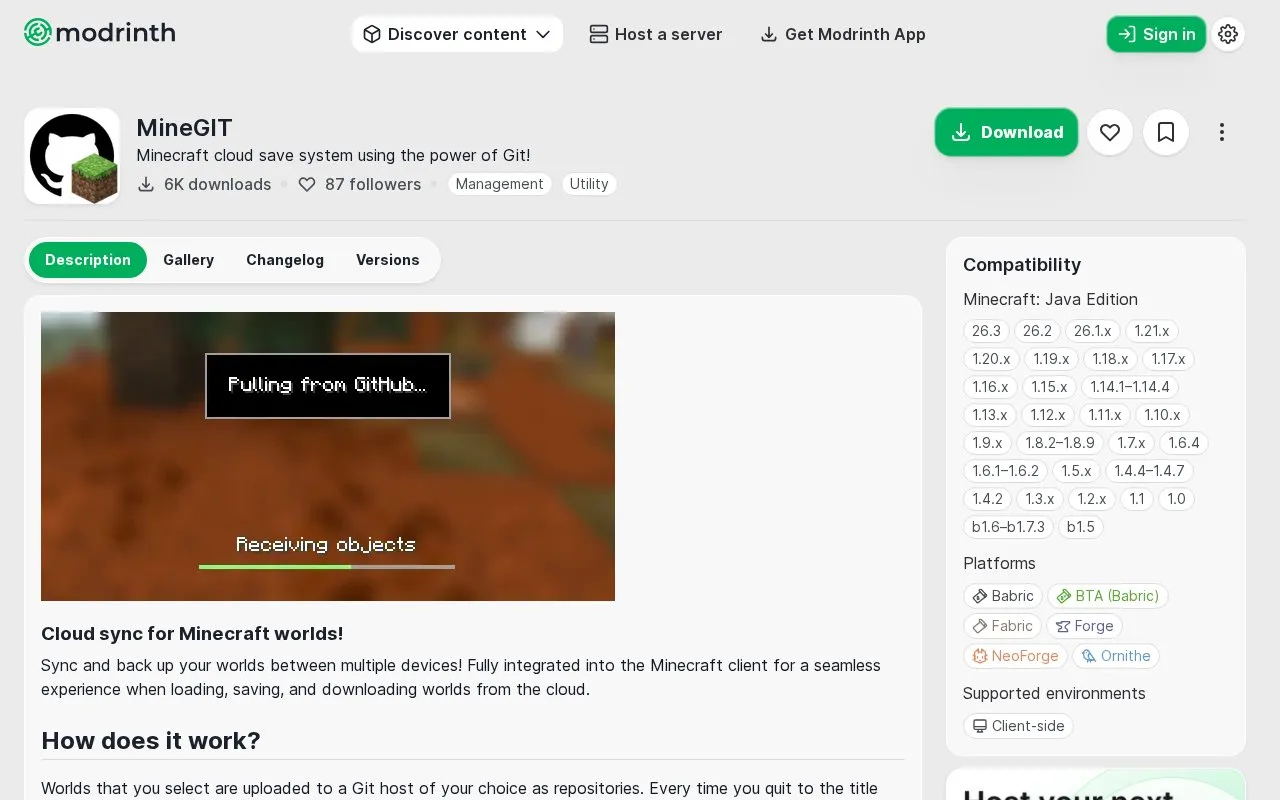
About MineGIT
MineGIT is a Minecraft Java Edition mod that stores selected world saves in Git repositories on a Git host of your choice, so worlds can be synced and backed up between devices. When you quit a world to the title screen, the mod commits and pushes the current state; when you load a world, it checks the remote for newer versions and downloads them. Because it uses Git internally, only files that changed in the world save folder are uploaded or downloaded, which reduces storage and bandwidth use. Setup is handled in-game and requires creating a personal access token for your Git service and enabling sync individually for each world. The mod is client-side and is published for Fabric, Forge, NeoForge, Babric, Ornithe and BTA, across a long list of Minecraft Java Edition versions.
Key features
- Uploads selected Minecraft worlds to a Git host as repositories
- Commits and pushes world state when you quit to the title screen
- Checks for and downloads newer cloud world versions on load
- Transfers only modified files, limiting bandwidth and storage use
- Supports GitHub, GitLab, Codeberg and self-hosted Gitea or Forgejo
- Clone and download a synced world on another device
Best for: Minecraft Java Edition players who want to back up and sync worlds across devices using their own Git repository.
Good for
- Works with a Git host of your choice, including self-hosted Gitea or Forgejo instances
- Only changed files are pushed and pulled, saving bandwidth and storage
- Integrated into the Minecraft client's world creation and selection screens
Watch out for
- Setup requires creating a personal access token and setting repository permissions on your Git service
- Sync must be enabled individually for each world
- Client-side mod limited to Minecraft Java Edition
MineGIT at a glance
- Website
- modrinth.com/mod/minegit
- Category
- Gaming › Mods & Fan Projects
- Type
- Website
- Pricing
- Not confirmed. Check the site
- Platforms
- Web
- Open source
- Not stated
- Language
- English
- Last checked
- Oct 5, 2026 · Online when checked
- Listed
- Oct 5, 2026
MineGIT alternatives
Tools and sites you could use instead, ranked by how closely they match.

packwiz manages Minecraft modpacks from the command line, supporting creation and updates to pack files.

Mine Git describes a Minecraft cloud save system built around GitHub for Minecraft players.
FreeOpen source
24 alternatives
MCreator Link connects hardware such as Arduino and Raspberry Pi to Minecraft through MCreator procedures and mod developer APIs.
Open source
24 alternatives
PAX manages Minecraft modpacks for solo or team development and supports Forge, Fabric, and version control.
Open source
24 alternatives
MCreator helps create Minecraft Java mods, Bedrock add-ons, resource packs, and data packs through a visual interface or code editor.
Popular in Mods & Fan Projects
Well-known listings from the same topic.
Classicubeclassicube.netYAVSRG (Interlude)yavsrg.netLocomalitolocomalito.comUsefulModsgithub.com/TheUsefulLists/UsefulModsStep Modificationsstepmodifications.orgWiki / Forumchronocrash.com


MineGIT FAQ
Where can my world repositories be hosted?
Worlds are uploaded to a Git host of your choice. The source lists GitHub, GitLab, Codeberg, and self-hosted Gitea or Forgejo instances, and recommends GitHub for beginners.
What happens when I leave or load a world?
Quitting to the title screen creates a commit of the world's current state and pushes it to the remote repository. Loading the world checks the cloud for newer versions and downloads them if available.
Do I need to enable sync for every world?
Yes. Syncing is enabled individually per world from the world selection screen, which creates a repository named minegit_[world folder name] and pushes the world's current state.
Is something wrong or out of date?
Tell us and an editor will check it.
Own this website?
Claim this listing
Claim the listing and suggest updates yourself. An editor checks every claim first.