

CapFrameX records frame rates, frametimes, and sensor data while a game runs, then supports analysis and plotting.
OCAT
Measure game performance in real time with AMD’s Open Capture and Analysis Tool.
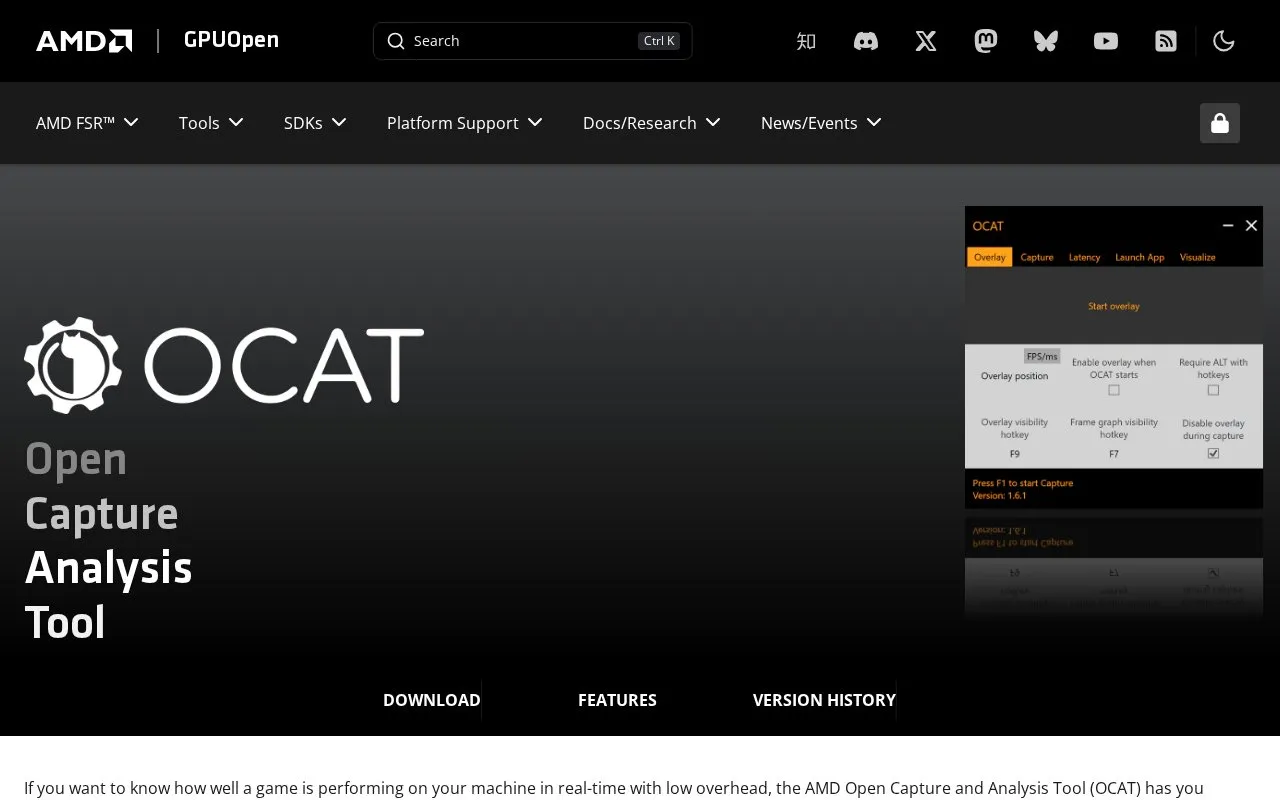
About OCAT
AMD Open Capture and Analysis Tool (OCAT) is a utility for measuring how well a game performs on a Windows PC in real time, with low overhead according to its homepage. It shows an in-game overlay with the current frame rate for a quick view of instantaneous performance.
For deeper study, its detailed analysis mode uses the Intel PresentMon library to record historical data across multiple frames, which can be reviewed offline. The homepage lists version 1.6.3 (September 2023) as the latest release. Its listed graphics APIs are Direct3D 11, Direct3D 12 and Vulkan on Windows, so the described capabilities apply to Windows.
Key features
- In-game overlay showing the current frame rate
- Support for Direct3D 11, Direct3D 12 and Vulkan on Windows
- Detailed analysis mode based on the Intel PresentMon library
- Historical frame data captured across multiple frames for offline review
- Statistics recording triggered by a hotkey
- Option to avoid drawing the overlay on non-game apps such as browsers
Best for: People who want to measure and analyze game frame rate and runtime performance on a Windows PC.
Good for
- Described as measuring game performance in real time with low overhead
- Offers both a quick overlay view and offline historical analysis
- Overlay can be limited so it does not appear in non-game applications
Watch out for
- The listed graphics API support is described for Windows only
OCAT at a glance
- Website
- gpuopen.com/ocat
- Category
- Gaming › Game Utilities & Launchers
- Type
- Website
- Pricing
- Not confirmed. Check the site
- Platforms
- Web, Windows
- Open source
- Not stated
- Language
- English
- Last checked
- Oct 6, 2026 · Online when checked
- Listed
- Oct 5, 2026
OCAT alternatives
Tools and sites you could use instead, ranked by how closely they match.
Aim400kg provides training exercises for mouse accuracy, reaction time, and quickness, with activity statistics.

Review summaries of Steam game feedback, including pros, cons, performance issues, and player sentiment.

This Game Bar guide explains how to locate the performance widget and adjust its display settings.

This guide explains how to overclock and adjust NVIDIA GPU settings for improved system performance.

WSGF reviews PC game graphics, discusses performance and image quality, and publishes detailed game reports.
Popular in Game Utilities & Launchers
Well-known listings from the same topic.
Archivearchive.org/details/MemcardRex1.8cancerogenoslabsites.google.com/view/cancerogenoslabGameSave Managergamesave-manager.comGameGuidesgamerguides.comBalatro Wikibalatrowiki.orgBetter xCloudbetter-xcloud.github.io


OCAT FAQ
Which graphics APIs does OCAT support?
The homepage lists Direct3D 11, Direct3D 12 and Vulkan on Windows.
Can the frame rate overlay be turned off for applications that are not games?
Yes. OCAT can be configured to avoid drawing the frame rate overlay on applications that may use the GPU but are not games, such as browsers.
Can performance data be reviewed after a session?
Yes. The detailed analysis mode captures historical data across multiple frames, which can be examined offline.
Is something wrong or out of date?
Tell us and an editor will check it.
Own this website?
Claim this listing
Claim the listing and suggest updates yourself. An editor checks every claim first.