

Review summaries of Steam game feedback, including pros, cons, performance issues, and player sentiment.
Game Bar
This Game Bar guide explains how to locate the performance widget and adjust its display settings.
About Game Bar
This web-based guide explains how to locate, configure, and use the Windows Game Bar performance widget for in-game performance tracking. It provides sequential steps to access the widget, adjust which metrics are tracked, customize its visual display, and reposition or resize it to minimize disruption during gameplay.
The guide offers no interactive tools, troubleshooting for unrelated Game Bar issues, or support for other performance monitoring utilities.
Key features
- Guides users to locate the Game Bar performance widget
- Explains how to adjust tracked performance metrics
- Details customization of widget color and transparency
- Instructions to resize and reposition the widget for gameplay
- Covers pinning the widget to a preferred screen corner
Best for: Windows gamers seeking to set up and customize the built-in Game Bar performance widget for in-game use.
Good for
- Provides clear, sequential instructions for a specific Windows gaming feature
- Covers both basic setup and display customization options
- Addresses common issues like locating a missing performance widget
Watch out for
- Only covers the Windows Game Bar performance widget, no other utilities
- Provides no interactive tools or advanced troubleshooting support
- Content is from 2021, so steps may not match newer Windows versions
Game Bar at a glance
- Website
- rentry.co/WindowsFPS
- Category
- Gaming › Game Utilities & Launchers
- Type
- Website
- Pricing
- Not confirmed. Check the site
- Platforms
- Web
- Open source
- Not stated
- Last checked
- Oct 5, 2026 · Online when checked
- Listed
- Oct 5, 2026
Game Bar alternatives
Tools and sites you could use instead, ranked by how closely they match.

This guide explains how to overclock and adjust NVIDIA GPU settings for improved system performance.

3D Aim Trainer provides browser-based aim practice with more than 200 training scenarios for shooter players.
Free
24 alternativesAdjust fan, overlay, power, and Steam Controller settings on Windows with Steam Deck Tools.

This guide explains NVIDIA GPU overclocking and settings adjustments for graphics hardware.

Adjust ZeroTier network interface settings on Windows to help multiplayer games work over local networks.
Open source
24 alternativesPopular in Game Utilities & Launchers
Well-known listings from the same topic.
Archivearchive.org/details/MemcardRex1.8cancerogenoslabsites.google.com/view/cancerogenoslabGameSave Managergamesave-manager.comGameGuidesgamerguides.comBalatro Wikibalatrowiki.orgBetter xCloudbetter-xcloud.github.io


Game Bar FAQ
How do I open the Game Bar performance widget?
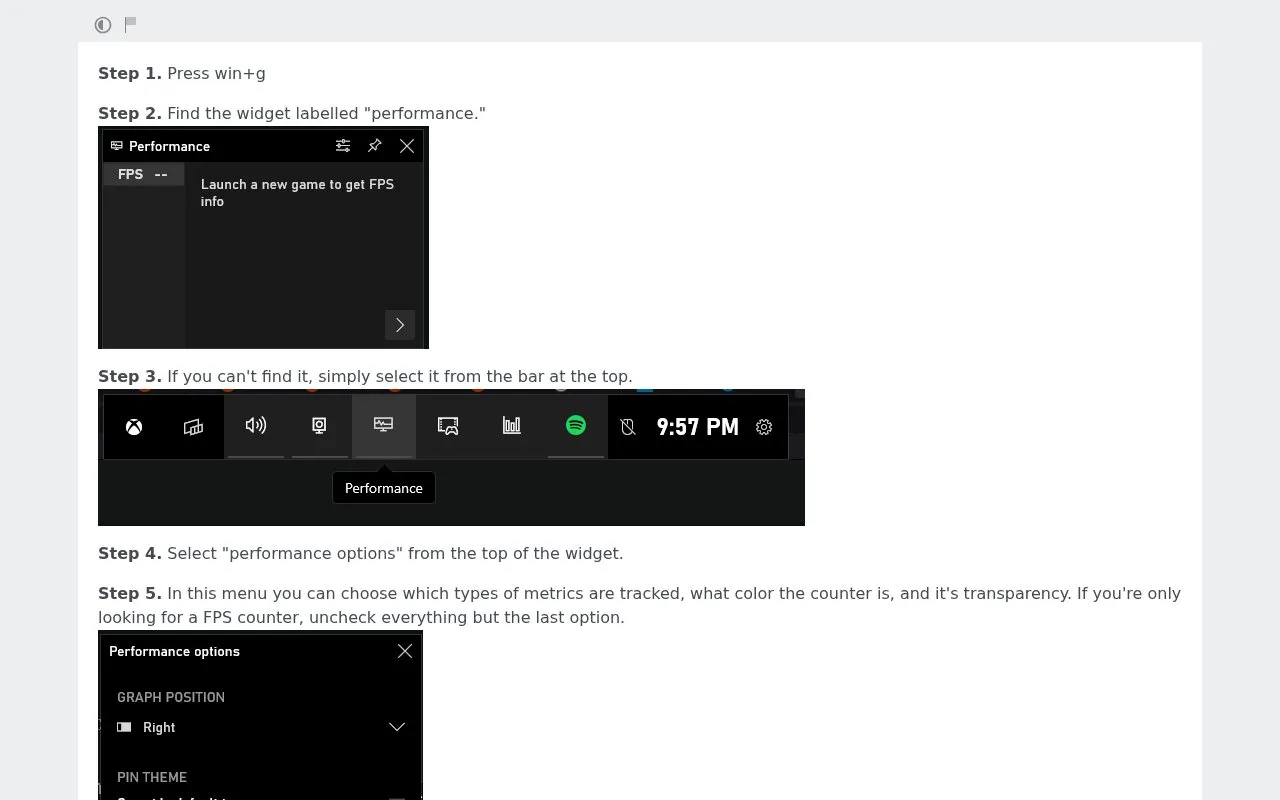
Press Win+G, then locate the widget labelled 'performance' in the Game Bar.
How can I customize the performance widget's display?
Open the widget's performance options menu to adjust tracked metrics, counter color, and transparency.
How do I make the performance widget less intrusive during gameplay?
Click the small arrow in the widget's bottom right corner to shrink it, then move and pin it to your preferred screen corner.
Is something wrong or out of date?
Tell us and an editor will check it.
Own this website?
Claim this listing
Claim the listing and suggest updates yourself. An editor checks every claim first.