

This guide explains how to overclock and adjust NVIDIA GPU settings for improved system performance.
Nvidia Overclocking
This guide explains NVIDIA GPU overclocking and settings adjustments for graphics hardware.
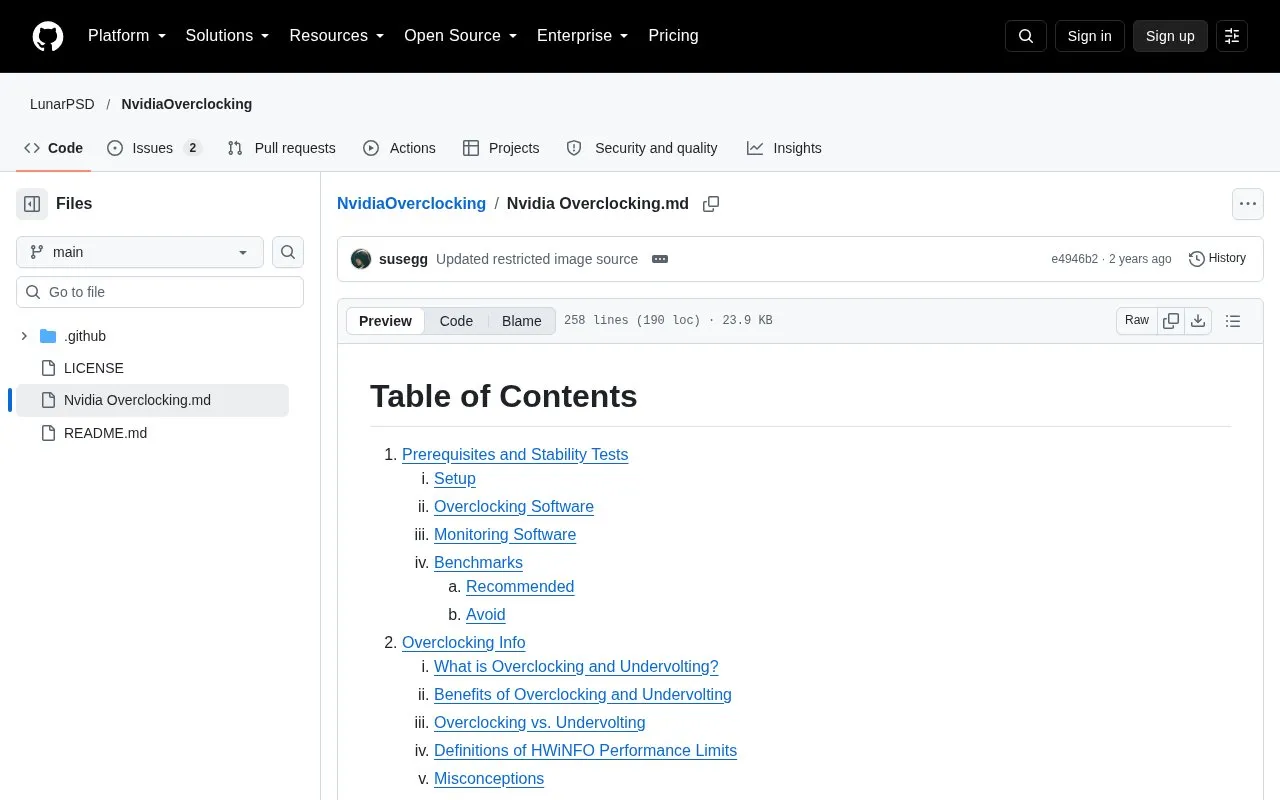
About Nvidia Overclocking
This is a Markdown guide hosted in a GitHub repository by LunarPSD. It covers overclocking NVIDIA graphics cards, including setup steps in MSI Afterburner, monitoring with HWiNFO, and benchmarks for checking stability. The table of contents also lists undervolting, flashing a VBIOS, fixing boot loops, and NVCleanstall/DDU.
The guide notes that power limits depend on the hardware. Laptops and some GPUs cannot go above 100%. Some GPUs can allow a higher power limit by shunting or by flashing a higher power limit VBIOS. The guide also states that the Lovelace ECC setting needs more testing.
Key features
- Step-by-step MSI Afterburner setup for fan curves and power and temperature limits
- Monitoring guidance covering HWiNFO, GPU-Z, and OCCT sensor and hardware readouts
- Recommended stability benchmarks, including Superposition, 3DMark Time Spy, and OCCT
- Defines instability as crashes, freezes, driver failures, BSODs, stutters, or shutdowns
- Lists benchmarks to avoid, such as FurMark and Kombustor, with reasons given
- Table of contents includes undervolting, VBIOS flashing, and NVCleanstall/DDU sections
Best for: NVIDIA GPU owners who want to adjust clock and voltage settings and check stability with a written, step-by-step guide.
Good for
- Covers setup, monitoring, and stability testing in one document
- Explains which benchmarks are suited to finding instability and which to avoid
- States that MSI Afterburner is the most widely used overclocking software
Watch out for
- Laptops and some GPUs cannot exceed 100% power limit
- Higher power limits on some GPUs require shunting or flashing a VBIOS
- The Lovelace ECC setting is marked as needing more testing
Nvidia Overclocking at a glance
- Category
- Gaming › Game Utilities & Launchers
- Type
- Open-source project
- Pricing
- Not confirmed. Check the site
- Open source
- Not stated
- Last checked
- Oct 6, 2026 · Online when checked
- Listed
- Oct 5, 2026
Nvidia Overclocking alternatives
Tools and sites you could use instead, ranked by how closely they match.

Cancerogeno’s Lab publishes technical guides and project files, including material about NVIDIA GPU overclocking and BIOS modification.
Pick
24 alternatives
This Game Bar guide explains how to locate the performance widget and adjust its display settings.

hidusbf is Windows software for overclocking USB mice and other devices, with driver support listed for older Windows versions.

For titles using DLSS-G, the mod replaces Nvidia's frame generation with AMD FSR 3.
Open source
24 alternatives
Read guides about Steam Deck hardware and available device modifications.
Popular in Game Utilities & Launchers
Well-known listings from the same topic.
Archivearchive.org/details/MemcardRex1.8GameSave Managergamesave-manager.comGameGuidesgamerguides.comBalatro Wikibalatrowiki.orgBetter xCloudbetter-xcloud.github.ioController Testercontrollertest.io


Nvidia Overclocking FAQ
Which monitoring software does the guide recommend?
HWiNFO is described as the most frequently used monitor and is recommended for overclocking CPU, RAM, and GPU. The guide also mentions GPU-Z for reporting GPU model, VBIOS, and hardware details, and OCCT, which can stress test while showing HWiNFO sensor values.
What does the guide mean by instability?
The guide defines instability as application crashes, freezes, driver crashes, BSODs, major stutters, or shutdowns.
Which benchmarks does the guide advise against?
The guide advises against FurMark and Kombustor. It says both draw a lot of power and do not test effectively because of elevated temperatures and power limiting.
Is something wrong or out of date?
Tell us and an editor will check it.
Own this website?
Claim this listing
Claim the listing and suggest updates yourself. An editor checks every claim first.