
Cancerogeno’s Lab publishes technical guides and project files, including material about NVIDIA GPU overclocking and BIOS modification.
Pick
24 alternativesJeff Frohwein’s Game Boy Tech Page collects technical documentation, software, libraries, and hardware resources.
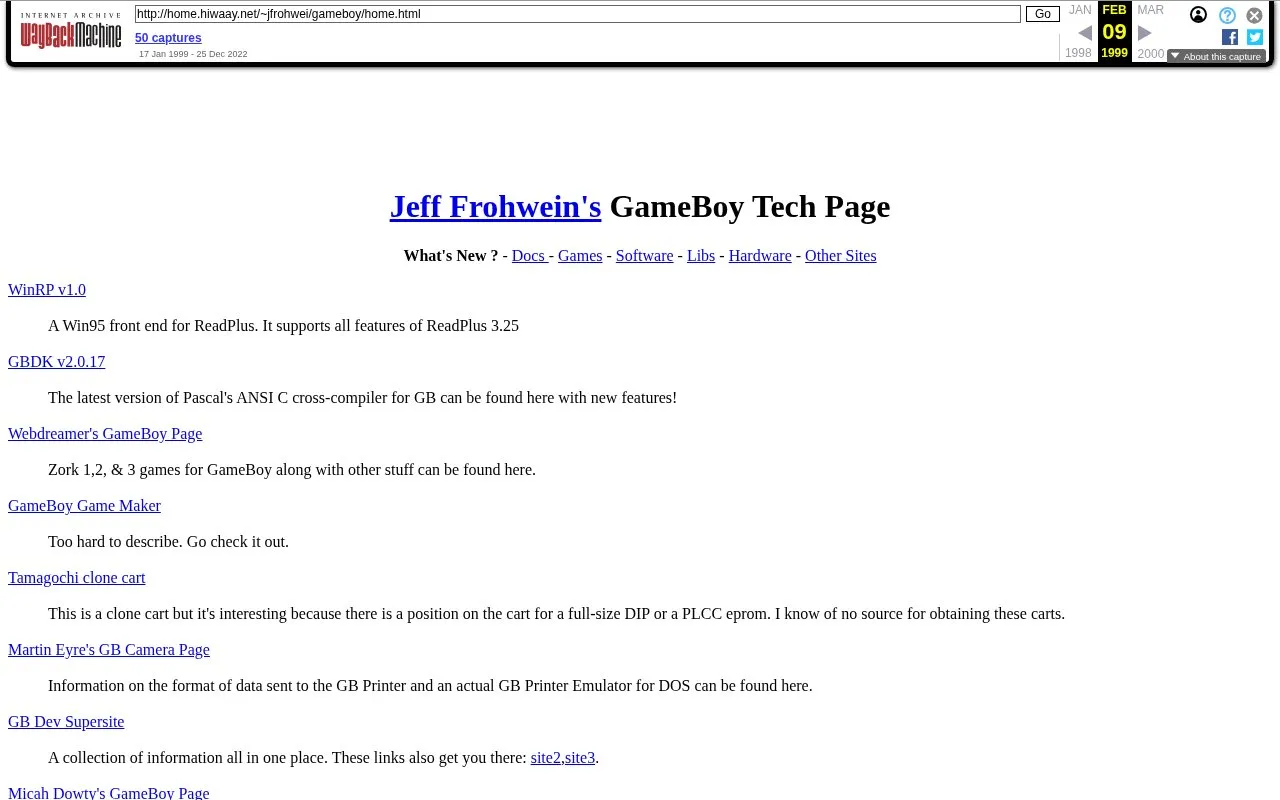
Jeff Frohwein's Game Boy Tech Page collects technical documentation, software, libraries and hardware resources for Game Boy development. It includes tools such as a C cross-compiler, assembler utilities, tile and map editors, Game Boy Camera and Printer information, demo ROMs with source code, and a parallel-port cable schematic with terminal software.
The available copy is a 1999 archive. Several tools reference DOS, Windows 95, and specific hardware setups for camera backup and PC linking.
Tools and sites you could use instead, ranked by how closely they match.
Cancerogeno’s Lab publishes technical guides and project files, including material about NVIDIA GPU overclocking and BIOS modification.
The Bedrock Wiki shares technical Minecraft Bedrock guides, including tutorials for add-ons, custom items, and entities.
Read SlimeVR documentation covering setup and use of its full-body tracking system.
SGDBoop downloads and shares custom artwork for personalizing Steam game libraries.
Read Steam Deck guides and answers covering questions about the handheld’s hardware and software.
Test controller buttons and inputs in your browser with the Gamepad-Tester hardware checking page.
Well-known listings from the same topic.
Tell us and an editor will check it.
Claim the listing and suggest updates yourself. An editor checks every claim first.


