

Vandal opens archived versions of webpages from the current tab, with browser extensions available for Firefox and Chrome.
Wayback Machine
Browse archived versions of websites by URL and date, including older pages that have changed or disappeared from the live web.
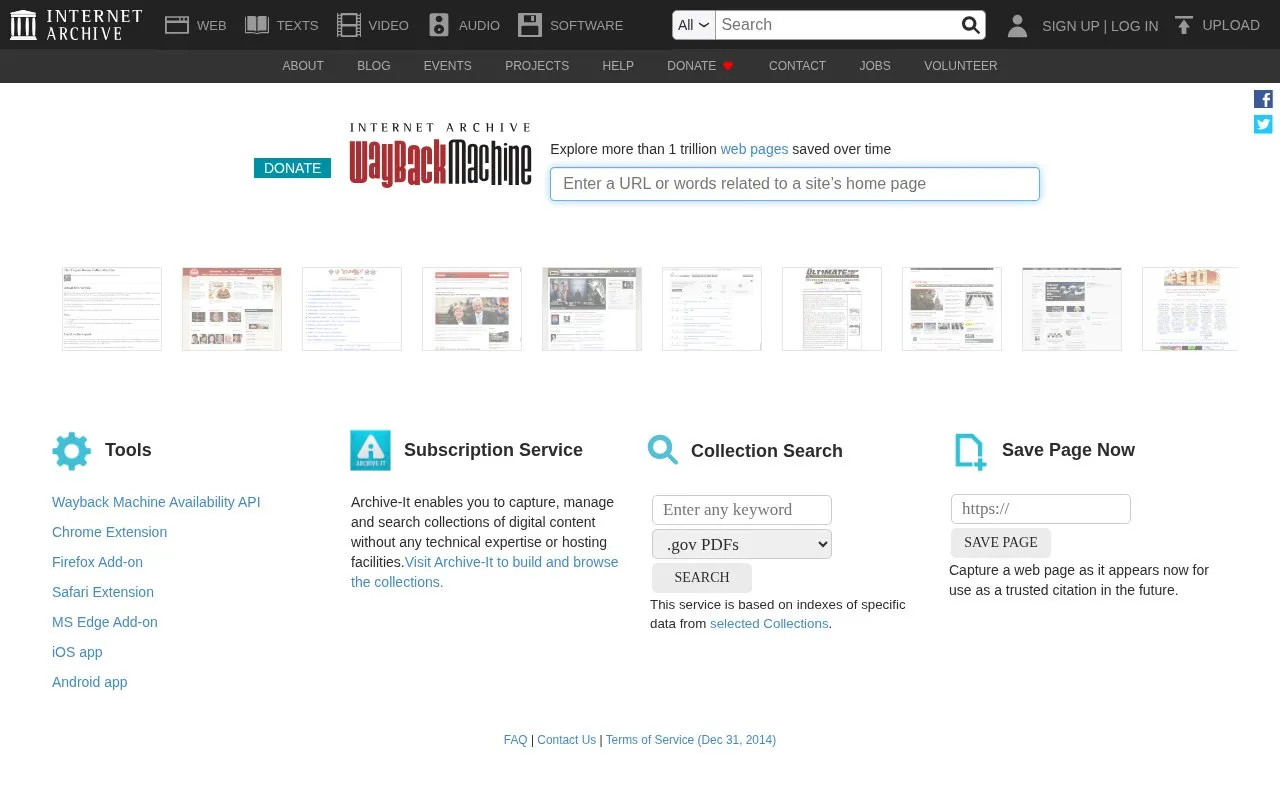
About Wayback Machine
The Wayback Machine lets you look up a website's earlier versions. Enter its address, choose an available capture date and open the saved page. It is useful for checking how a site looked or what it said before an update.
Coverage varies. A missing date means there may be no capture to open, and archived forms or interactive elements may not work as they did on the original website.
Key features
- Look up archived pages by URL
- Choose from available capture dates
- Browse saved versions of websites
Best for: Researchers and readers checking a website's history or looking for a page that has changed.
Good for
- Public access to historical website captures
Watch out for
- Some pages and dates are missing
- Interactive features may not replay fully
Wayback Machine at a glance
- Website
- web.archive.org
- Category
- Search & Reference › Web Archives
- Type
- Website
- Pricing
- Not confirmed. Check the site
- Platforms
- Android, iOS, Web
- Open source
- Not stated
- Language
- English
- Last checked
- Oct 6, 2026 · Online when checked
- Listed
- Oct 5, 2026
Wayback Machine alternatives
Tools and sites you could use instead, ranked by how closely they match.

Wayback Everywhere redirects pages opened from social feeds to archived versions and can save pages that are not yet archived.

Quick Cache searches multiple web search engines and archive services for saved or cached versions of a URL.

Check whether cached versions of a web page are available through Google, Bing, or web archive services.

CachedView searches archive providers such as the Wayback Machine and Archive.today for cached versions of a supplied URL.

These Bash scripts interact with the Internet Archive Wayback Machine Save Page Now service to archive live webpages.
Open source
24 alternativesPopular in Web Archives
Well-known listings from the same topic.
Internet Archivearchive.orgHTTrackhttrack.comArchiveWeb.pagearchiveweb.pageArchiveBoxarchivebox.ioArchivematicaarchivematica.orgWebrecorderwebrecorder.net


Wayback Machine FAQ
How do I find an older version of a page?
Enter the page's URL and select an available capture date.
Does it preserve every website?
No. Capture coverage is incomplete, and some pages are excluded or cannot be archived.
Is something wrong or out of date?
Tell us and an editor will check it.
Own this website?
Claim this listing
Claim the listing and suggest updates yourself. An editor checks every claim first.