

Cyotek WebCopy downloads a website and remaps links to local files so its content can be browsed offline.
HTTrack
HTTrack downloads websites to a local folder for offline browsing, including pages, images, and other linked files.
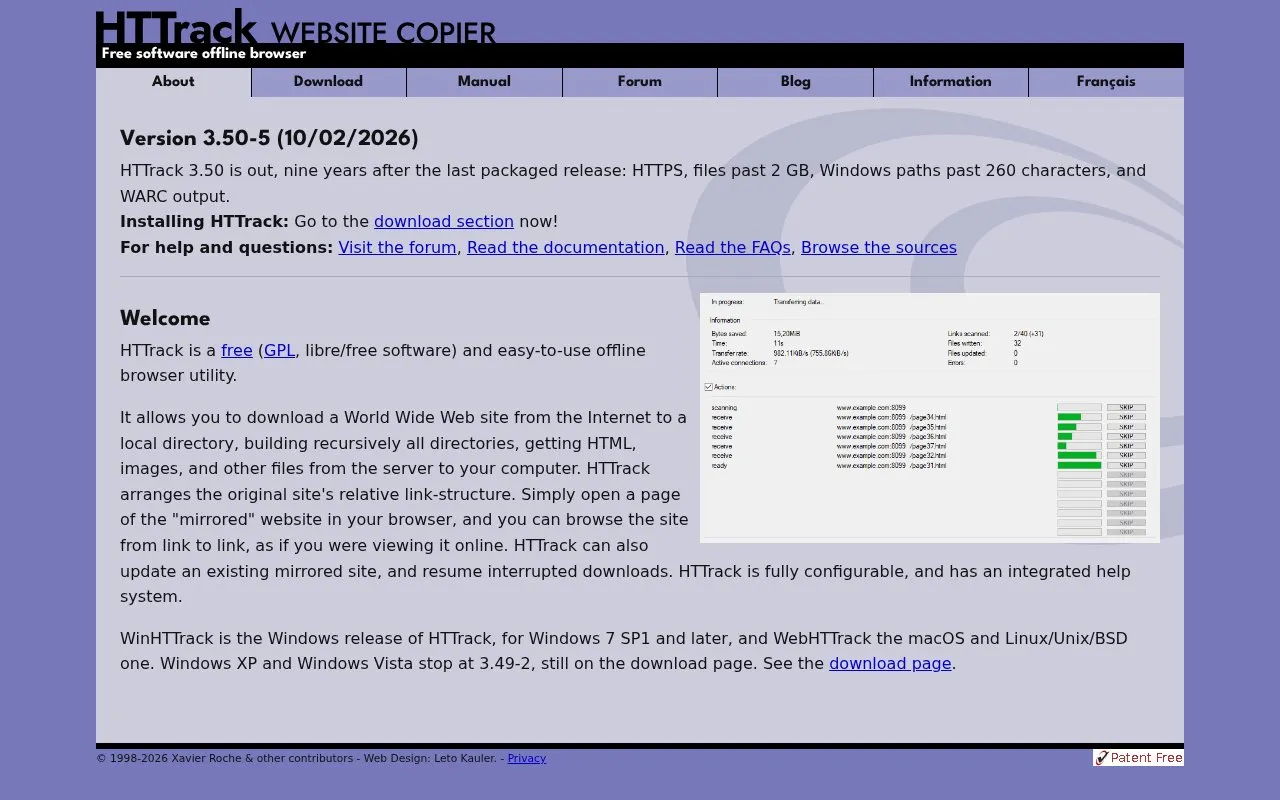
About HTTrack
HTTrack is a free, GPL-licensed offline browser utility designed to download entire websites to a local directory for offline access. It recursively fetches all linked content on a site, including HTML pages, images, and other associated files, while preserving the original site's relative link structure. This allows users to browse the mirrored copy of a website exactly as they would the live version, clicking through links seamlessly without an internet connection.
The tool supports updating existing mirrored sites and resuming interrupted downloads, and includes fully configurable settings alongside an integrated help system for new users. As of version 3.50-5, it supports modern web standards including HTTPS, files larger than 2GB, Windows file paths exceeding 260 characters, and WARC output for archival use. HTTrack is available for Windows (as WinHTTrack), macOS, Linux/Unix/BSD (as WebHTTrack), and as a web-based version, making it accessible across most common computing environments. It is suited for users who need reliable offline access to web content, from individual users with limited connectivity to researchers and web archivists.
Key features
- Downloads full websites to local folders for offline browsing
- Preserves original site link structure for seamless offline navigation
- Supports resuming interrupted downloads and updating existing mirrors
- Handles HTTPS, files over 2GB, and long Windows file paths
- Offers cross-platform support for Windows, macOS, Linux, and web
- Includes configurable settings and integrated help resources
Best for: It is most useful for users who need offline access to web content, including researchers, archivists, and people with limited internet connectivity.
Good for
- Free to use under the GNU GPL license
- Cross-platform support for major operating systems and web
- Supports modern web features like HTTPS and large files
- Can resume interrupted downloads and update existing mirrors
HTTrack at a glance
- Website
- httrack.com
- Category
- Search & Reference › Web Archives
- Type
- Website
- Pricing
- Free
- Platforms
- Linux, macOS, Web, Windows
- Open source
- Not stated
- Language
- English
- Last checked
- Oct 7, 2026 · Online when checked
- Listed
- Oct 5, 2026
HTTrack alternatives
Tools and sites you could use instead, ranked by how closely they match.
irchiver creates automatic screenshots and searchable browsing history as a personal web archive, according to its page.

The official HTTrack repository contains source code for the website copier, which saves website content locally for offline use.
Open source
24 alternatives
CopySite creates a static local copy of a website with its page structure, images, styles, and scripts, according to its Russian-language page.

ArchiveBox saves pages, bookmarks, feeds, social posts, media, and source code in durable formats through a self-hosted web archive.

Browse archived versions of websites by URL and date, including older pages that have changed or disappeared from the live web.
Pick
24 alternativesPopular in Web Archives
Well-known listings from the same topic.
Internet Archivearchive.orgArchiveWeb.pagearchiveweb.pageCachedViews.comcachedviews.comArchivematicaarchivematica.orgWebrecorderwebrecorder.netArchivarix Tube Searchtube.archivarix.net


HTTrack FAQ
Is HTTrack free to use?
Yes, HTTrack is released under the GNU GPL license and is available at no cost to users.
What operating systems does HTTrack support?
It is available for Windows, macOS, Linux/Unix/BSD, and as a web-based version.
Can I update a previously downloaded website mirror with HTTrack?
Yes, HTTrack can update existing mirrored sites and resume interrupted download sessions.
Does HTTrack support modern web technologies?
Version 3.50-5 adds support for HTTPS, files larger than 2GB, long Windows paths, and WARC output.
Is something wrong or out of date?
Tell us and an editor will check it.
Own this website?
Claim this listing
Claim the listing and suggest updates yourself. An editor checks every claim first.