

HTTrack downloads websites to a local folder for offline browsing, including pages, images, and other linked files.
Free
24 alternativesCyotek WebCopy downloads a website and remaps links to local files so its content can be browsed offline.
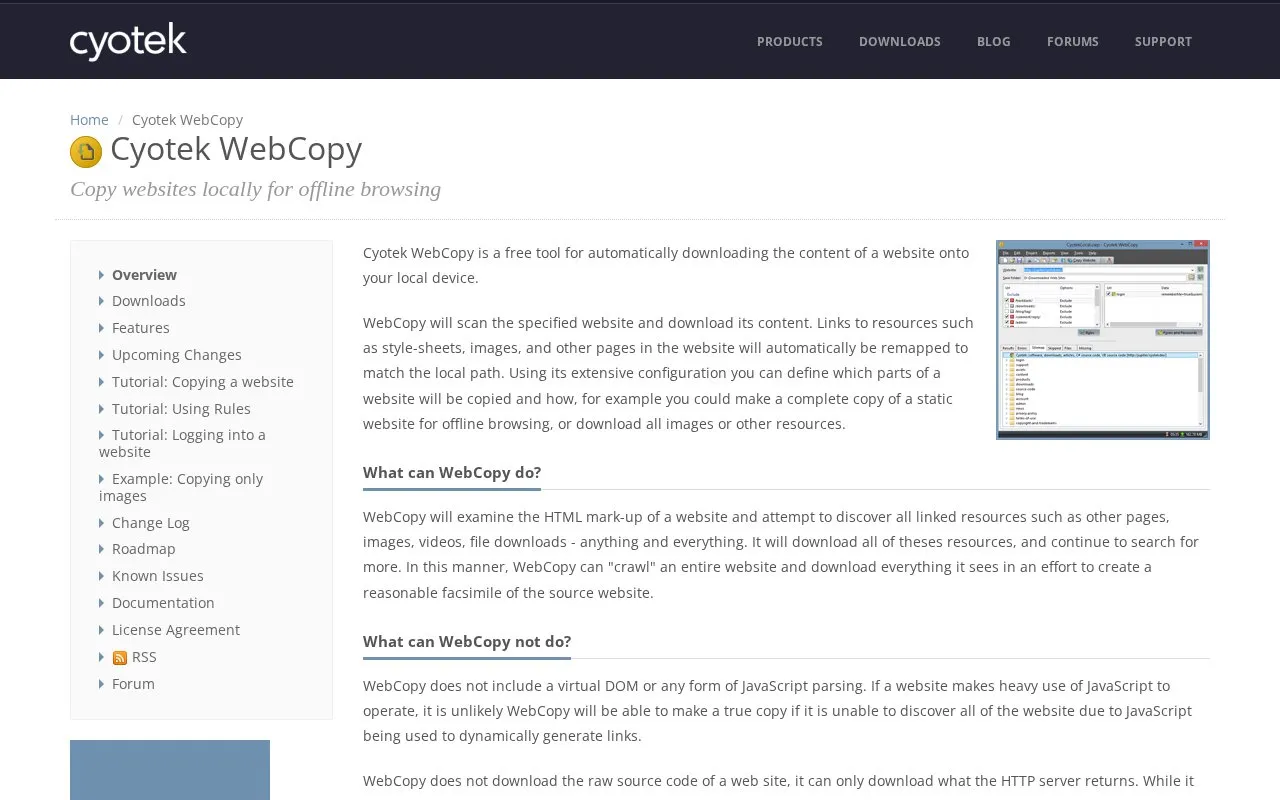
Cyotek WebCopy is a tool that automatically downloads the content of a website to a local device so it can be browsed offline. It scans a specified site, finds linked pages, style-sheets, images and other resources, and downloads them. Links are remapped to local paths so the copied pages reference each other on the device.
Users can set rules that control which parts of a site are copied and how. The homepage gives examples such as making a complete copy of a static website or downloading only images or other resources. The homepage states that WebCopy does not parse JavaScript and cannot see links generated dynamically by scripts, so heavily scripted sites may not be copied completely. It also downloads only what the HTTP server returns, not the raw source code, and advanced data-driven sites may not work as expected once copied. The homepage lists minimum requirements for Windows 10, 8.1, 8, 7 and Vista SP2, with Microsoft .NET Framework 4.6 and 20MB of disk space.
Tools and sites you could use instead, ranked by how closely they match.
HTTrack downloads websites to a local folder for offline browsing, including pages, images, and other linked files.
CopySite creates a static local copy of a website with its page structure, images, styles, and scripts, according to its Russian-language page.
Kiwix provides download options for its software and related products, with links to community, nonprofit, and service sites.
The Internet Archive title describes a digital library with borrowable books, movies, music, and the Wayback Machine.
Browse archived versions of websites by URL and date, including older pages that have changed or disappeared from the live web.
SuckIT recursively downloads website content for offline navigation, with options for delays, multithreading, and saved crawl state.
Well-known listings from the same topic.
Tell us and an editor will check it.
Claim the listing and suggest updates yourself. An editor checks every claim first.


