

LiteLLM provides an AI gateway and LLM proxy with model routing, usage tracking, spend controls, and support for many providers.
onWatch
onWatch tracks AI API quotas across providers and displays usage in real time through a lightweight background monitor.
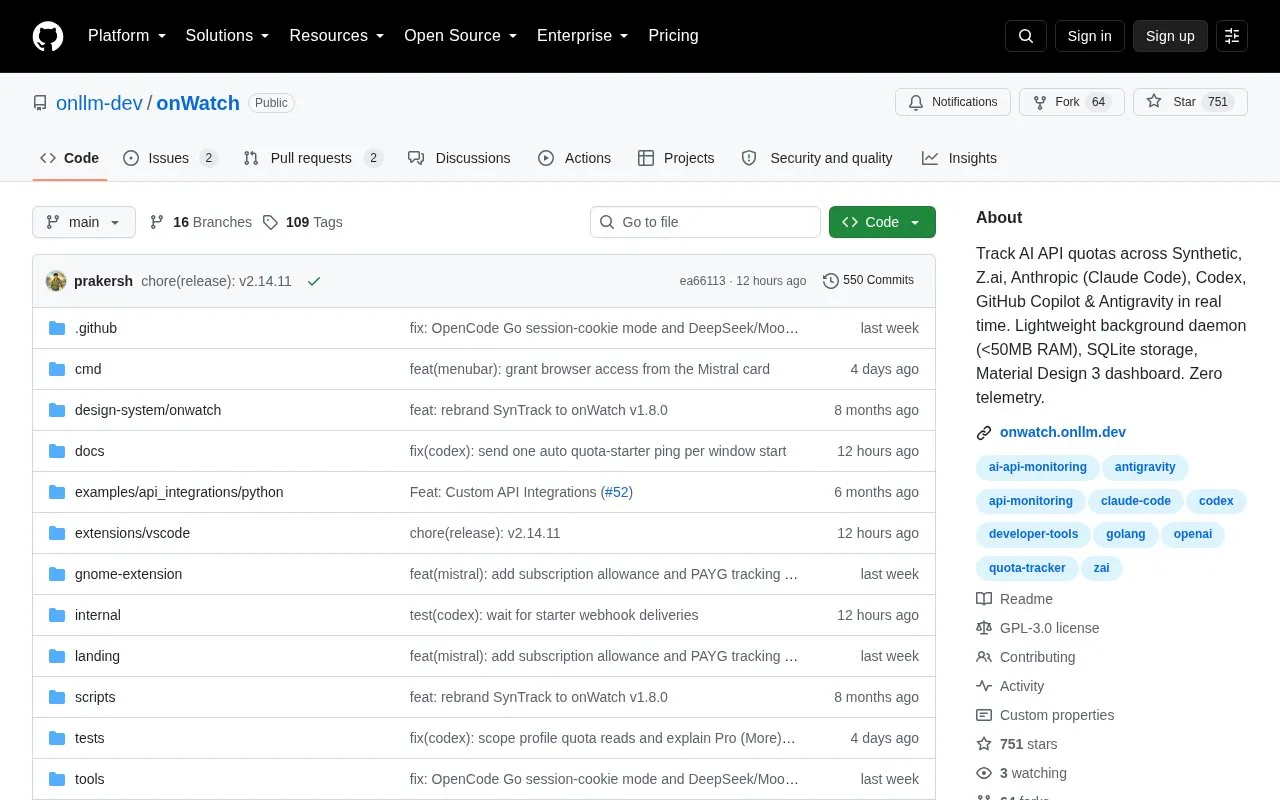
About onWatch
onWatch tracks AI API quotas across providers including Synthetic, Z.ai, Anthropic, Codex, GitHub Copilot, MiniMax, Cursor, Grok and Antigravity, with history and alerts through a local web dashboard. It can also ingest local telemetry from API-driven workflows to track token use and spending. It runs as a background agent using under 50 MB RAM, stores historical data in SQLite, and serves a Material Design 3 dashboard with dark and light mode. The project states zero telemetry with data kept on the local machine, and notes it is in beta with features and APIs subject to change.
Key features
- Track quotas across Synthetic, Z.ai, Anthropic, Codex, Copilot and others
- Store historical usage data locally in SQLite
- Serve local Material Design 3 dashboard with dark and light mode
- Send alerts before throttling or budget overruns
- Ingest local telemetry for token use and spending tracking
- Run as background agent using under 50 MB RAM
Best for: Developers using multiple AI API keys who need local quota history and alerts.
Good for
- Local SQLite storage with stated zero telemetry
- Background monitoring uses under 50 MB RAM with parallel polling
- Single binary with builds for macOS, Linux, Windows and Docker
Watch out for
- In beta with features and APIs subject to change
onWatch at a glance
- Website
- github.com/onllm-dev/onwatch
- Type
- Open-source project
- Pricing
- Not confirmed. Check the site
- Open source
- Yes · Source code
- Language
- English
- Last checked
- Oct 5, 2026 · Online when checked
- Listed
- Oct 5, 2026
onWatch alternatives
Tools and sites you could use instead, ranked by how closely they match.

Nos dynamically partitions GPU resources and manages quotas in Kubernetes clusters.
Open source
24 alternatives
The abso TypeScript SDK calls more than 100 LLM providers through an OpenAI compatible format.
Open source
24 alternativesZilliz Cloud provides a managed vector data platform powered by Milvus, with real-time search and data operations across major cloud regions.

Quix is the agentic AI platform for hardware engineering — turn test-rig and sensor data into real-time insight.

Tilores resolves and deduplicates customer records using fuzzy matching to unify scattered data in real time.
Popular in AI Infrastructure & MLOps
Well-known listings from the same topic.
Guild AIguild.aiFlow AIflow-ai.comsystemprompt.iosystemprompt.ioCoreWeavecoreweave.comKili Technologykili-technology.comAPI docsdocs.x.ai


onWatch FAQ
Where is usage data stored?
Historical data is stored in SQLite on the local machine.
Which providers can it track?
Synthetic, Z.ai, Anthropic, Codex, GitHub Copilot, MiniMax, Gemini CLI, Cursor, Grok, Kimi Code, and Antigravity.
How is it installed on macOS and Linux?
With a one-line install script, Homebrew, manual binaries, building from source with Go 1.25+, or Docker.
Is something wrong or out of date?
Tell us and an editor will check it.
Own this website?
Claim this listing
Claim the listing and suggest updates yourself. An editor checks every claim first.