Nos

Nos dynamically partitions GPU resources and manages quotas in Kubernetes clusters.

github.com/nebuly-ai/nos
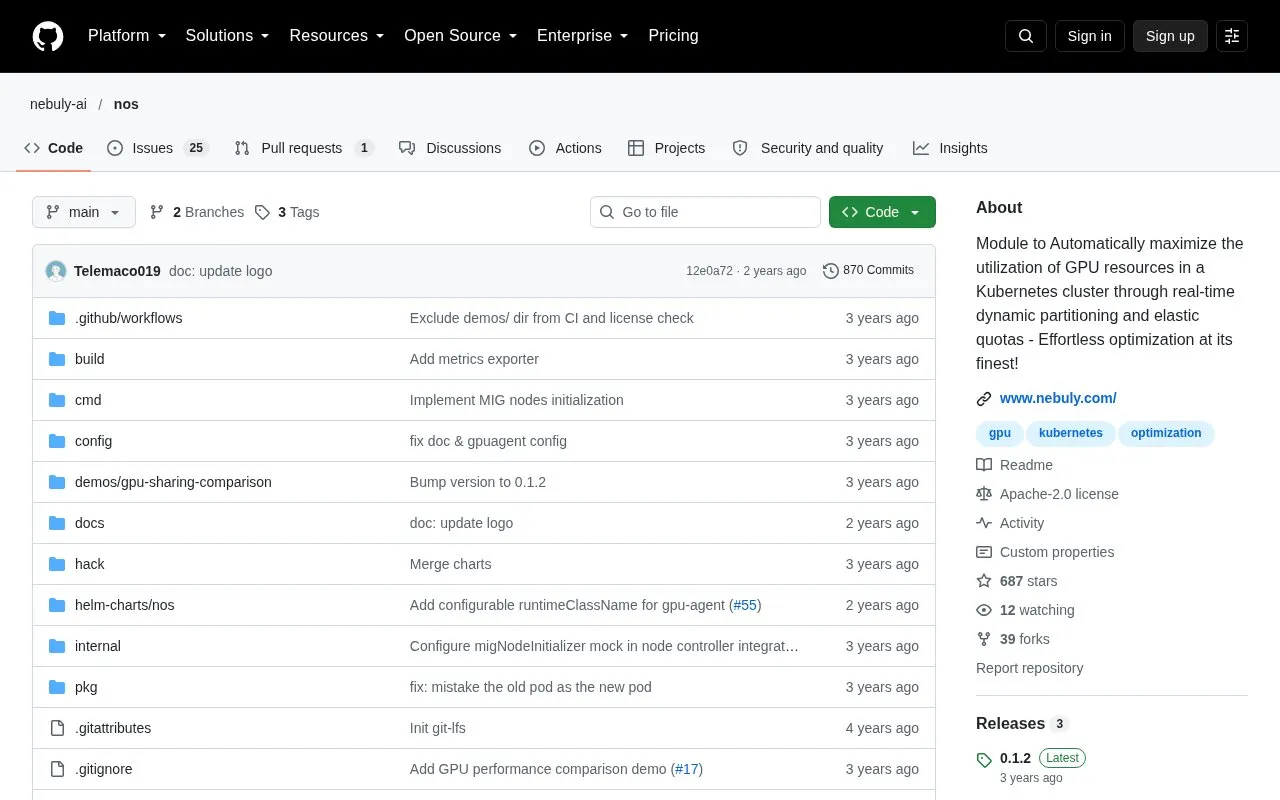
Nos homepage screenshot

About Nos

Nos is an open-source module that runs AI workloads on Kubernetes. It is designed to increase GPU utilization, reduce infrastructure costs and improve workload performance. It works by partitioning GPU resources dynamically and managing quotas across namespaces.

The project is distributed as a GitHub repository under the Apache-2.0 license. It requires Kubernetes v1.23 or newer with GPU support enabled. Fractional GPU partitioning using MPS requires an additional optional Nebuly device plugin.

Key features

  • Dynamic GPU partitioning that lets Pods request fractions of a GPU
  • Real-time GPU partitioning based on Pods pending and running in the cluster
  • Elastic resource quota management that lets namespaces borrow unused reserved quotas
  • Optional MPS partitioning through the Nebuly k8s-device-plugin
  • Installation with Helm 3 or Kustomize
Best for: Platform and infrastructure teams who operate GPU-backed AI workloads on Kubernetes clusters and want to improve GPU utilization.
Good for
  • Open source under the Apache-2.0 license
  • Offers Helm 3 and Kustomize installation options
  • Partitions GPUs automatically based on the Pods running in the cluster
Watch out for
  • Requires Kubernetes v1.23 or newer
  • Requires GPU support to be enabled in the cluster
  • MPS partitioning requires the optional Nebuly k8s-device-plugin

Nos at a glance

Type
Open-source project
Pricing
Not confirmed. Check the site
Open source
Yes · Source code
Language
English
Last checked
Oct 6, 2026 · Online when checked
Listed
Oct 5, 2026

Nos alternatives

Tools and sites you could use instead, ranked by how closely they match.

All 24 alternatives

Popular in AI Infrastructure & MLOps

Well-known listings from the same topic.

All 341

Nos FAQ

What is needed before installing Nos?
Kubernetes v1.23 or newer with GPU support enabled. The Nebuly k8s-device-plugin is optional and only needed for MPS partitioning. cert-manager is optional but recommended.
How is Nos installed?
Helm 3 is the recommended method. Alternatively, you can clone the repository and use Kustomize by running make deploy.
Is something wrong or out of date?

Tell us and an editor will check it.

Own this website?

Claim the listing and suggest updates yourself. An editor checks every claim first.

Claim this listing