

OpenAPI Converter
Convert captured proxy traffic into an OpenAPI description by reverse engineering REST APIs.
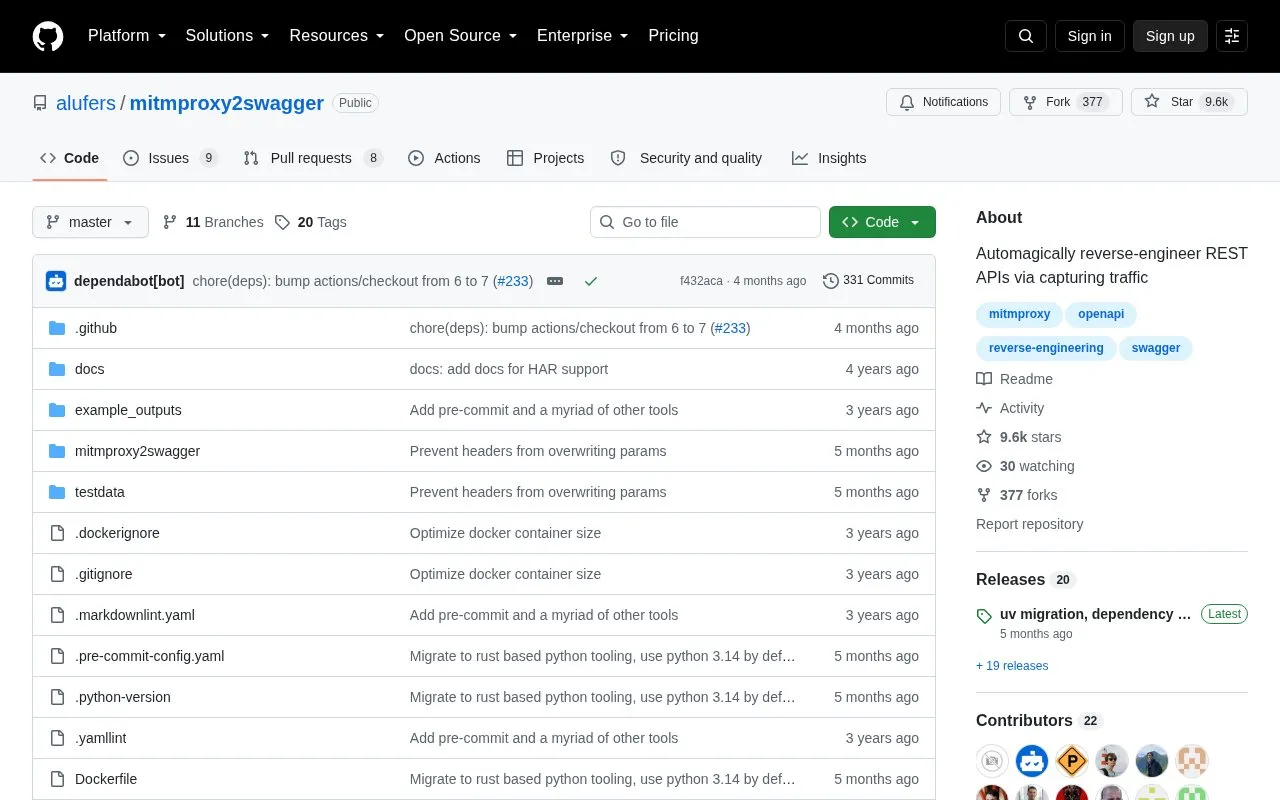
About OpenAPI Converter
OpenAPI Converter is a command-line tool that turns captured HTTP traffic into an OpenAPI 3.0 specification. The intended use is to reverse-engineer a REST API by running an app while its traffic is recorded. Captures can come from mitmproxy flow files or from HAR files exported from browser DevTools.
The tool works in two passes. The first pass lists the discovered paths in the schema file, marked with an ignore: prefix. The user removes that prefix from the paths to keep and can adjust path parameters. The second pass then generates endpoint descriptions for those paths. Multiple captures can be merged into one schema, and an existing schema file is extended rather than replaced. Existing endpoint descriptions are not overwritten unless they are deleted first. The tool is installed with pip or run through Docker, and the source requires Python 3 and pip for the pip install route.
Key features
- Converts mitmproxy flow captures into OpenAPI 3.0 specifications
- Imports HAR files exported from the browser DevTools Network tab
- Two-pass workflow where discovered paths are edited before descriptions are generated
- Merges multiple captures into one existing schema file
- Optional --examples flag adds example data to requests and responses
- Optional --headers flag adds header data to requests and responses
Best for: Developers or security practitioners who need an OpenAPI description of a REST API that they can observe through captured traffic.
Good for
- Generates OpenAPI 3.0 specifications automatically from captured traffic
- Accepts both mitmproxy flow files and browser HAR exports
- Can merge several captures into a single schema file
Watch out for
- The --examples and --headers options may add sensitive data such as tokens, passwords or personal information to the schema
- The client must be configured to use the mitmproxy proxy, following mitmproxy's documentation
- Existing endpoint descriptions are not overwritten unless they are deleted before the second pass
OpenAPI Converter at a glance
- Category
- Privacy & Security › Security Tools
- Type
- Open-source project
- Pricing
- Not confirmed. Check the site
- Open source
- Not stated
- Language
- English
- Last checked
- Oct 6, 2026 · Online when checked
- Listed
- Oct 5, 2026
Guides for Security Tools
OpenAPI Converter alternatives
Tools and sites you could use instead, ranked by how closely they match.

Inspect HTTPS traffic interactively with mitmproxy, an open-source proxy tool.
Open source
24 alternatives
Analyze software with Ghidra, a framework for reverse engineering compiled programs.
Open source
24 alternatives
Add OpenID Connect and OAuth 2.1 identity-provider capabilities through Ory Hydra’s headless APIs.
Open source
24 alternatives
Malware investigation and reverse engineering are the focus of REMnux, a Linux toolkit that bundles analysis tools.

Intercept, inspect, and edit HTTP(S) traffic with HTTP Toolkit for debugging and testing.

git-hound searches public GitHub repositories for exposed secrets and credentials.
Open sourcePick
24 alternativesPopular in Security Tools
Well-known listings from the same topic.
Online Password Hash Crackonlinehashcrack.comOTP Authapps.apple.com/app/otp-auth/id659877384MD5 reverse lookupmd5.gromweb.comMozilla SSLssl-config.mozilla.orgchallenges.rechallenges.reGoPlus Locker V3gopluslabs.io


OpenAPI Converter FAQ
Can the output be added to an existing OpenAPI file?
Yes. If an existing schema file is supplied, it is extended with the new data. Captures can also be run several times with different flow files, and the data is merged.
Can browser traffic be used instead of mitmproxy?
Yes. Traffic can be exported as a HAR file from the Network tab in browser DevTools and processed in the same way as a mitmproxy dump.
Will the tool overwrite endpoint descriptions I have already written?
No. Existing endpoint descriptions are not overwritten. To regenerate one, delete it from the schema before running the second pass.
Is something wrong or out of date?
Tell us and an editor will check it.
Own this website?
Claim this listing
Claim the listing and suggest updates yourself. An editor checks every claim first.