

The Ethrix AI agent selects tools and carries out steps automatically based on a user’s task description.
Opera Neon
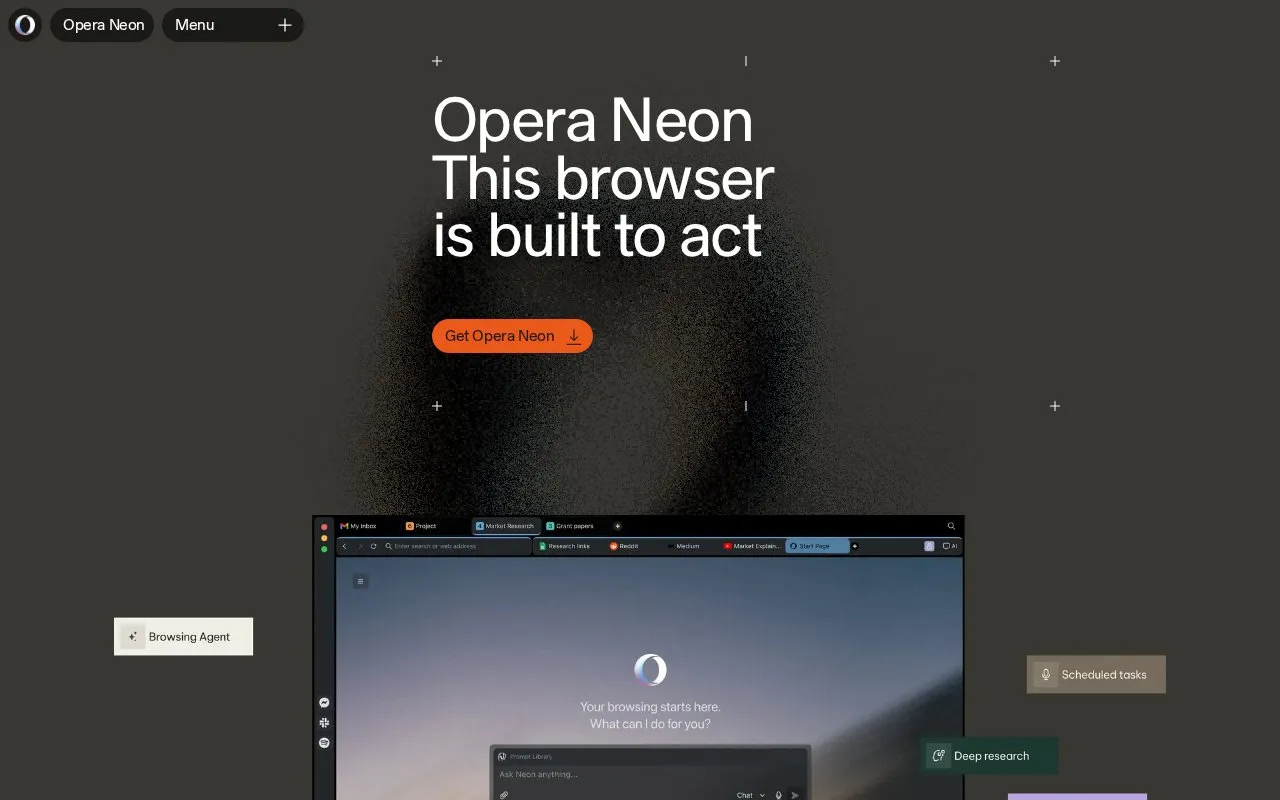
The Opera Neon browser reads webpages, manages tabs, compares sources, and carries out user-directed tasks through agent features.
About Opera Neon
Opera Neon is a web browser from Opera that uses agent features to carry out user-directed tasks. According to the homepage, it can read the page you are viewing, manage tabs, compare sources and inputs, and structure results. Different agents handle different outcomes, such as drafting a quick agenda, browsing the web, preparing deep research, or generating documents. Users can also connect existing agents through MCP or CLI paths.
Neon includes standard Opera browser features, including tab management, snapshots, a built-in ad blocker, and a built-in VPN. Agentic functions require a subscription, according to the homepage. Neon needs some information to work, such as location, preferred online services, and the current webpage. The company states that sensitive data such as passwords, credit card details, and cookies stays on the device, and that account data, chats, and browsing history are not used for model training, personalization, or advertising. These are the company's own statements, and the homepage does not describe in detail how agent tasks are processed.
Key features
- Agents for agendas, web browsing, deep research, and document generation
- Reads the current page and compares inputs from tabs and sources
- Connects existing agents and tools through MCP or CLI paths
- Built-in ad blocker that can be whitelisted for chosen sites
- Built-in VPN with no subscription, payment, or login required
- Tab management and snapshots with sidebar messengers and services
Best for: Users who regularly gather material from many web pages and want a browser that can compare sources and produce structured or written output, and who are willing to subscribe to use agent features.
Good for
- The built-in VPN and ad blocker are described as requiring no separate installation or subscription.
- The company states that account data, chats, and browsing history are not used for model training, personalization, or advertising.
- The homepage states that sensitive information such as passwords and cookies stays on the device.
Watch out for
- Agentic functionality requires a subscription to activate, according to the homepage.
- Agent features need access to context such as location, preferred services, and the current webpage.
Opera Neon at a glance
- Website
- operaneon.com
- Category
- AI & Machine Learning › AI Agents & Automation
- Type
- Online tool
- Pricing
- Not confirmed. Check the site
- Platforms
- Web
- Open source
- Not stated
- Language
- English
- Last checked
- Oct 6, 2026 · Online when checked
- Listed
- Oct 5, 2026
Opera Neon alternatives
Tools and sites you could use instead, ranked by how closely they match.

Multiplai Deputy is a desktop AI agent that accepts delegated tasks and manages work on behalf of its user.

Autotab describes a general AI agent that learns and carries out work like a human operator.

PulpMiner turns webpages into structured JSON APIs in real time without requiring custom scraping code.
Freemium
24 alternatives
Chat4Data extracts structured information from webpages through chat prompts in a Chrome web-scraping plugin.

Thunderbit turns webpages into spreadsheets by extracting website data with an AI web-scraping extension.
Popular in AI Agents & Automation
Well-known listings from the same topic.
Simsim.aiMaya AI.smartmaya.aiMakeformsmakeforms.ioAgent Skillsagentskills.ioGenFuse AIgenfuseai.comBeambeam.ai


Opera Neon FAQ
Do I need a subscription to use Neon's agent features?
The homepage says a subscription is needed to activate agentic functionality and the top LLMs that Neon offers.
Does Neon use my browsing data to train AI models?
The company states that Neon does not use account data, chats, browsing history, or other data for model training, personalization, or advertising purposes.
How can I connect agents I already use to Neon?
The homepage says existing agents can be connected to Neon through MCP or CLI.
Is something wrong or out of date?
Tell us and an editor will check it.
Own this website?
Claim this listing
Claim the listing and suggest updates yourself. An editor checks every claim first.