

Manage Minecraft servers across platforms with auto-mcs, a server management application.
Open source
24 alternativesSelect which Overwatch server region to connect to with this desktop program.
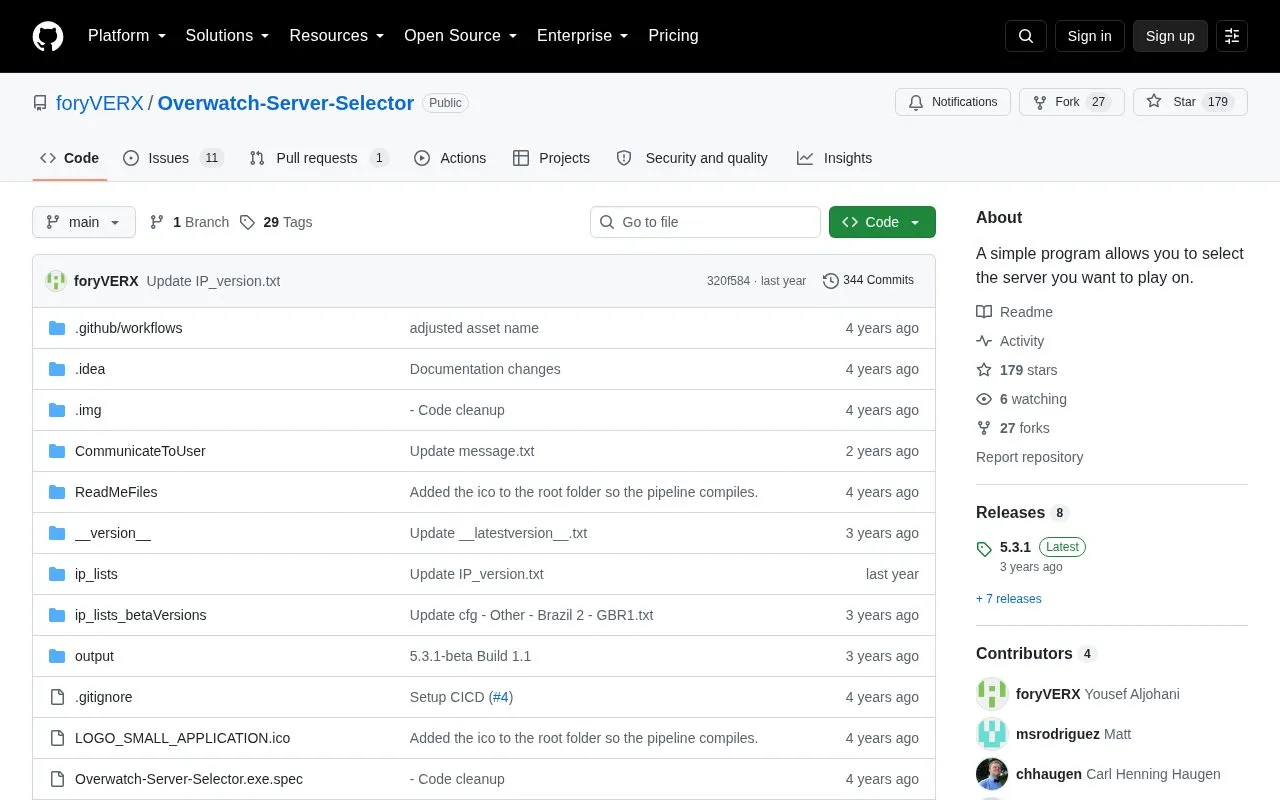
Overwatch-Server-Selector is a Windows desktop program hosted on GitHub under the name MINA Overwatch 2 Server Selector. It lets Overwatch 2 players choose which server region to connect to by blocking unwanted server IP addresses through Windows Firewall with Advanced Security. It uses the Component Object Model (COM) API to add and remove firewall rules, and does not read or write game files or modify game network traffic.
The program includes preset options to play on EU, NA West, NA East, and Australia, along with options to block regions such as the Middle East. A Custom button and custom config option allow selective blocking of specific regions or servers. It must be run as administrator to manage firewall rules. Users can download a release from the Assets section, get an automatic build from GitHub Actions artifacts, or build the program from Python source with PyInstaller.
It suits Overwatch 2 players on Windows using Windows Firewall and Microsoft Defender Antivirus who want more control over matchmaking regions, including choosing between NA East and NA West.
Tools and sites you could use instead, ranked by how closely they match.
Manage Minecraft servers across platforms with auto-mcs, a server management application.
Manage, control, and launch Minecraft servers with Crafty Controller 4.
GeyserMC lets Minecraft Bedrock Edition clients join Java Edition servers through a compatibility program.
Route player connections from Connect Network through a Minecraft plugin for Spigot, Paper, and proxy servers.
Connect Minecraft Java Edition clients to Bedrock Edition servers through the Geyser proxy.
RisingHub revives Battlefield Heroes multiplayer through community servers, with instructions for selecting a server and joining matches.
Well-known listings from the same topic.
Tell us and an editor will check it.
Claim the listing and suggest updates yourself. An editor checks every claim first.


