

Manage, control, and launch Minecraft servers with Crafty Controller 4.
Auto Mcs
Manage Minecraft servers across platforms with auto-mcs, a server management application.
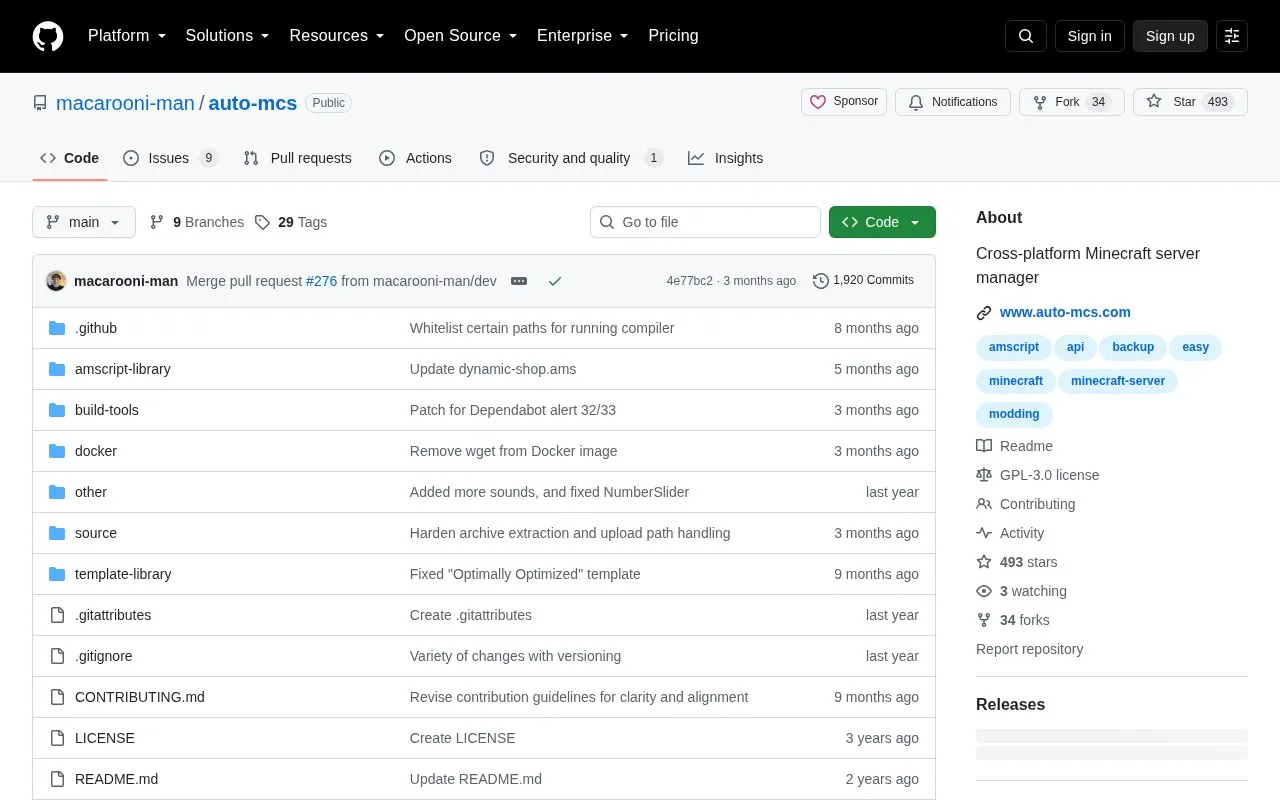
About Auto Mcs
auto-mcs is a Minecraft server manager for creating, importing, and maintaining servers. It installs and updates supported distributions including Paper, Purpur, Fabric, Quilt, NeoForge, Forge, Spigot, CraftBukkit, and Vanilla, and includes tools for Modrinth-based mods and plugins, backups, world and version switching, access control, and server.properties editing.
Distribution is as a .zip that is extracted and launched without installation; Linux may require chmod +x, and a Docker version is documented separately. Importing an existing server copies it to a different directory and creates a backup, leaving the original untouched. The project notes it is relatively new and features may change during development.
Key features
- Supports Paper, Purpur, Fabric, Quilt, NeoForge, Forge, Spigot, CraftBukkit, Vanilla
- Search, install, and update mods and plugins via Modrinth
- Import existing servers and .zip/.mrpack modpacks
- Automatic server installation, updates, and backup management
- Switch worlds, versions, or modloaders/distributions on the fly
- Access control for operators, bans, and whitelist on one page
Best for: People hosting Minecraft servers for friends who want setup, updates, and mod management in one application.
Good for
- Free to use and released under GPL-3.0 license
- Runs without installation after extracting the download
- Works with nine listed server distributions and Modrinth content
Watch out for
- Project states it is relatively new and features may change during development
Auto Mcs at a glance
- Category
- Gaming › Game Servers & Multiplayer
- Type
- Open-source project
- Pricing
- Not confirmed. Check the site
- Platforms
- Linux
- Open source
- Yes · Source code
- Language
- English
- Last checked
- Oct 5, 2026 · Online when checked
- Listed
- Oct 5, 2026
Auto Mcs alternatives
Tools and sites you could use instead, ranked by how closely they match.

Deploy and manage Minecraft or Steam game servers from a distributed multi-user control panel.
Open source
24 alternatives
Select which Overwatch server region to connect to with this desktop program.

Manage game servers with Pelican, an open-source panel built with Laravel and Docker.
Open source
18 alternatives
Route player connections from Connect Network through a Minecraft plugin for Spigot, Paper, and proxy servers.
Open source
24 alternatives
Read usage documentation for an API that generates Minecraft server status banners.
Open source
24 alternativesPopular in Game Servers & Multiplayer
Well-known listings from the same topic.
SquidServerssquidservers.comMCSManagermcsmanager.comServer.proserver.proMinekube Connectconnect.minekube.comPluginshangar.papermc.ioPelicanpelican.dev


Auto Mcs FAQ
How do I set up auto-mcs?
Download the latest version from the website or GitHub, extract the .zip, and launch it with no further installation; on Linux run chmod +x auto-mcs if needed.
Can I use a server I already created?
Yes, select the server root folder and click import; auto-mcs copies it to a different directory, creates a backup, and leaves the original untouched.
Which server distributions are supported?
Paper, Purpur, Fabric, Quilt, NeoForge, Forge, Spigot, CraftBukkit, and Vanilla.
Is something wrong or out of date?
Tell us and an editor will check it.
Own this website?
Claim this listing
Claim the listing and suggest updates yourself. An editor checks every claim first.