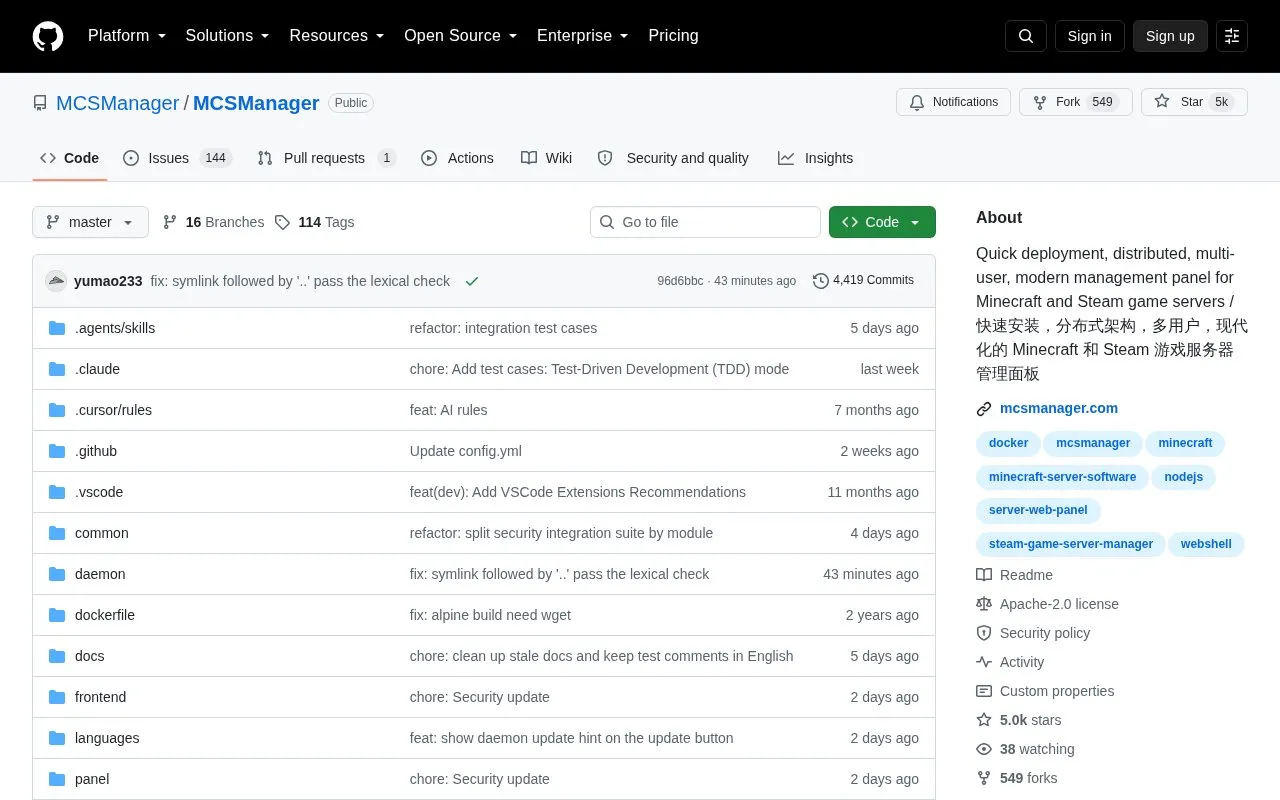
MCSManager is an open-source web panel for deploying and managing Minecraft, Steam-based, and other game server programs. Administrators can create servers from templates or Docker images, run them in Docker containers or as direct processes, and access server terminals through the web page. It can manage multiple physical or virtual machines from one panel and assign instances to regular users with permission checks. It runs on Windows and Linux, requires Node.js 16.20.2 or higher plus basic decompression utilities, and does not require a separate database installation.
Key features
Deploy Minecraft or Steam servers from built-in application marketplace
Run servers in Docker containers or as direct processes
Access server terminals through web page
Manage multiple physical or virtual machines from one panel
Assign server instances to regular users with permission checks
Customizable dashboard with drag-and-drop card layout
Best for: Server administrators, operators, and small hosting providers managing multiple Minecraft or Steam servers for different users.
Good for
Manages multiple machines from a single web panel
Supports Docker images and direct process execution
Runs on Windows and Linux without separate database installation
Minecraft and most Steam-based servers, including Palworld, Squad, Project Zomboid, and Terraria, plus other programs created from templates or Docker images.
What is required to run the panel?
Windows or Linux with Node.js 16.20.2 or higher and basic decompression utilities; no database installation is required.
Can it manage multiple machines and users?
Yes, it uses a distributed architecture to manage multiple machines from one panel, and administrators can create users and assign specific instances to them.
Is something wrong or out of date?
Tell us and an editor will check it.
Own this website?
Claim the listing and suggest updates yourself. An editor checks every claim first.