

Photon
Cross-platform file and folder transfers are handled by Photon, an application built with Flutter and HTTP.
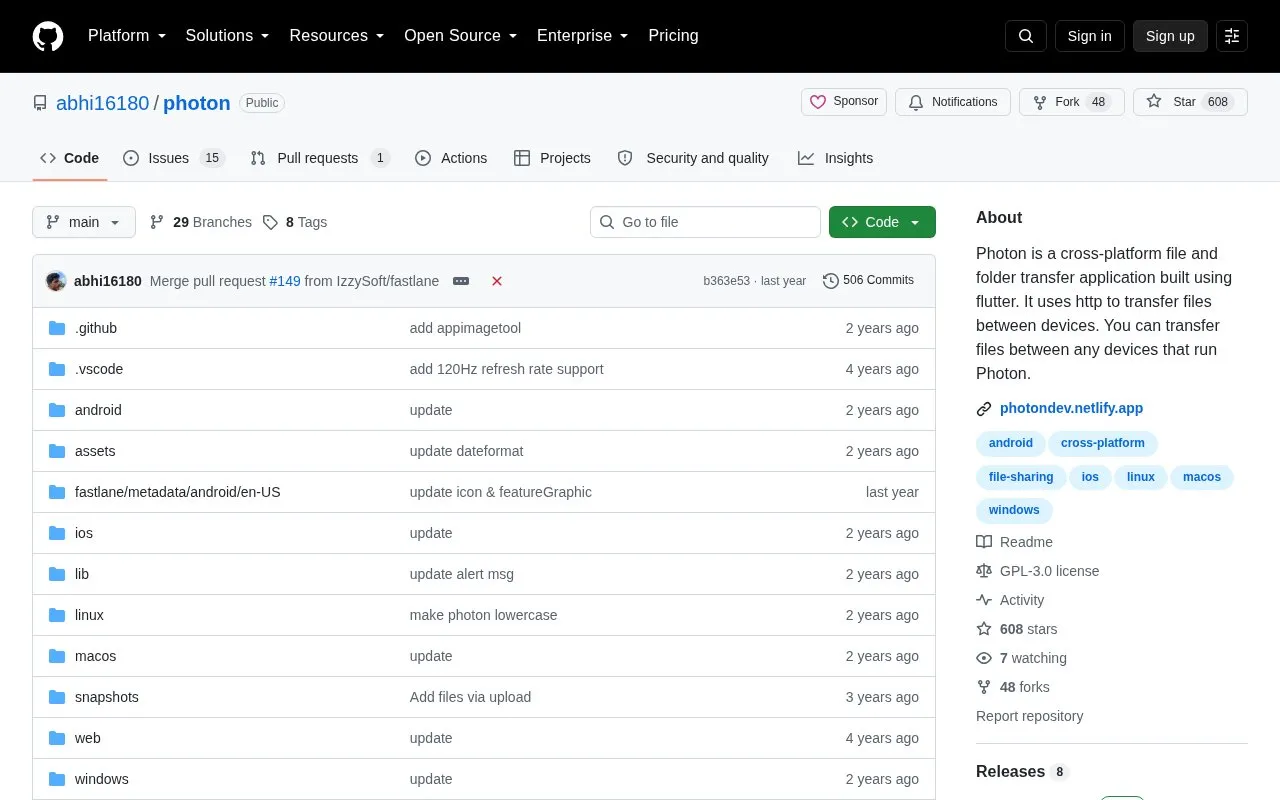
About Photon
Photon is a file and folder transfer application built with Flutter that uses HTTP to transfer files between devices running Photon. It preserves folder structure including sub-directories on the receiver, supports selecting multiple files, and can share raw text to save as a txt file or copy to clipboard.
Both devices must be connected to the same router or via mobile hotspot on the same local area network, and no internet connection is required. Version 3.0.0 or above supports HTTPS with token-based validation; older versions use a secret code in the URL path and remain vulnerable to brute-force attack, so use within trusted networks is advised.
Key features
- Preserves entire folder structure including sub-directories on receiver
- Transfers files between devices running Photon over HTTP
- Pick and send multiple files in one transfer
- Share raw text and save as txt or copy to clipboard
- Works over same router or mobile hotspot without internet
- Editable file saving location, defaults to Download/Photon
Best for: People who need to transfer files and folders between their own Android, Windows, Linux, and macOS devices on a local network.
Good for
- Works without an internet connection over a local network or hotspot
- Preserves entire folder structure including sub-directories on the receiver
- File saving location can be edited by the user
Watch out for
- All participating devices must run Photon to send or receive files
- Devices must be on the same local network via router or hotspot
- Versions before v3.0.0 lack HTTPS and are vulnerable to brute-force attack
Photon at a glance
- Website
- github.com/abhi16180/photon
- Category
- Online Tools › File Sharing & Transfer
- Type
- Open-source project
- Pricing
- Not confirmed. Check the site
- Open source
- Yes · Source code
- Language
- English
- Last checked
- Oct 5, 2026 · Online when checked
- Listed
- Oct 5, 2026
Guides for File Sharing & Transfer
Photon alternatives
Tools and sites you could use instead, ranked by how closely they match.

Files can be shared over a network with QRServ, an application that uses its own HTTP server.
Open source
24 alternatives
LocalSend provides free, open-source, cross-platform file sharing with nearby devices.
Open source
24 alternatives
Magic Wormhole safely transfers items from one computer to another through a software library and command-line tool.
Open source
24 alternatives
WebWormhole uses peer-authenticated WebRTC to transfer files between computers.
Open source
24 alternatives
Files and other items can be sent between computers with croc, a transfer utility.
Open source
24 alternatives
Sendme transfers files and directories between users using the iroh-blobs protocol.
Open source
24 alternativesPopular in File Sharing & Transfer
Well-known listings from the same topic.
Catboxcatbox.moeSnapdropnode-snapdrop.onrender.comDashBeamdashbeam.netUguuuguu.seJustBeamItjustbeamit.comToffeeSharetoffeeshare.com


Photon FAQ
Do I need an internet connection or Wi-Fi router to use Photon?
No. Photon works between devices connected to the same router or via mobile hotspot, without an internet connection.
Where are received files stored?
By default files are stored at internal_storage/Download/Photon directory, and the saving location can be edited.
What are the security differences between versions?
Version 3.0.0 or above supports HTTPS with token-based validation and a random URL path for each session. Older versions use a generated secret code as the URL path, which is vulnerable to brute-force attack, so the source advises using HTTPS when possible and only within trusted networks.
Is something wrong or out of date?
Tell us and an editor will check it.
Own this website?
Claim this listing
Claim the listing and suggest updates yourself. An editor checks every claim first.