
PhotoRec
PhotoRec recovers data using file carving, and its project describes the tool as free and open source.
About PhotoRec
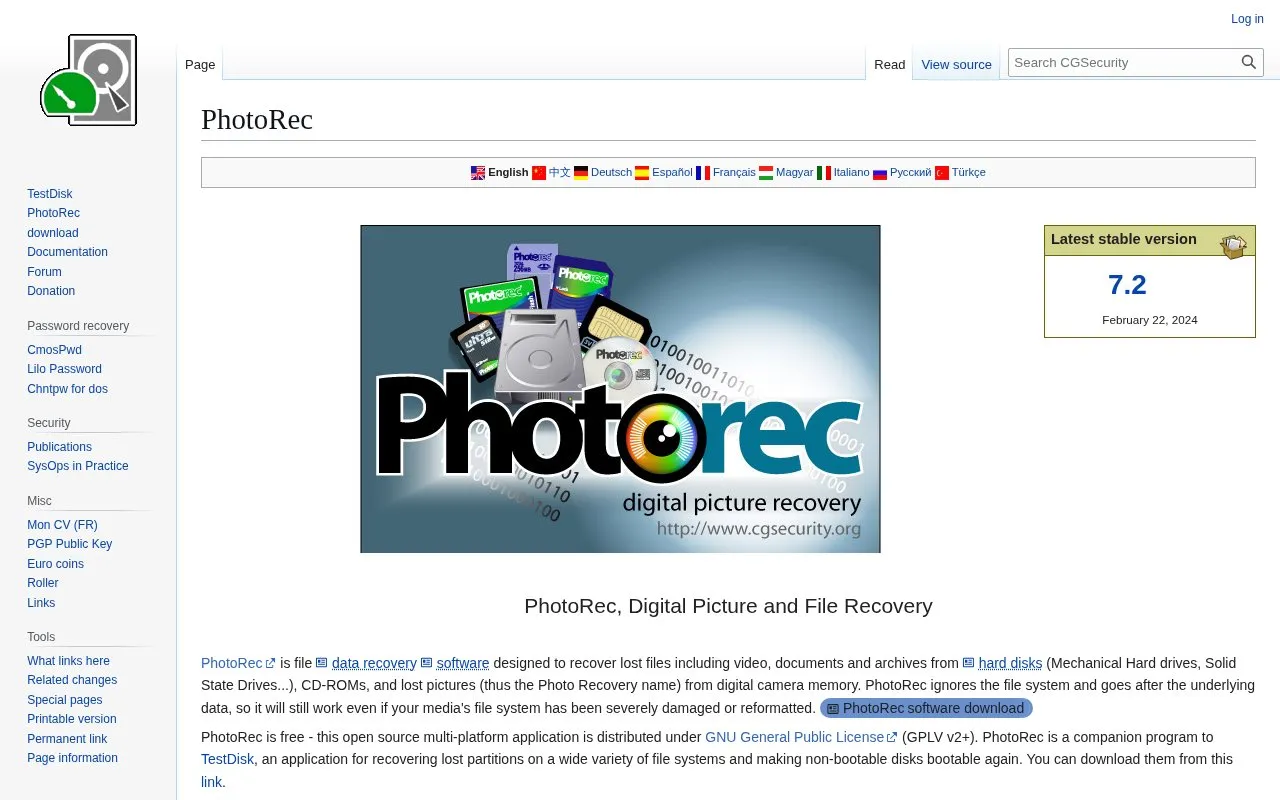
PhotoRec is a file recovery tool that uses file carving to recover lost video, documents, archives and pictures from hard disks, CD-ROMs and camera memory cards. It ignores the file system and works from the underlying data, so it can operate after severe damage or reformatting. The project describes it as free and open source under GPLv2+ and as a companion to TestDisk.
It uses read-only access to the source drive or memory card and lists support for FAT, NTFS, exFAT, ext2/ext3/ext4 and HFS+, as well as DD raw and EnCase E01 images. Users must avoid saving new data to the affected device and must not write recovered files to the same partition. It does not work well with ReiserFS.
Key features
- Recovers video, documents, archives and photos by file carving
- Works even if file system is severely damaged or reformatted
- Supports hard disks, CD-ROMs, memory cards and USB drives
- Reads DD raw images and EnCase E01 images
- Uses read-only access to source drive or memory card
- Works alongside TestDisk for partition and boot recovery
Best for: People who need to recover deleted files from damaged, reformatted, or otherwise inaccessible storage media.
Good for
- Described as free and distributed under GPLv2+
- Runs on Windows, Linux, macOS, BSD, Solaris and DOS-based systems
- Recognizes more than 480 file extensions across about 300 families
Watch out for
- Does not work well with ReiserFS
- Recovered files must not be written to the same partition
- New data saved after deletion may overwrite lost data
PhotoRec at a glance
- Website
- cgsecurity.org/wiki/PhotoRec
- Category
- Software & Utilities › Backup & Recovery
- Type
- Website
- Pricing
- Not confirmed. Check the site
- Platforms
- Web
- Open source
- Not stated
- Language
- English
- Last checked
- Oct 5, 2026 · Online when checked
- Listed
- Oct 5, 2026
Guides for Backup & Recovery
PhotoRec alternatives
Tools and sites you could use instead, ranked by how closely they match.

TestDisk recovers lost partitions and undeletes files, according to its free and open-source data recovery project description.

restic backs up data on Linux, macOS, Windows, FreeBSD, and OpenBSD; its project describes it as fast, efficient, and secure.
Open source
6 alternativesPopular in Backup & Recovery
Well-known listings from the same topic.
UrBackupurbackup.orgAOMEI Backupperubackup.comWindows File Recoveryapps.microsoft.com/detail/9n26s50ln705Duplicatiduplicati.comKopiakopia.ioBorgborgbackup.org


PhotoRec FAQ
Can PhotoRec recover files if the file system is damaged?
Yes, it ignores the file system and works from the underlying data, so it can operate after severe damage or reformatting.
Where should I save recovered files?
Do not write them to the same partition they were stored on, and stop saving new files to the affected device to avoid overwriting lost data.
How can I check if my file type is supported?
Upload a sample file through the PhotoRec online checker (BETA).
Is something wrong or out of date?
Tell us and an editor will check it.
Own this website?
Claim this listing
Claim the listing and suggest updates yourself. An editor checks every claim first.