
TestDisk
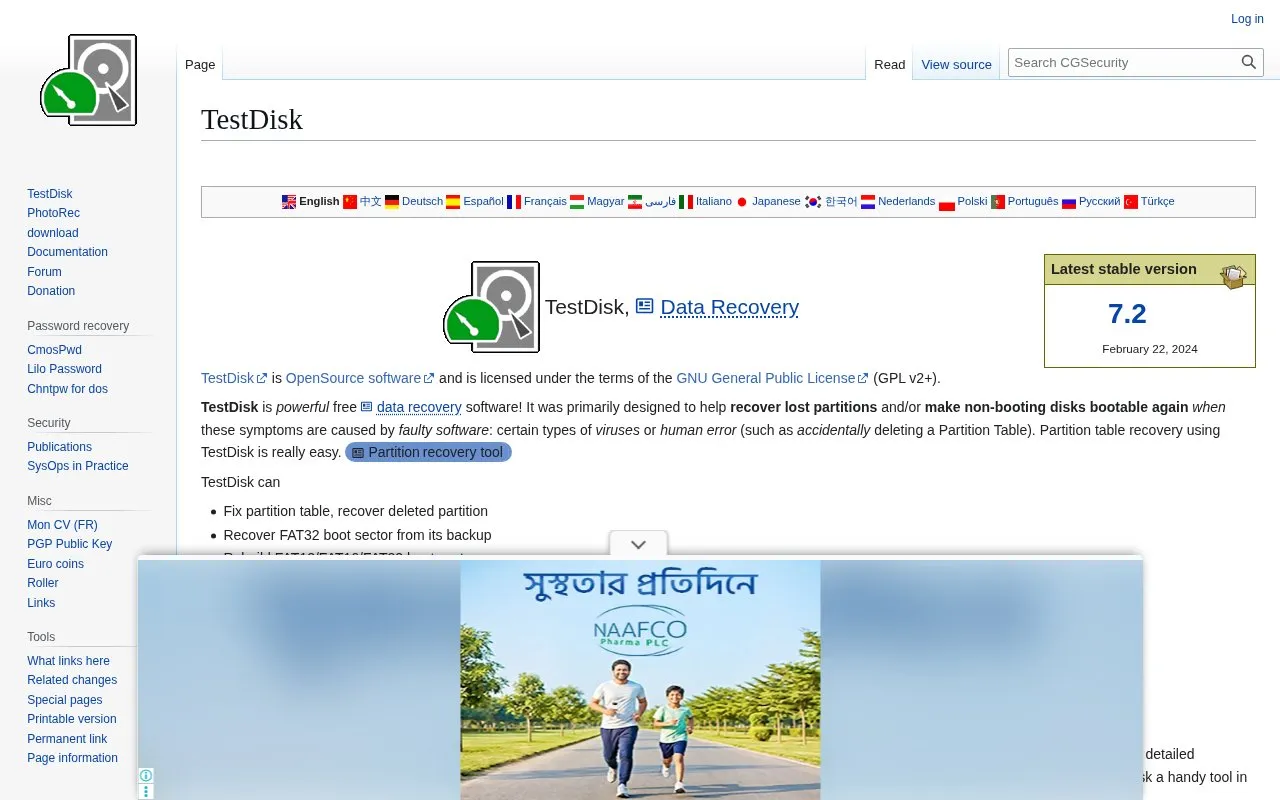
TestDisk recovers lost partitions and undeletes files, according to its free and open-source data recovery project description.
About TestDisk
TestDisk recovers lost partitions and undeletes files. It can fix partition tables, rebuild FAT and NTFS boot sectors, recover boot sectors from backups, fix FAT tables, fix MFT using MFT mirror, and locate ext2/ext3/ext4 backup superblocks. It also undeletes files from FAT, exFAT, NTFS and ext2, and copies files from deleted FAT, exFAT, NTFS and ext2/ext3/ext4 partitions.
It is described for non-booting disks and lost partitions caused by faulty software, certain viruses, or human error such as deleting a partition table. It runs under DOS, Windows/Windows Server, Linux, FreeBSD, NetBSD, OpenBSD, SunOS and MacOS X.
Key features
- Fix partition table and recover deleted partitions
- Recover FAT32 boot sector from its backup
- Rebuild NTFS boot sector and recover from backup
- Fix MFT using MFT mirror
- Undelete files from FAT, exFAT, NTFS and ext2
- Copy files from deleted FAT, exFAT, NTFS and ext2/ext3/ext4 partitions
Best for: People with lost partitions or non-booting drives from software errors, from novices collecting drive details to technicians doing onsite recovery.
Good for
- Licensed under the GNU General Public License GPL v2+
- Runs on DOS, Windows, Linux, BSD systems, SunOS and MacOS X
- Finds lost partitions for many filesystems including NTFS, FAT, exFAT, ext2/ext3/ext4, HFS+, APFS, XFS and ZFS
TestDisk at a glance
- Website
- cgsecurity.org/wiki/TestDisk
- Category
- Software & Utilities › Backup & Recovery
- Type
- Website
- Pricing
- Not confirmed. Check the site
- Platforms
- Web
- Open source
- Not stated
- Language
- English
- Last checked
- Oct 5, 2026 · Online when checked
- Listed
- Oct 5, 2026
Guides for Backup & Recovery
TestDisk alternatives
Tools and sites you could use instead, ranked by how closely they match.

Recover deleted or lost files with Windows File Recovery, a Microsoft Store app supporting many file types and storage devices.
FreePick

PhotoRec recovers data using file carving, and its project describes the tool as free and open source.

DMDE provides disk data searching, editing, and recovery tools for PC and Mac, with a free recovery limit described on its page.
Popular in Backup & Recovery
Well-known listings from the same topic.
UrBackupurbackup.orgAOMEI Backupperubackup.comDuplicatiduplicati.comKopiakopia.ioBorgborgbackup.orgFolderClonefolderclone.com


TestDisk FAQ
What should I use to recover lost pictures from a digital camera or hard disk?
Run the PhotoRec command.
What types of problems is TestDisk designed to address?
Non-booting disks and lost partitions caused by faulty software, certain viruses, or human error such as deleting a partition table.
Is something wrong or out of date?
Tell us and an editor will check it.
Own this website?
Claim this listing
Claim the listing and suggest updates yourself. An editor checks every claim first.