
iOS Icon Gallery showcases icon designs from apps in the iOS App Store.
Picasso
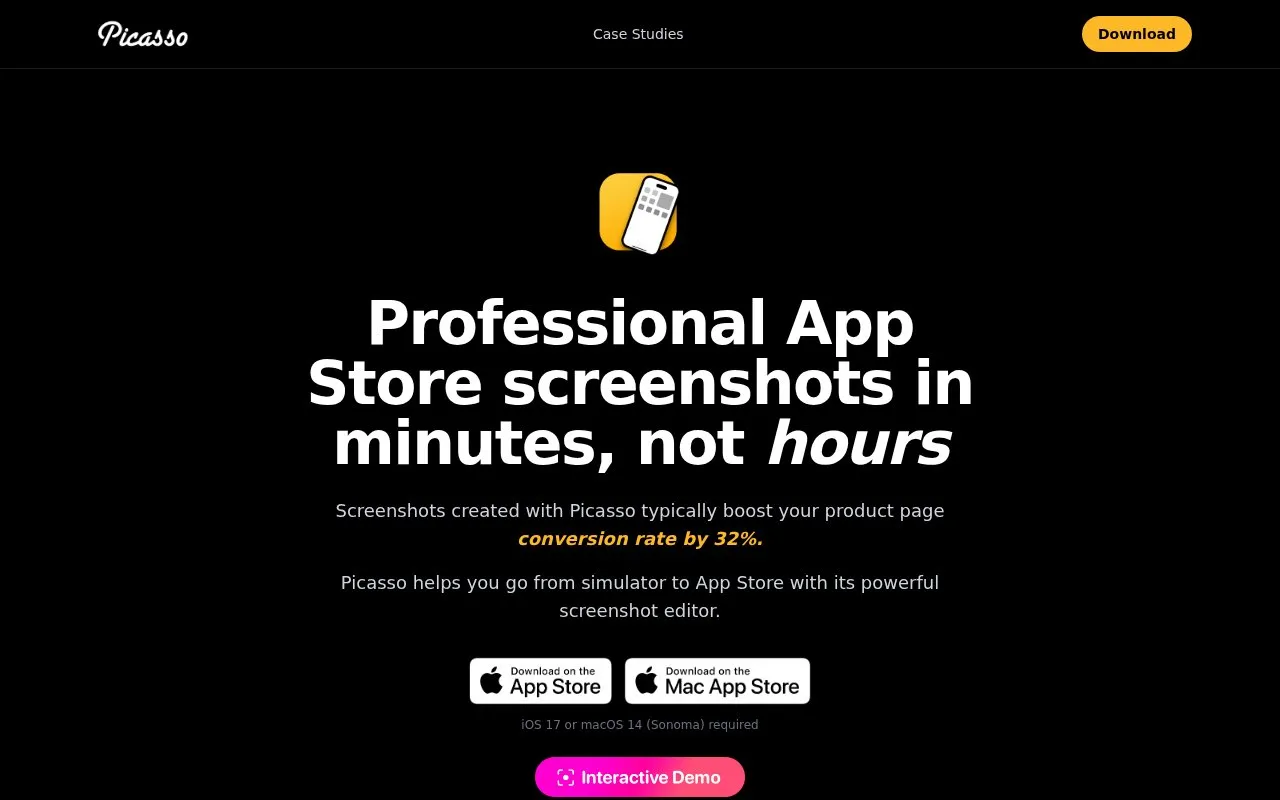
Turn app simulator screenshots into App Store images with Picasso's screenshot design tool.
About Picasso
Picasso turns screenshots taken with an iOS simulator or real device into images for the App Store. Users create a document, drag captures onto a canvas, apply device frames based on screenshot dimensions, add images, and span items across multiple screenshots.
It exports files to the filesystem organized for upload and can upload to App Store Connect by display type and locale while checking order and processing. It can generate localized versions from an .xcstrings file. Use requires iOS 17 or macOS 14 (Sonoma).
Key features
- Automatically apply device frames based on screenshot dimensions
- Add images and span items across multiple screenshots
- Export screenshots to filesystem organized for upload
- Upload to App Store Connect by display type and locale
- Generate localized screenshots from .xcstrings file
- Support for 40+ frames for iPhone, iPad, Mac, Watch, TV, Vision Pro
Best for: Apple app developers who need to prepare App Store screenshots from simulator captures.
Good for
- Supports 40+ device frames across Apple platforms
- Uploads to App Store Connect by display type and locale with order checks
- Generates localized versions from an .xcstrings file
Watch out for
- Requires iOS 17 or macOS 14 (Sonoma)
- Requires user-supplied simulator or device screenshots as input
- Localization requires a user-provided .xcstrings file
Picasso at a glance
- Website
- getpicasso.com
- Category
- Design & Creative › Design Assets & Inspiration
- Type
- Online tool
- Pricing
- Not confirmed. Check the site
- Platforms
- iOS, macOS, Web
- Open source
- Not stated
- Language
- English
- Last checked
- Oct 5, 2026 · Online when checked
- Listed
- Oct 5, 2026
Picasso alternatives
Tools and sites you could use instead, ranked by how closely they match.

Mock Magic turns app screenshots or screen recordings into device mockups, with more than 54 device variants and a free static mockup plan.

Figma provides collaborative interface design and prototyping in a web browser, with desktop apps and mobile companion apps. Its Starter plan is free, with paid plans for more team features.
FreemiumPick
24 alternatives
Mobbin collects searchable screenshots from mobile and web apps as references for interface design.

Lunacy is free desktop graphic design software for Windows, macOS, and Linux, with vector, photo, and UI kit assets built in.

Browse more than 20,000 free design resources for web, mobile and graphic projects.
Popular in Design Assets & Inspiration
Well-known listings from the same topic.
Arts and Cultureartsandculture.google.comUI Discoveryuidiscovery.comLS Graphicsls.graphicsToools.designtoools.designArtveeartvee.comSketch App Sourcessketchappsources.com




Picasso FAQ
How does Picasso choose a device frame?
It uses the dimensions of the screenshot to determine what device frame to apply.
What is the basic workflow?
Take a screenshot with the simulator or real device, create a new document, drag the screenshot onto the canvas, then export.
What is needed to localize screenshots?
Bring an .xcstrings file to generate screenshots in other languages.
Is something wrong or out of date?
Tell us and an editor will check it.
Own this website?
Claim this listing
Claim the listing and suggest updates yourself. An editor checks every claim first.