

PicPick
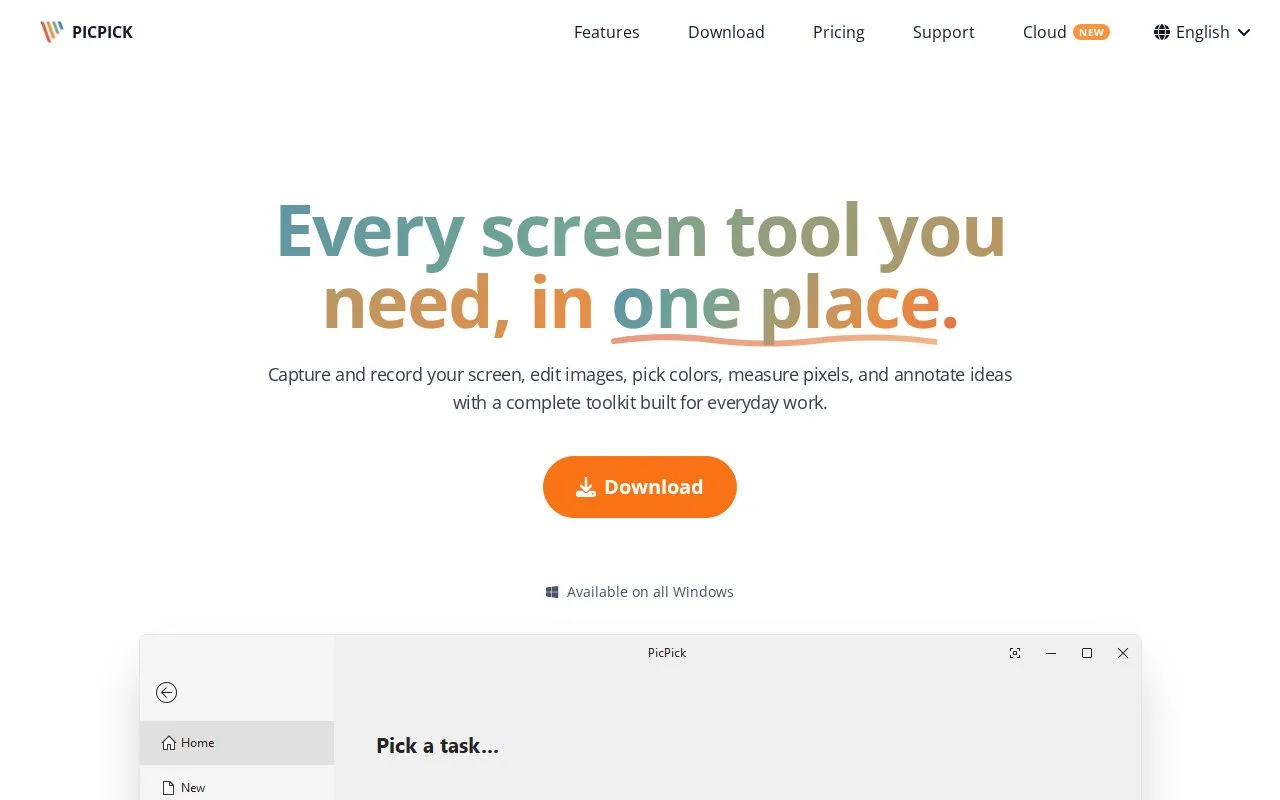
Windows screenshot software with an image editor, color picker, ruler, and capture tools. Free use is limited to personal, noncommercial work.
About PicPick
Windows screenshot software with an image editor, color picker, ruler, and capture tools. Free use is limited to personal, noncommercial work.
PicPick is an online tool in our Image Tools collection, part of the Online Tools directory. PicPick is available for Windows. PicPick has a free plan, with paid upgrades for extra features.
PicPick at a glance
- Website
- picpick.app
- Category
- Online Tools › Image Tools
- Type
- Online tool
- Pricing
- Freemium
- Platforms
- Windows
- Open source
- Not stated
- Last checked
- Oct 7, 2026 · Online when checked
- Listed
- Oct 7, 2026
Guides for Image Tools

Featured in
 8 sites


Best of
Best Free Screenshot Tools for Clear Captures and Markup
The best free screenshot tools save more than a picture: they help the recipient see the exact button, error, or…
Popular in Image Tools
Well-known listings from the same topic.
CamScannerapps.apple.com/us/app/camscanner-pdf-scanner-a…BeeRefbeeref.orgGreenshotgetgreenshot.orgLightshotapp.prntscr.comnomacsnomacs.orgConverseenconverseen.fasterland.net


PicPick FAQ
What is PicPick?
Windows screenshot software with an image editor, color picker, ruler, and capture tools. Free use is limited to personal, noncommercial work.
Is PicPick free?
PicPick has a free plan, with paid upgrades for extra features.
Which platforms does PicPick support?
PicPick is available for Windows.
Is PicPick working?
picpick.app responded when checked on Oct 7, 2026. Its current availability has not been confirmed.
Is something wrong or out of date?
Tell us and an editor will check it.
Own this website?
Claim this listing
Claim the listing and suggest updates yourself. An editor checks every claim first.