
pock
Pock manages widgets on the MacBook Touch Bar, according to its product description.
About pock
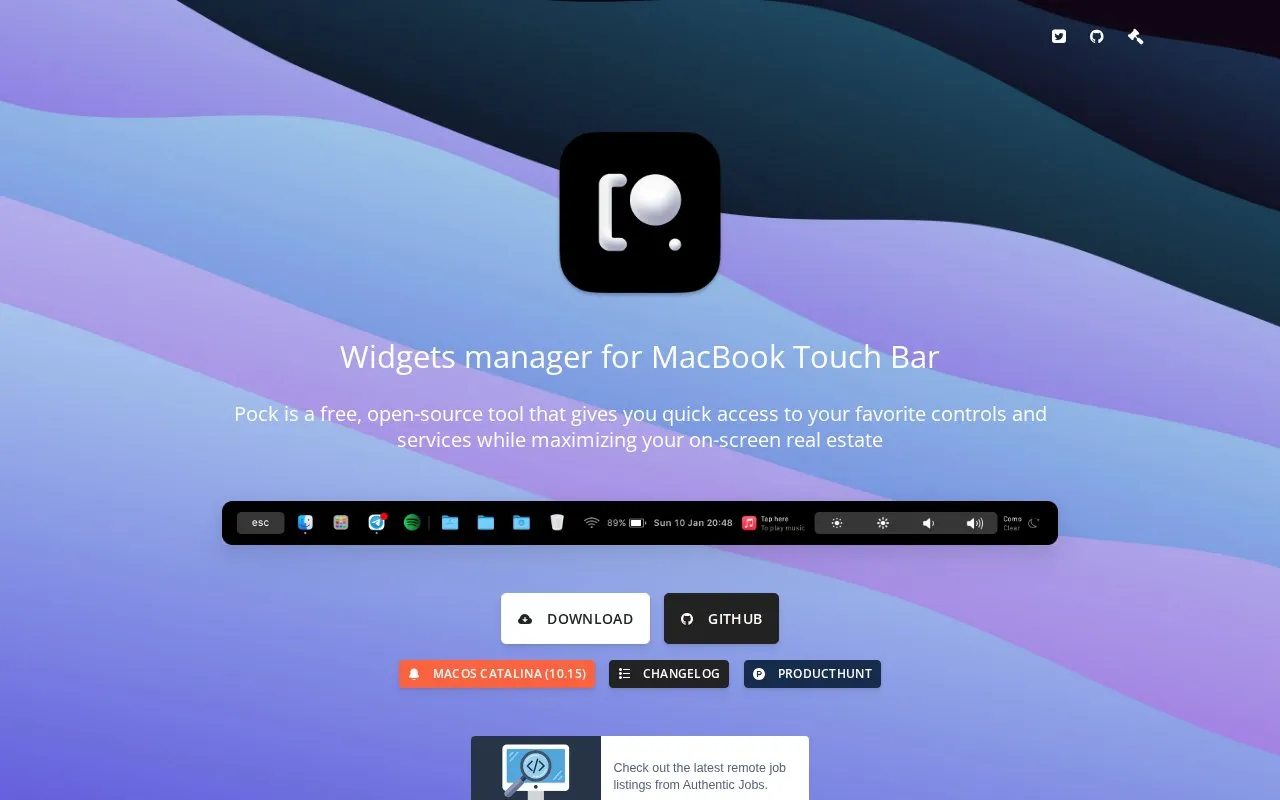
Pock manages widgets on the MacBook Touch Bar. It can show the macOS Dock with notification badges, media information with tap and swipe controls, system items such as time, WiFi and battery, screen brightness and volume sliders, weather forecast, and an ESC button. Widget settings and Touch Bar order can be adjusted, and use requires macOS 10.15 or above.
Key features
- Display macOS Dock in Touch Bar with badge support
- Control media with tap and swipe gestures
- Show ESC button without hiding Pock
- Show time, WiFi and battery status items
- Adjust brightness and volume via sliders
- Show weather forecast in Touch Bar
Best for: MacBook users with a Touch Bar who want Dock, media, and system indicators there.
Good for
- Includes six default widgets for Dock, media, status, and system controls
- Allows adjustment of widget settings and Touch Bar order
- Dock widget includes multi-window support
Watch out for
- Requires macOS 10.15 or above
- Designed for MacBook models with Touch Bar
pock at a glance
- Website
- pock.app
- Category
- Software & Utilities › Linux & Mac Apps
- Type
- Website
- Pricing
- Not confirmed. Check the site
- Platforms
- Web
- Open source
- Not stated
- Last checked
- Oct 5, 2026 · Online when checked
- Listed
- Oct 5, 2026
Popular in Linux & Mac Apps
Well-known listings from the same topic.
Browshbrow.shcalcursecalcurse.orgBibDeskbibdesk.sourceforge.ioCommandlineFUcommandlinefu.comBashlybashly.devzshzsh.org


pock FAQ
What macOS version does Pock require?
macOS 10.15 or above.
What widgets are included?
Six default widgets: Dock, Now Playing, ESC, Status, Control Center, and Weather.
Can widget position be changed?
Yes, widget position can be customized from the Customize Pock menu item.
Is something wrong or out of date?
Tell us and an editor will check it.
Own this website?
Claim this listing
Claim the listing and suggest updates yourself. An editor checks every claim first.