

HeadsetControl shows sidetone and battery status for selected Logitech, SteelSeries, and Corsair headsets on Linux and macOS.
Open source
24 alternativesprogress shows completion status for commands such as cp, mv, and dd on Linux.
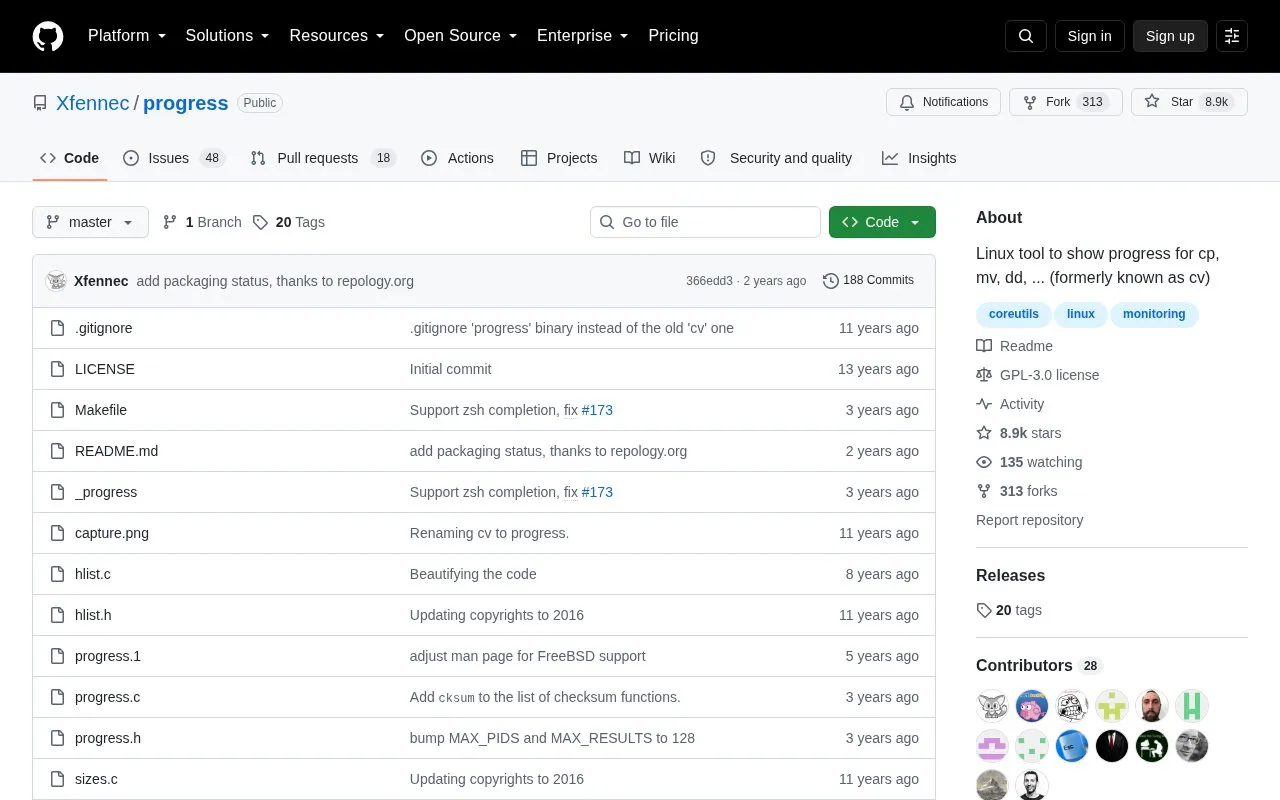
Progress is a command-line tool that looks for running coreutils commands such as cp, mv, dd, tar, gzip/gunzip, and cat and displays the percentage of copied data. It can also show estimated time and throughput and provide a top-like monitoring mode.
It works by scanning /proc and checking fd and fdinfo for opened files and seek positions, reporting status for the largest file; on macOS it uses libproc. It runs on Linux, FreeBSD, and macOS and can be installed through system package managers or built from source using make and the ncurses library.
Tools and sites you could use instead, ranked by how closely they match.
HeadsetControl shows sidetone and battery status for selected Logitech, SteelSeries, and Corsair headsets on Linux and macOS.
zx helps write scripts in JavaScript with shell-command support, according to its project page.
rcm manages configuration files and dotfiles through a command-line suite.
DidYouMean corrects spelling from the command line when users are unsure how a word is written.
DZR plays Deezer from the command line or VS Code, with support listed for Linux, BSD, macOS, Android, and Windows through WSL.
fcp copies large files and directories as an alternative to the Unix cp command, with a focus on faster transfer.
Well-known listings from the same topic.
Tell us and an editor will check it.
Claim the listing and suggest updates yourself. An editor checks every claim first.


