

DidYouMean corrects spelling from the command line when users are unsure how a word is written.
Open source
24 alternativesMacfetch displays system information on macOS as a Neofetch alternative written in Rust.
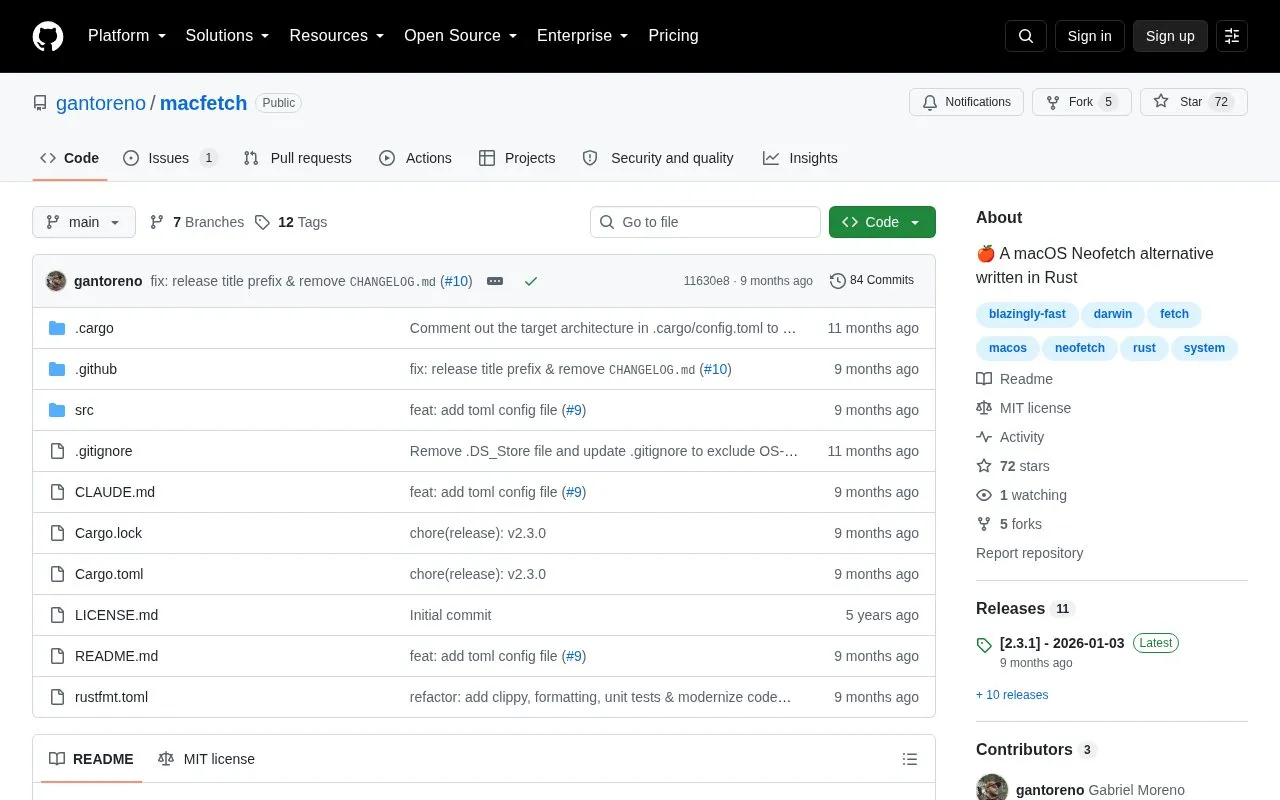
MacFetch displays system information in the terminal on macOS as an alternative to Neofetch. It is written in Rust and can show items such as macOS version, hardware model, CPU, GPU, memory usage, battery, uptime, shell, and Homebrew package count.
It installs via Homebrew or builds from source with Cargo, and uses a TOML file at ~/.config/macfetch/config.toml to control which segments appear and in what order. The source describes the tool as macOS-only and licenses it under the MIT license.
Tools and sites you could use instead, ranked by how closely they match.
DidYouMean corrects spelling from the command line when users are unsure how a word is written.
LiveCaptions displays live captions on the Linux desktop, according to its repository.
zx helps write scripts in JavaScript with shell-command support, according to its project page.
Use nextcord to integrate Python applications with the Discord API; the project is a maintained fork of discord.py.
Search and play YouTube videos on Linux using youtube-viewer, according to its project description.
Curtail compresses PNG, JPEG, WebP, and SVG images, according to its repository description.
Well-known listings from the same topic.
Tell us and an editor will check it.
Claim the listing and suggest updates yourself. An editor checks every claim first.


