

zx helps write scripts in JavaScript with shell-command support, according to its project page.
Open source
24 alternativesdijo tracks habits from a terminal and supports scripting and integration with external tools.
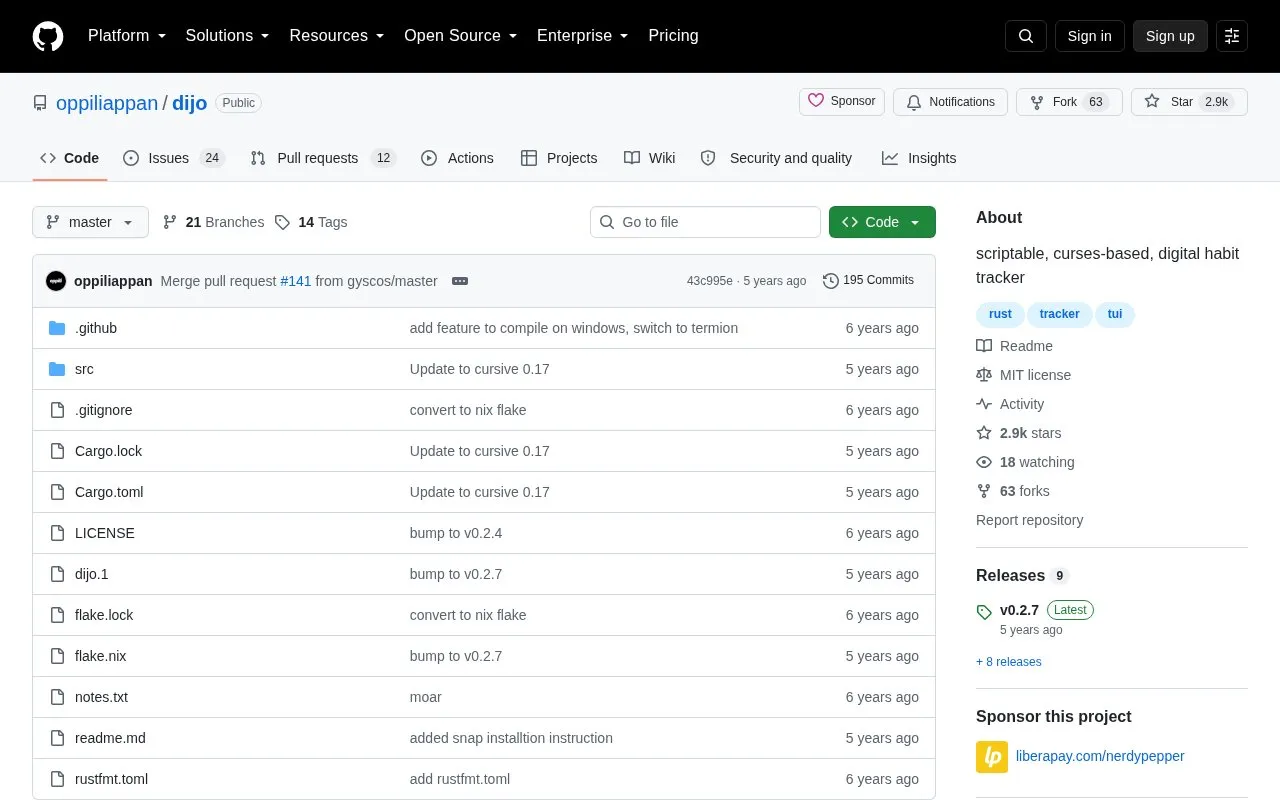
dijo is a habit tracker that runs in the terminal. It uses a curses-based interface and is modal, with different modes for viewing stats. It is open source and its code is hosted on GitHub.
You can add and delete habits with vim-like commands such as :add and :delete, navigate with hjkl keys, and view habits by day or week. Day mode shows days of the current month, while week mode shows weekly summaries. It can be scripted and connected to external programs to track events automatically, for example git commits. Documentation includes a wiki with getting started, automatic tracking, and command reference pages.
It suits Linux and Windows terminal users who prefer keyboard-driven tools, particularly those familiar with vim motions and those who want to install via cargo, Nix, Snap, or Arch AUR, or use prebuilt binaries from the Releases page.
Tools and sites you could use instead, ranked by how closely they match.
zx helps write scripts in JavaScript with shell-command support, according to its project page.
ytermusic plays YouTube Music from a terminal interface, with a text-based user interface described by its project.
Cattail provides an unofficial client for Tailscale and Headscale on Linux and Windows.
Use nextcord to integrate Python applications with the Discord API; the project is a maintained fork of discord.py.
DidYouMean corrects spelling from the command line when users are unsure how a word is written.
Search and play YouTube videos on Linux using youtube-viewer, according to its project description.
Well-known listings from the same topic.
Tell us and an editor will check it.
Claim the listing and suggest updates yourself. An editor checks every claim first.


