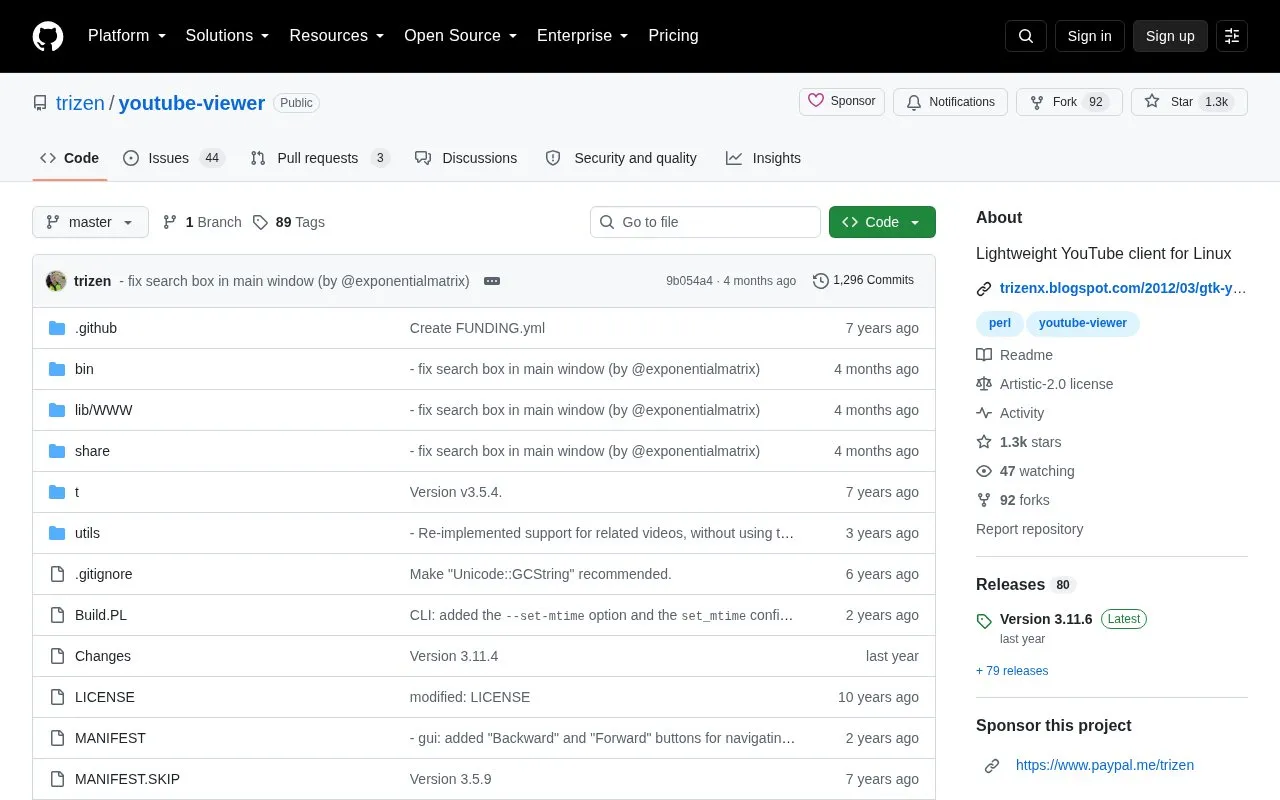
YouTube-Viewer is a lightweight application for searching and playing videos from YouTube. It ships with two interfaces: a command-line client (youtube-viewer) and a GTK+ client (gtk-youtube-viewer). It is packaged for a number of Linux distributions, including Alpine, Arch, Fedora, FreeBSD, Gentoo, Slackware, Solus, Ubuntu/Linux Mint and Void Linux, and can also be installed on macOS through Homebrew. Building from source uses Perl's Build.PL, with a --gtk option to include the graphical interface.
Playing videos depends on yt-dlp or youtube-dl, and other Perl modules are needed for features such as local caching, readline history, faster JSON handling and fixed-width formatting. Logging in is optional and configured through ~/.config/youtube-viewer/api.json, where users set a YouTube API key and, for login, OAuth client ID and secret values from a Google Cloud project with the YouTube Data v3 API enabled. The related fork pipe-viewer parses the YouTube website directly and does not require an API key.
Key features
Command-line interface for searching and playing YouTube videos
Separate GTK+ graphical interface, gtk-youtube-viewer
Packaged for many Linux distributions and installable via Homebrew on macOS
Optional API key and OAuth login configured in ~/.config/youtube-viewer/api.json
Optional Perl modules enable local cache, readline history and faster JSON parsing
Requires yt-dlp or youtube-dl to play videos
Best for: Linux users who want to search and play YouTube videos from a terminal or a lightweight GTK+ client.
Good for
Open source, with package builds listed for many Linux distributions and macOS Homebrew
Offers both command-line and GTK+ interfaces from the same project
An API key is configured through ~/.config/youtube-viewer/api.json, which requires creating a Google Cloud project with the YouTube Data v3 API enabled. OAuth client ID and secret values can optionally be added to log in. The fork pipe-viewer parses the YouTube website directly and does not require an API key.
How is YouTube-Viewer installed?
It is available through package repositories for several Linux distributions and via Homebrew on macOS. From source, install with perl Build.PL, sudo ./Build installdeps and sudo ./Build install, adding --gtk to also build gtk-youtube-viewer.
What is needed to play videos?
The application depends on libwww-perl, LWP::Protocol::https, Data::Dump, JSON and either yt-dlp or youtube-dl. The GTK+ interface additionally requires Gtk3 and File::ShareDir.
Is something wrong or out of date?
Tell us and an editor will check it.
Own this website?
Claim the listing and suggest updates yourself. An editor checks every claim first.