

Search and play YouTube videos on Linux using youtube-viewer, according to its project description.
Open source
24 alternativespipe-viewer searches and plays YouTube videos from Linux, according to its project description.
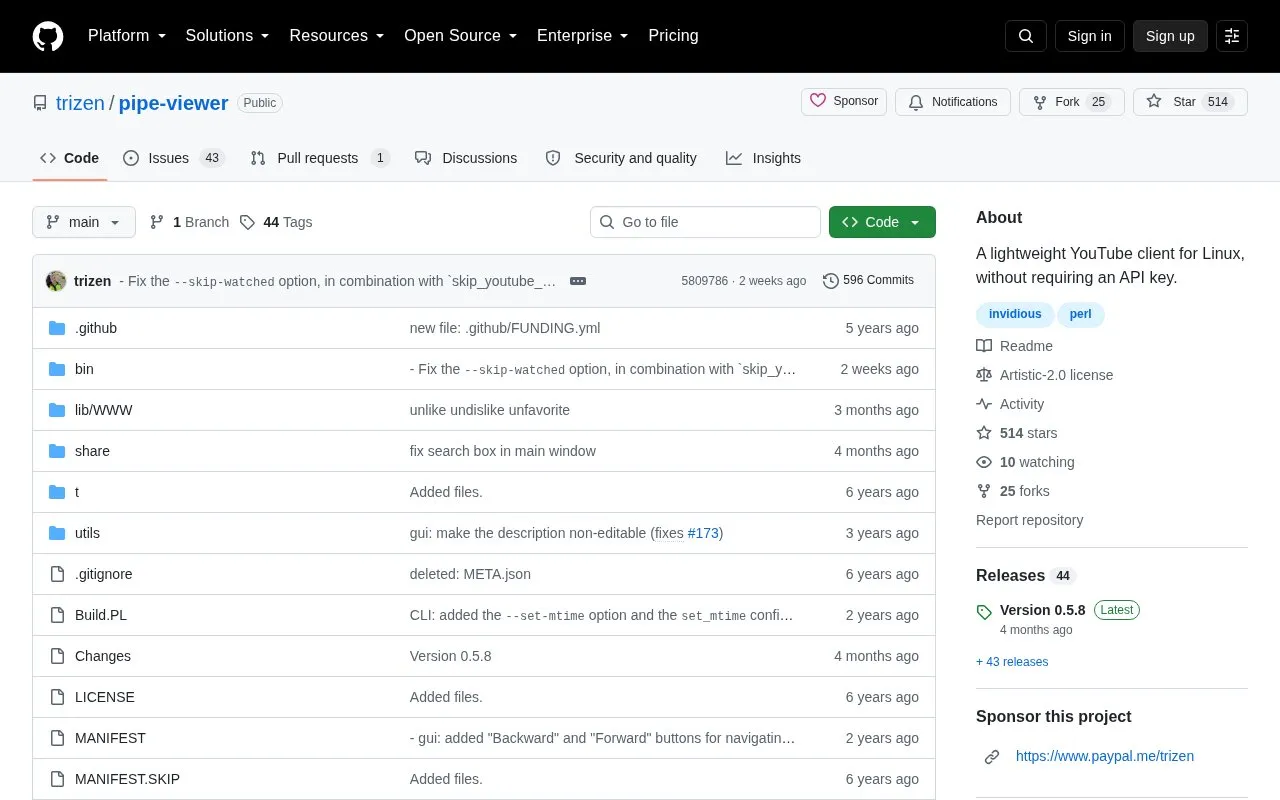
Pipe Viewer is a lightweight YouTube client for Linux for searching and playing videos without requiring an API key. It provides a command-line program (pipe-viewer) and a GTK+ program (gtk-pipe-viewer).
It parses the YouTube website directly and uses Invidious instances only as a fallback, or when enabled with an option or configuration setting. Running it on Linux requires installing Perl libraries and yt-dlp or youtube-dl, via distribution packages or a Perl build process.
Tools and sites you could use instead, ranked by how closely they match.
Search and play YouTube videos on Linux using youtube-viewer, according to its project description.
ytermusic plays YouTube Music from a terminal interface, with a text-based user interface described by its project.
Wike brings Wikipedia search and article reading to the GNOME desktop through a dedicated reader application.
zx helps write scripts in JavaScript with shell-command support, according to its project page.
DidYouMean corrects spelling from the command line when users are unsure how a word is written.
Cattail provides an unofficial client for Tailscale and Headscale on Linux and Windows.
Well-known listings from the same topic.
Tell us and an editor will check it.
Claim the listing and suggest updates yourself. An editor checks every claim first.


