
Quality Badges
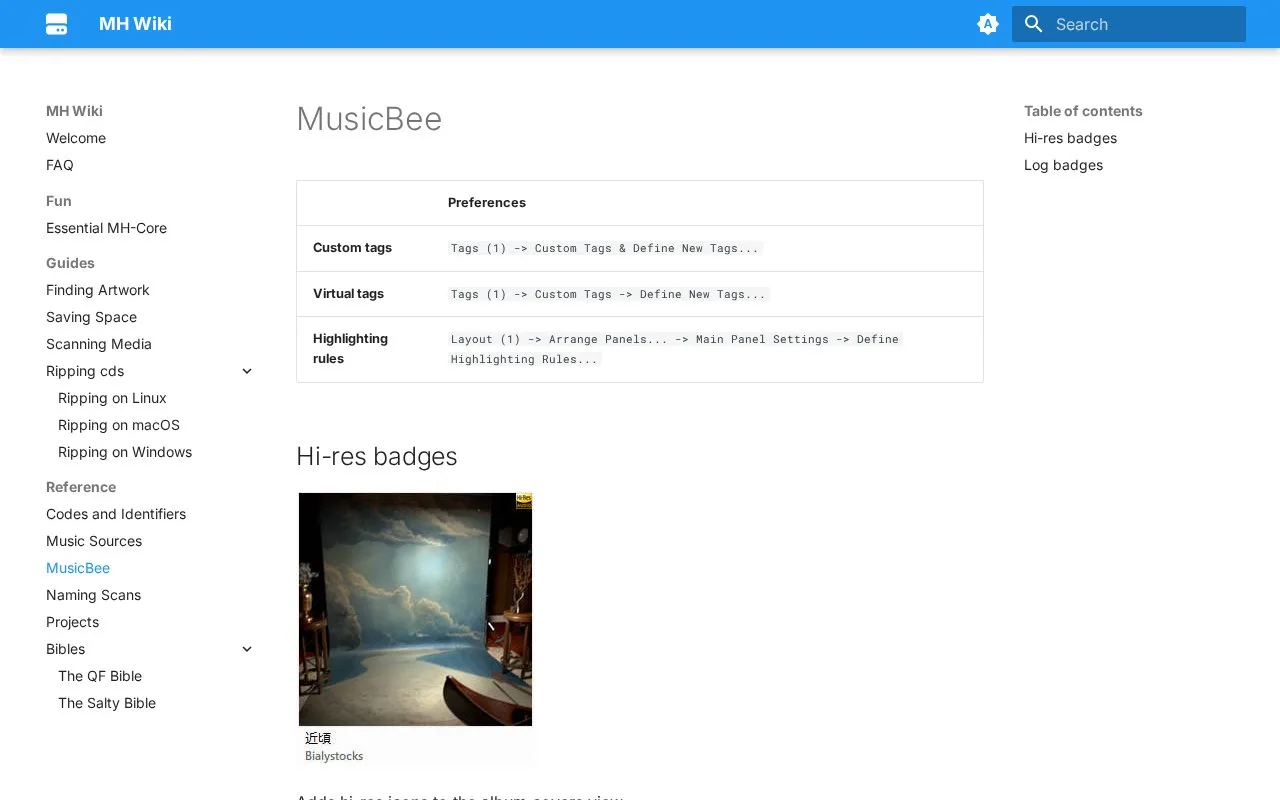
This MusicBee wiki page explains how to add high-resolution badges to album cover views.
About Quality Badges
This MusicBee reference page on the MH Wiki explains how to add visual badges to the album covers view. Badges are set up with highlighting rules in MusicBee's settings. The page covers hi-res badges based on bit depth and sample rate, and log badges based on CD rip log scores. It is most useful to MusicBee users who want these quality markers on their album art.
Pricing is not clearly stated.
Key features
- Hi-res badge rule with bit depth and sample rate conditions
- Log badge rules using Log Score thresholds
- Custom tag and virtual tag setup paths
- Highlighting rule steps in layout settings
Best for: MusicBee users who want hi-res and log badges on album covers.
Watch out for
- Log badges require the loggers plugin
Quality Badges at a glance
- Category
- Software & Utilities › Media Players & Servers
- Type
- Website
- Pricing
- Not confirmed. Check the site
- Platforms
- Web
- Details verified
- Oct 22, 2026 · Official source
- Open source
- Not stated
- Language
- English
- Last checked
- Oct 5, 2026 · Online when checked
- Listed
- Oct 5, 2026
Guides for Media Players & Servers
Popular in Media Players & Servers
Well-known listings from the same topic.
Ampacheampache.orgAIMPaimp.ruXbox Kodiapps.microsoft.com/detail/9nblggh4t892Pasta Toolpastatool.comMuseeksmuseeks.ioCaracal Clubcaracal.club


Is something wrong or out of date?
Tell us and an editor will check it.
Own this website?
Claim this listing
Claim the listing and suggest updates yourself. An editor checks every claim first.