

Results
Ndiff compares Nmap scan results from two XML files, showing changes such as hosts and ports appearing or disappearing.
About Results
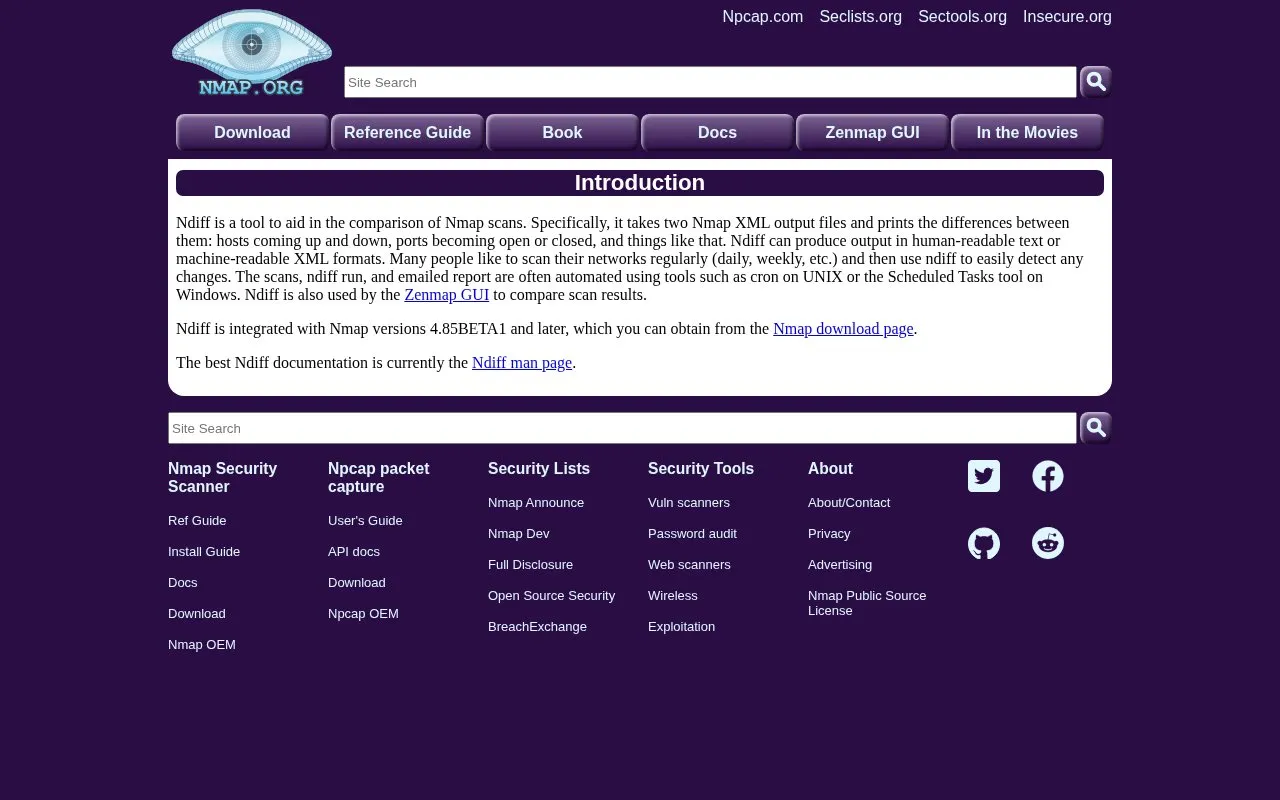
Ndiff is a utility for comparing Nmap scan results. It takes two Nmap XML output files and prints the differences between them, such as hosts coming up or down and ports becoming open or closed. Output can be produced in human-readable text or machine-readable XML.
Many people scan their networks regularly and then use Ndiff to detect changes. The scan, the Ndiff run and an emailed report are often automated with cron on UNIX or the Scheduled Tasks tool on Windows. Ndiff is integrated with Nmap versions 4.85BETA1 and later and is also used by the Zenmap GUI to compare scan results.
Key features
- Compares two Nmap XML output files and prints differences
- Reports hosts coming up or down and ports opening or closing
- Outputs human-readable text or machine-readable XML
- Integrated with Nmap versions 4.85BETA1 and later
- Used by the Zenmap GUI to compare scan results
- Can be run automatically via cron or Windows Scheduled Tasks
Best for: Network administrators and security practitioners who scan networks on a regular schedule and want to see what changed between scans.
Good for
- Produces both human-readable text and machine-readable XML output
- Integrated with Nmap 4.85BETA1 and later and used by the Zenmap GUI
- Fits automation workflows such as cron jobs or Windows Scheduled Tasks that email reports
Watch out for
- Requires two Nmap XML output files as input
- Documentation is currently limited to the Ndiff man page
Results at a glance
- Website
- nmap.org/ndiff
- Category
- Privacy & Security › Security Tools
- Type
- Website
- Pricing
- Not confirmed. Check the site
- Platforms
- Web, Windows
- Open source
- Not stated
- Language
- English
- Last checked
- Oct 6, 2026 · Online when checked
- Listed
- Oct 5, 2026
Guides for Security Tools
Results alternatives
Tools and sites you could use instead, ranked by how closely they match.

Discover hosts and map networks with Nmap, a network exploration and security scanning tool.
This converter changes infix expressions into postfix or prefix notation and shows the steps.

Scan TCP ports with masscan, an asynchronous scanner designed for large network ranges.
Open source
24 alternatives
DNSPerf compares the performance and uptime of enterprise and commercial DNS providers.

Test browser fingerprinting characteristics with CreepJS, which displays fingerprint and WebRTC results.

Threat Radar displays current cyber threat intelligence on a live map, showing security activity from its data sources.
Popular in Security Tools
Well-known listings from the same topic.
Online Password Hash Crackonlinehashcrack.comOTP Authapps.apple.com/app/otp-auth/id659877384MD5 reverse lookupmd5.gromweb.comMozilla SSLssl-config.mozilla.orgchallenges.rechallenges.reGoPlus Locker V3gopluslabs.io


Results FAQ
What input does Ndiff need?
Two Nmap XML output files. It prints the differences between them, including hosts coming up and down and ports becoming open or closed.
What output formats does Ndiff produce?
Human-readable text and machine-readable XML.
Can Ndiff runs be automated?
Yes. The scans, the Ndiff run and an emailed report are often automated using cron on UNIX or the Scheduled Tasks tool on Windows.
Is something wrong or out of date?
Tell us and an editor will check it.
Own this website?
Claim this listing
Claim the listing and suggest updates yourself. An editor checks every claim first.