rtinst

github.com/arakasi72/rtinst Self-Hosting Open-source projectFreeOpen source

rtinst installs and configures a seedbox on Ubuntu and Debian servers.

github.com/arakasi72/rtinst
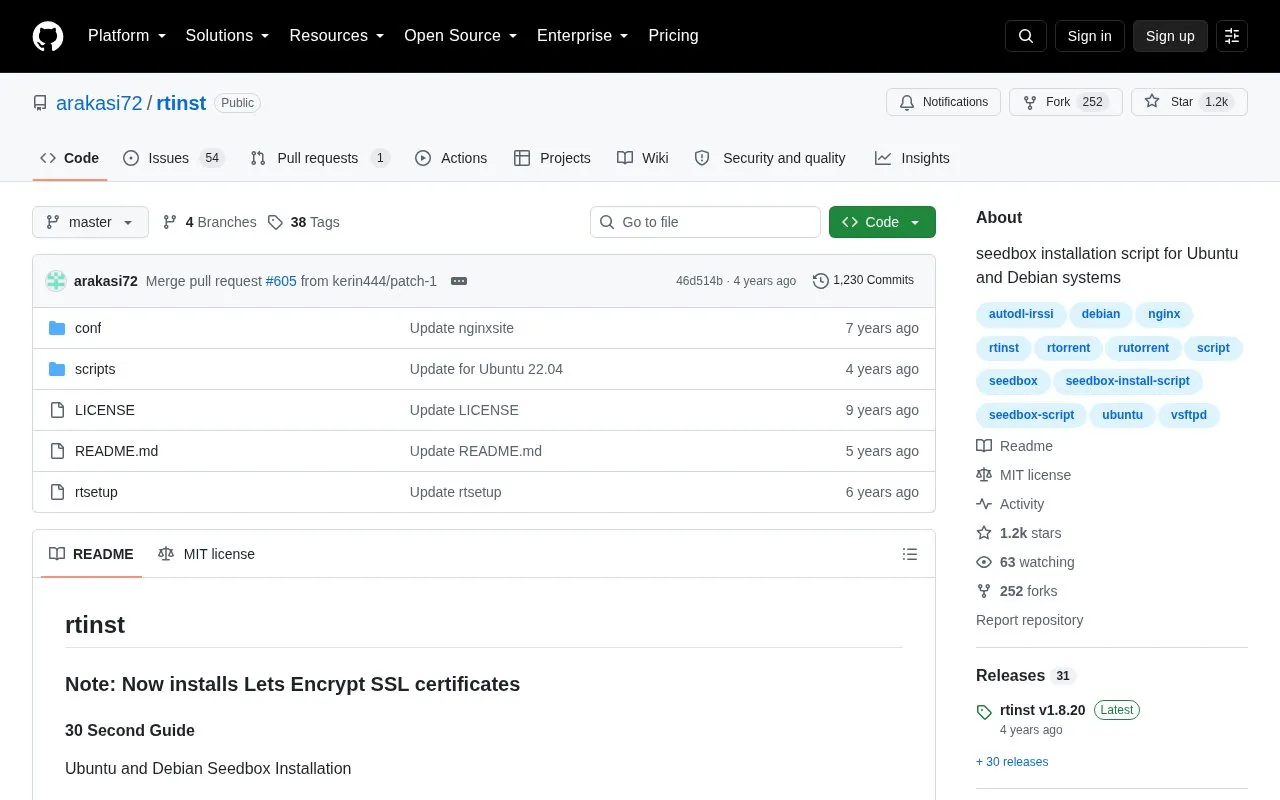
rtinst homepage screenshot

About rtinst

rtinst is an open source script that installs and configures a seedbox on Ubuntu and Debian servers. It sets up vsftpd, libtorrent/rtorrent, ruTorrent, Nginx, and autodl-irssi, with Let's Encrypt SSL certificates and optional Webmin.

It has been tested with clean installs of Ubuntu 16 through 20 and Debian 9 and 10. After running, a manual reboot is required, and users must note the new SSH port and verify access before closing the existing session.

Key features

  • Installs and configures vsftpd FTP server
  • Installs and configures libtorrent/rtorrent
  • Installs and configures ruTorrent
  • Installs and configures Nginx web server
  • Installs and configures autodl-irssi
  • Installs Let's Encrypt SSL certificates
Best for: People who want to install a seedbox stack on a clean Ubuntu or Debian server.
Good for
  • Open source under the MIT license
  • Installs multiple seedbox components in one script
  • Tested with clean installs of multiple Ubuntu and Debian versions
Watch out for
  • Tested only on clean installs of Ubuntu 16-20 and Debian 9-10
  • Does not automate reboot; manual reboot is required
  • Changes SSH port, requiring verification before closing session

rtinst at a glance

Type
Open-source project
Pricing
Free
Open source
Yes · Source code
Language
English
Last checked
Oct 6, 2026 · Online when checked
Listed
Oct 5, 2026

rtinst alternatives

Tools and sites you could use instead, ranked by how closely they match.

All 13 alternatives

Popular in Self-Hosting

Well-known listings from the same topic.

All 37

rtinst FAQ

Which operating system versions does rtinst support?
The current release has been tested with clean installs of Ubuntu 16, 17, 18, 19, 20 and Debian 9 Stretch and Debian 10 Buster.
Is a reboot required after installation?
Yes. The script does not automate reboot, so reboot manually after confirming everything is working.
What should I do about SSH after installation?
Note the new SSH port and make sure you can SSH into the server before closing the existing session.
Is something wrong or out of date?

Tell us and an editor will check it.

Own this website?

Claim the listing and suggest updates yourself. An editor checks every claim first.

Claim this listing