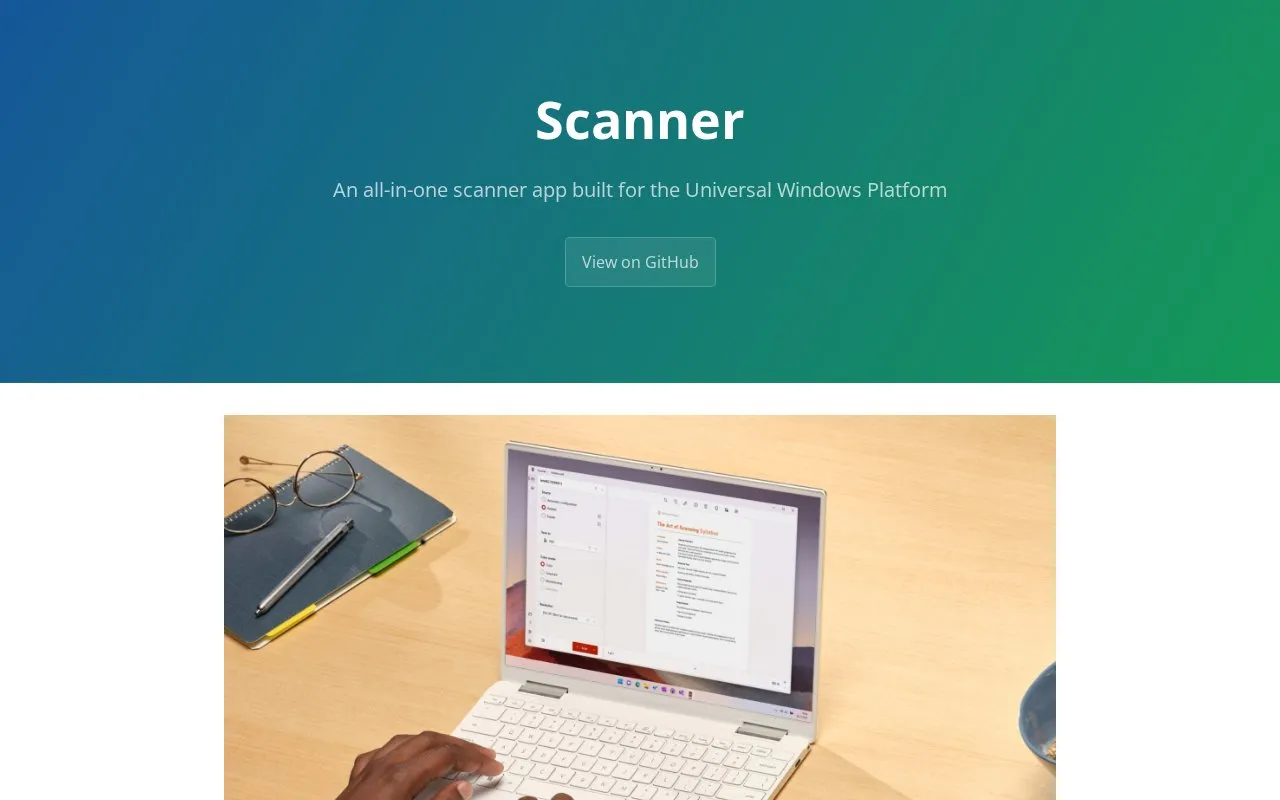
Scanner is a Windows app built for the Universal Windows Platform for use with WIA-compatible scanners. It saves multiple pages in a single PDF file or as separate images, shows the result after scanning, and automatically rotates scanned pages. It includes an editor to crop and rotate pages, reorder PDF pages, rename files, delete pages, and draw and highlight with Windows Ink. Scans can be shared, copied, or continued in another app.
Key features
Works with WIA-compatible scanners
Save multiple pages in a single PDF file
Save scans as separate image files
Automatically rotate scanned pages
Crop and rotate multiple pages at once
Draw and highlight with Windows Ink
Best for: People on Windows with a WIA-compatible scanner who need to scan and edit pages.
Good for
Immediate preview of results after scanning
Edits both PDFs and image files
Translated into multiple languages
Watch out for
Requires a WIA-compatible scanner
Designed for Windows with interface crafted for Windows 11