
The Scanner app supports compatible hardware through the Universal Windows Platform and lists scanning options on its page.
Scanner
Scanner offers an all-in-one document scanning app for Windows, with its project page noting an ongoing rewrite.
About Scanner
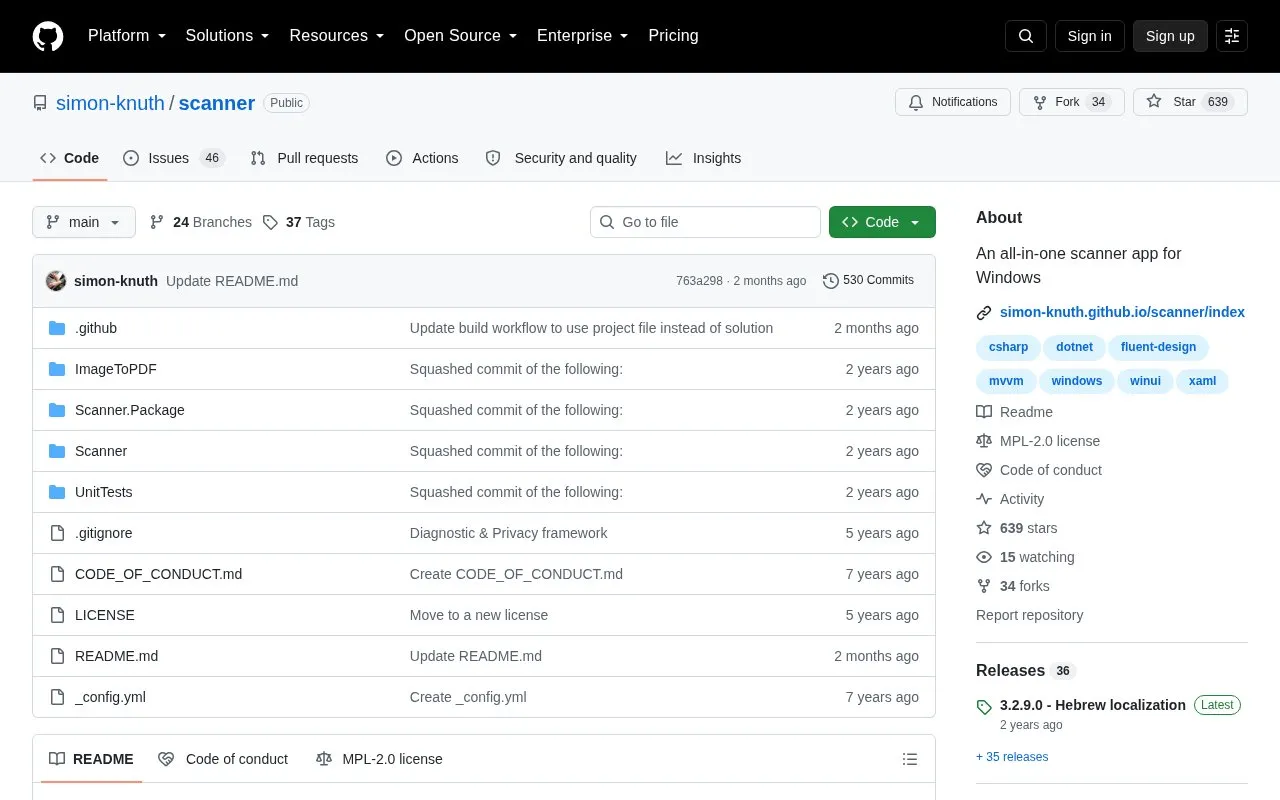
Scanner is an open source document scanning app for Windows, built for the Universal Windows Platform. It works with scanners that support WIA, and it can save several scanned pages as one PDF file or as separate images. The app includes a built-in editor for PDFs and image files.
The project is being rewritten from the ground up, and the current app is in maintenance mode. Contributions to the current code will probably not reach the release channel. The stable version is available in the Microsoft Store, and pre-release versions of v4 are listed in the project's Releases section. The source code is licensed under MPL-2.0. The source does not state pricing; the project accepts optional donations.
Key features
- Support for WIA-compatible scanners
- Save multiple scanned pages as one PDF or separate images
- Shows the scan result immediately after scanning
- Automatically rotates scanned pages
- Crop and rotate one or more pages in a built-in editor
- Draw and highlight with Windows Ink, rename files, and delete pages
Best for: Windows users who scan paper documents with a WIA-compatible scanner and need basic PDF or image editing.
Good for
- Open source under the MPL-2.0 license
- Supports WIA-compatible scanners
- Translations are available in many languages
Watch out for
- The current app is in maintenance mode
- Contributions to the current app will probably not reach the release channel
- Runs on Windows only
Scanner at a glance
- Category
- Online Tools › Text Tools
- Type
- Open-source project
- Pricing
- Not confirmed. Check the site
- Platforms
- Windows
- Open source
- Yes · Source code
- Language
- English
- Last checked
- Oct 6, 2026 · Online when checked
- Listed
- Oct 5, 2026
Scanner alternatives
Tools and sites you could use instead, ranked by how closely they match.

WindowTextExtractor retrieves text from operating-system windows, including controls and password fields, according to its project page.
FreeOpen source
24 alternatives
Character Map UWP replaces the Windows Character Map and Font Viewer with a native Universal Windows Platform app.
Open source
24 alternatives
Smassh provides a terminal-based typing test inspired by MonkeyType and described as a text-interface app.
Open source
24 alternatives
TikZ Editor provides a visual editor for creating or editing TikZ diagrams in LaTeX.
Open source
24 alternatives
FontEdit imports, edits, and exports fonts as byte arrays for embedded systems.
Open source
24 alternativesPopular in Text Tools
Well-known listings from the same topic.
Prismprism.openai.comWithSubtitleswithsubtitles.comTophonetics.comtophonetics.comOutwriteoutwrite.comDocuSealdocuseal.comRefontrefont.ai


Scanner FAQ
Is the current version still being maintained?
The current app is in maintenance mode while the project is rewritten. Pre-release versions of v4 are available in the Releases section.
Where can I get the stable version?
The stable version is available in the Microsoft Store. All release packages are also published in the Releases section on GitHub.
Is something wrong or out of date?
Tell us and an editor will check it.
Own this website?
Claim this listing
Claim the listing and suggest updates yourself. An editor checks every claim first.