

FontoGen generates fonts from user prompts, according to its project description.
Open source
24 alternativesConvert files and Office documents to Markdown with MarkItDown, a Python tool.
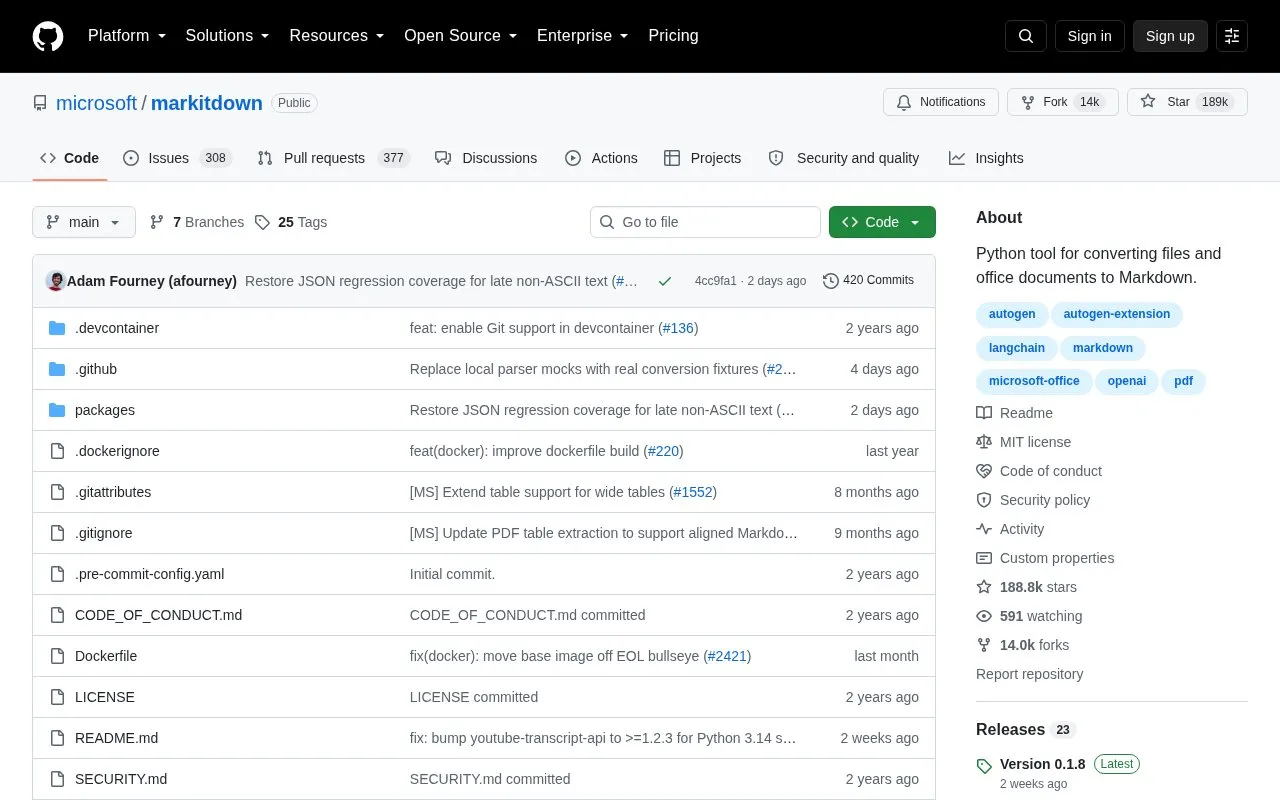
MarkItDown is a Python tool that converts files and Office documents into Markdown. Its stated purpose is to prepare content for large language models and other text analysis pipelines. It aims to keep document structure, such as headings, lists, tables, and links, in the Markdown output. The source describes it as most comparable to textract.
It supports conversion from PDF, PowerPoint, Word, Excel, images (using EXIF metadata and OCR), audio (using EXIF metadata and speech transcription), HTML, text-based formats (CSV, JSON, XML), ZIP files, YouTube URLs, and EPub files. Requires Python 3.10 through 3.14. Optional dependencies are installed per format, or all at once with the [all] option. The source warns that it performs input and output with the privileges of the current process, so inputs should be sanitized in untrusted environments and the narrowest conversion function should be used. Output is intended for text analysis tools and may not be the best choice for high-fidelity conversions meant for human reading.
Tools and sites you could use instead, ranked by how closely they match.
FontoGen generates fonts from user prompts, according to its project description.
Maple Mono is an open-source monospaced font with rounded corners, ligatures, and Nerd Font icons for coding.
Buzz transcribes and translates audio offline on a personal computer, using Whisper models according to its project description.
The Cascadia Code font is monospaced with programming ligatures and is included with Windows Terminal.
emoji-cheat-sheet provides a Markdown-formatted reference list of emoji.
GetMarkdown converts PDF, Office files, HTML, images, and audio into Markdown through browser-side file processing.
Well-known listings from the same topic.
Tell us and an editor will check it.
Claim the listing and suggest updates yourself. An editor checks every claim first.


