

LLMSTXT.NEW generates an llms.txt file for any website using a dedicated generator interface.
GetMarkdown
GetMarkdown converts PDF, Office files, HTML, images, and audio into Markdown through browser-side file processing.
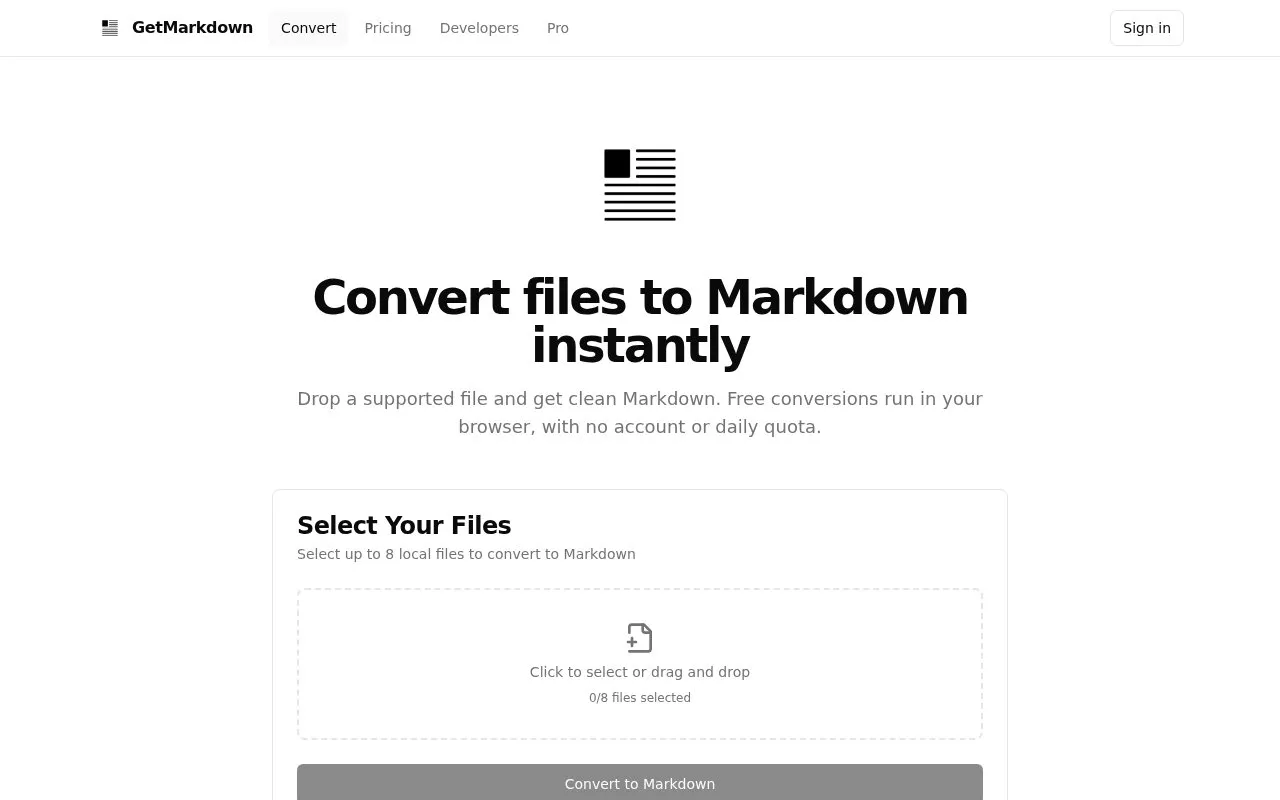
About GetMarkdown
GetMarkdown converts PDF, Word, PowerPoint, Excel, HTML, text, image, and audio files into Markdown. Free conversions run locally in the browser using WebAssembly, so selected file contents are not uploaded to GetMarkdown, and output is structured for RAG pipelines, LLM workflows, knowledge bases, and editors such as Obsidian, Notion, and GitHub.
Free use allows up to 8 files per batch at 10 MB each, with additional batches allowed. A separate paid Pro option processes PDFs up to 95 MB and 500 pages on the server for table, layout, or OCR handling.
Key features
- Convert PDF, Word, PowerPoint, and Excel files to Markdown
- Convert HTML, HTM, and plain text files to Markdown
- Convert JPEG, PNG, MP3, and WAV files to Markdown
- Convert up to 8 files per batch, 10 MB each
- Package document images in ZIP with relative references
- Pro PDF conversion returns Markdown and structured JSON in ZIP
Best for: Users who need structured Markdown for RAG pipelines, AI agent workflows, knowledge bases, or editors like Obsidian, Notion, and GitHub.
Good for
- Free conversions run locally with no sign-up or daily quota
- Selected file contents are not uploaded during free browser conversion
- Handles documents, web files, images, and audio in one tool
Watch out for
- Each free file limited to 10 MB and each batch to 8 files
- Pro PDF conversion requires a free account and uses credits
- Pro uses server-side processing with upload, unlike free local conversion
GetMarkdown at a glance
- Website
- getmarkdown.com
- Category
- Online Tools › Text Tools
- Type
- Online tool
- Pricing
- Not confirmed. Check the site
- Platforms
- Web
- Open source
- Not stated
- Language
- English
- Last checked
- Oct 5, 2026 · Online when checked
- Listed
- Oct 5, 2026
GetMarkdown alternatives
Tools and sites you could use instead, ranked by how closely they match.

Harper checks grammar and spelling locally on a device, with an open-source project page for writers and developers.

Linkspector checks content links through a GitHub Action that runs with Reviewdog on pull requests.
Open source
24 alternatives
Convert files and Office documents to Markdown with MarkItDown, a Python tool.
Open source
24 alternativesText Mechanic offers browser-based tools for manipulating text, including adding prefixes or suffixes to lines; it says processing stays client-side.

This online converter turns Markdown text into HTML for copying or downloading.
Popular in Text Tools
Well-known listings from the same topic.
Prismprism.openai.comWithSubtitleswithsubtitles.comTophonetics.comtophonetics.comOutwriteoutwrite.comDocuSealdocuseal.comRefontrefont.ai


GetMarkdown FAQ
Is GetMarkdown free to use?
Yes. Browser-based conversions are free with no sign-up or daily quota, limited to 10 MB per file and 8 files per batch; you can start another batch when needed.
Are my files uploaded to a server?
No, for free-tier conversions. They run entirely in your browser using local WebAssembly. Pro is a separate paid server-side option for PDFs and is labeled before upload.
What happens to images in my documents?
When images are detected in Word and PowerPoint files, GetMarkdown can package them in a ZIP archive alongside the Markdown file and use relative image references.
Is something wrong or out of date?
Tell us and an editor will check it.
Own this website?
Claim this listing
Claim the listing and suggest updates yourself. An editor checks every claim first.