

Fancy Text Generator converts text into styled characters that users can copy and paste into social profiles and messages.
Clipboard2Markdown
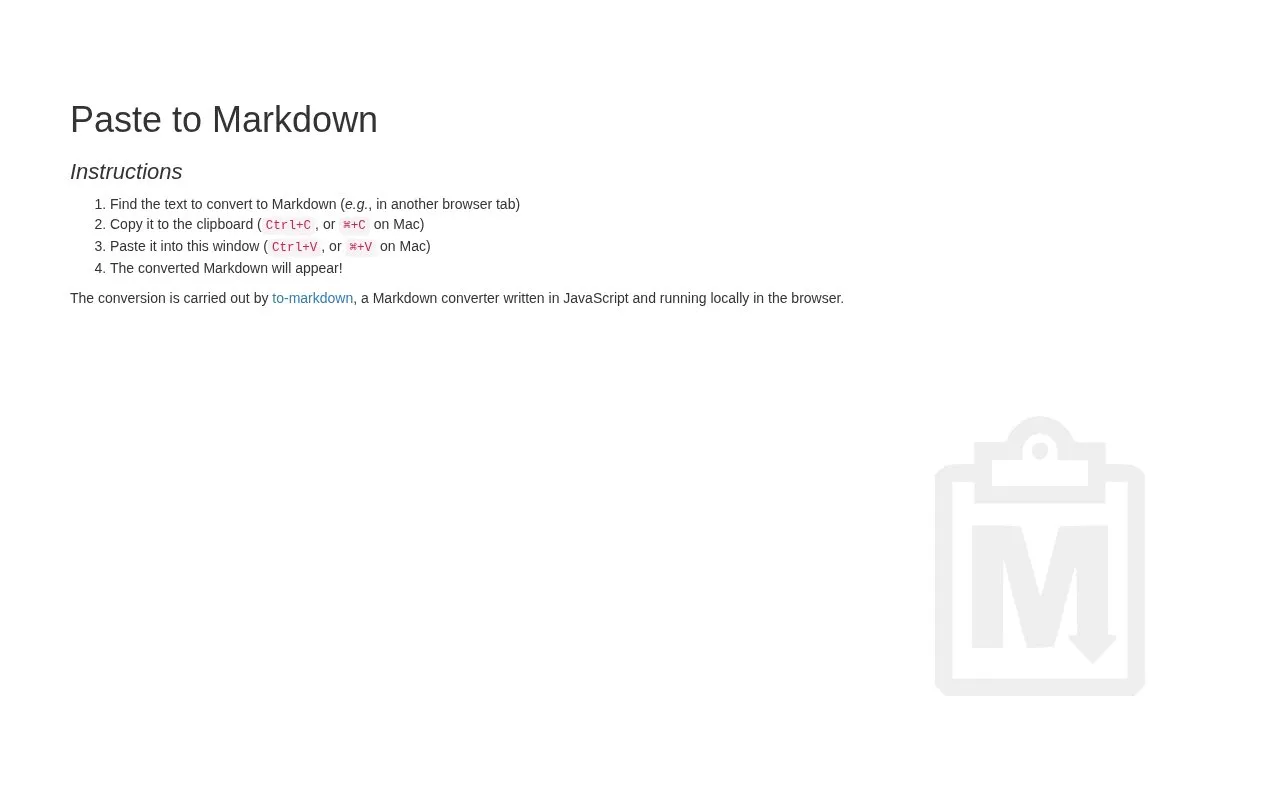
Paste to Markdown converts copied text into Markdown, with instructions for selecting and copying source text.
About Clipboard2Markdown
Paste to Markdown is a web page that converts text copied from another source into Markdown. The user copies the text, pastes it into the tool's window, and the converted Markdown appears on the page. The homepage's own instructions cover each step, including the copy and paste shortcuts for Windows and Mac.
The page states that the conversion is carried out by to-markdown, a JavaScript Markdown converter, and that it runs locally in the browser. The homepage does not describe what happens to pasted text beyond this, and it does not list supported formats, output options or limits on input length. The tool is not open source, and its pricing is unknown.
Key features
- Converts copied text into Markdown output in the browser
- Paste-based workflow: copy source text, then paste it into the tool
- Conversion uses the to-markdown JavaScript converter, per the homepage
- Keyboard shortcuts listed for both Windows and Mac
- Converted Markdown appears on the page after pasting
Best for: People who want to turn text copied from a web page or another tab into Markdown without installing software.
Good for
- Short, step-by-step workflow with no account step mentioned on the homepage
- The homepage states that conversion runs locally in the browser
Clipboard2Markdown at a glance
- Category
- Online Tools › Text Tools
- Type
- Online tool
- Pricing
- Not confirmed. Check the site
- Platforms
- Web
- Open source
- Not stated
- Last checked
- Oct 6, 2026 · Online when checked
- Listed
- Oct 5, 2026
Clipboard2Markdown alternatives
Tools and sites you could use instead, ranked by how closely they match.

Font Generator Online converts text into stylized Unicode characters that users can copy and paste.

Aesthetic Font Generator turns typed text into Unicode styles that users can copy and paste.

This online converter turns Markdown text into HTML for copying or downloading.

GetMarkdown converts PDF, Office files, HTML, images, and audio into Markdown through browser-side file processing.

TableConvert converts tables among formats such as Excel, CSV, JSON, Markdown, and LaTeX, and can generate data.
Free
18 alternativesPopular in Text Tools
Well-known listings from the same topic.
Prismprism.openai.comWithSubtitleswithsubtitles.comTophonetics.comtophonetics.comOutwriteoutwrite.comDocuSealdocuseal.comRefontrefont.ai


Clipboard2Markdown FAQ
Where does the conversion take place?
According to the homepage, the conversion is carried out by to-markdown, a Markdown converter written in JavaScript that runs locally in the browser.
How do I convert text with this tool?
Find the text in another browser tab or source, copy it to the clipboard (Ctrl+C, or Cmd+C on Mac), then paste it into the tool's window (Ctrl+V, or Cmd+V on Mac). The converted Markdown appears on the page.
Is something wrong or out of date?
Tell us and an editor will check it.
Own this website?
Claim this listing
Claim the listing and suggest updates yourself. An editor checks every claim first.