

FontEdit imports, edits, and exports fonts as byte arrays for embedded systems.
Open source
24 alternativesWindowTextExtractor retrieves text from operating-system windows, including controls and password fields, according to its project page.
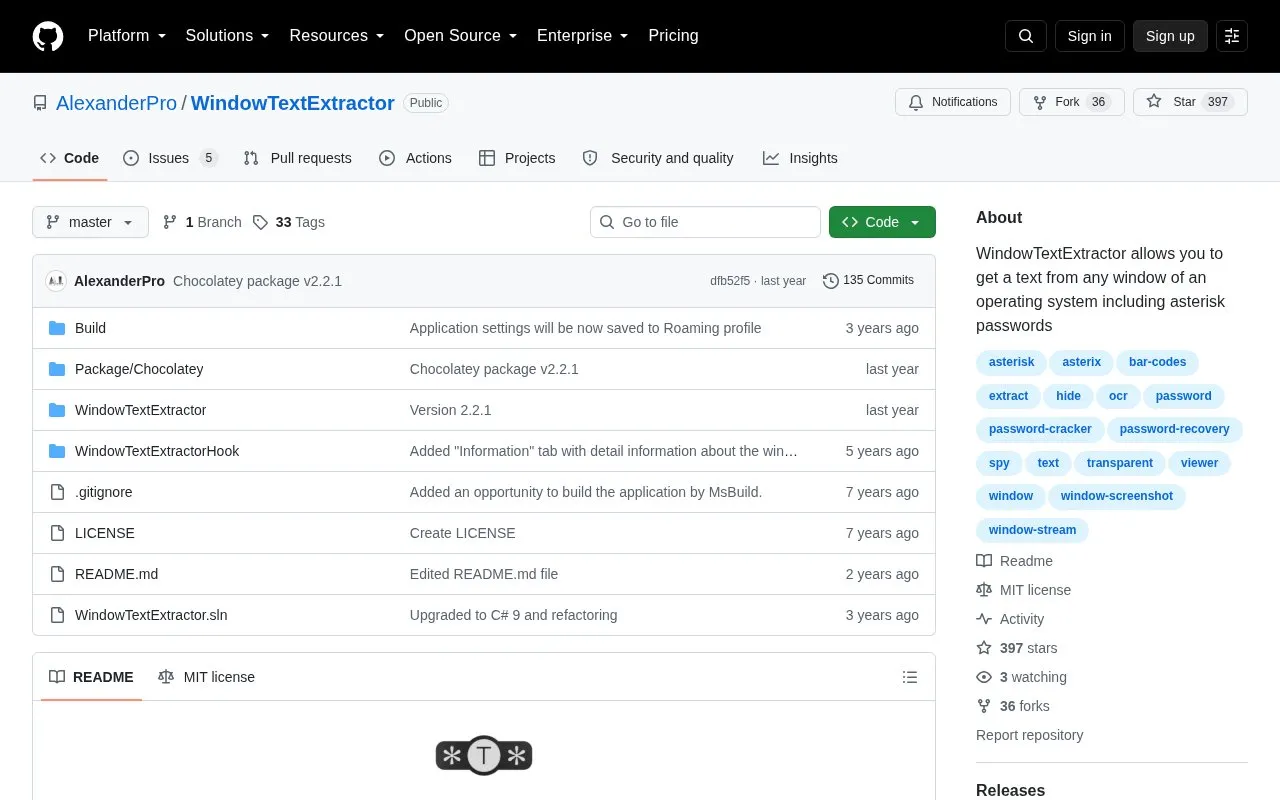
WindowTextExtractor is an open-source Windows tool hosted on GitHub. It retrieves text from operating-system windows, including controls such as modal windows, buttons, text boxes, and lists. The project is distributed under the MIT license and requires .NET Framework.
You drag the 'Find window' button onto a window to view its text, details, and image. The tool can show passwords hidden behind asterisks in most Windows apps, display window and process information and environment variables, show or hide desktop windows, take window screenshots, record window stream to AVI, and perform OCR including text, bar codes and QR codes on Windows 10 and 11. It can be downloaded as a zip file or installed via Chocolatey or Scoop.
It suits Windows users who need to copy text from app windows or inspect window and process details for troubleshooting and documentation.
Tools and sites you could use instead, ranked by how closely they match.
FontEdit imports, edits, and exports fonts as byte arrays for embedded systems.
Paperless-ngx scans, indexes, and archives documents in a community-supported document management system.
WritingTools is a system-wide grammar assistant, according to its repository description.
Character Map UWP replaces the Windows Character Map and Font Viewer with a native Universal Windows Platform app.
Scanner offers an all-in-one document scanning app for Windows, with its project page noting an ongoing rewrite.
Smassh provides a terminal-based typing test inspired by MonkeyType and described as a text-interface app.
Well-known listings from the same topic.
Tell us and an editor will check it.
Claim the listing and suggest updates yourself. An editor checks every claim first.


