
Screen Share Party
Share video, movies, YouTube, games and livestreams with others in a browser using WebRTC encryption.
About Screen Share Party
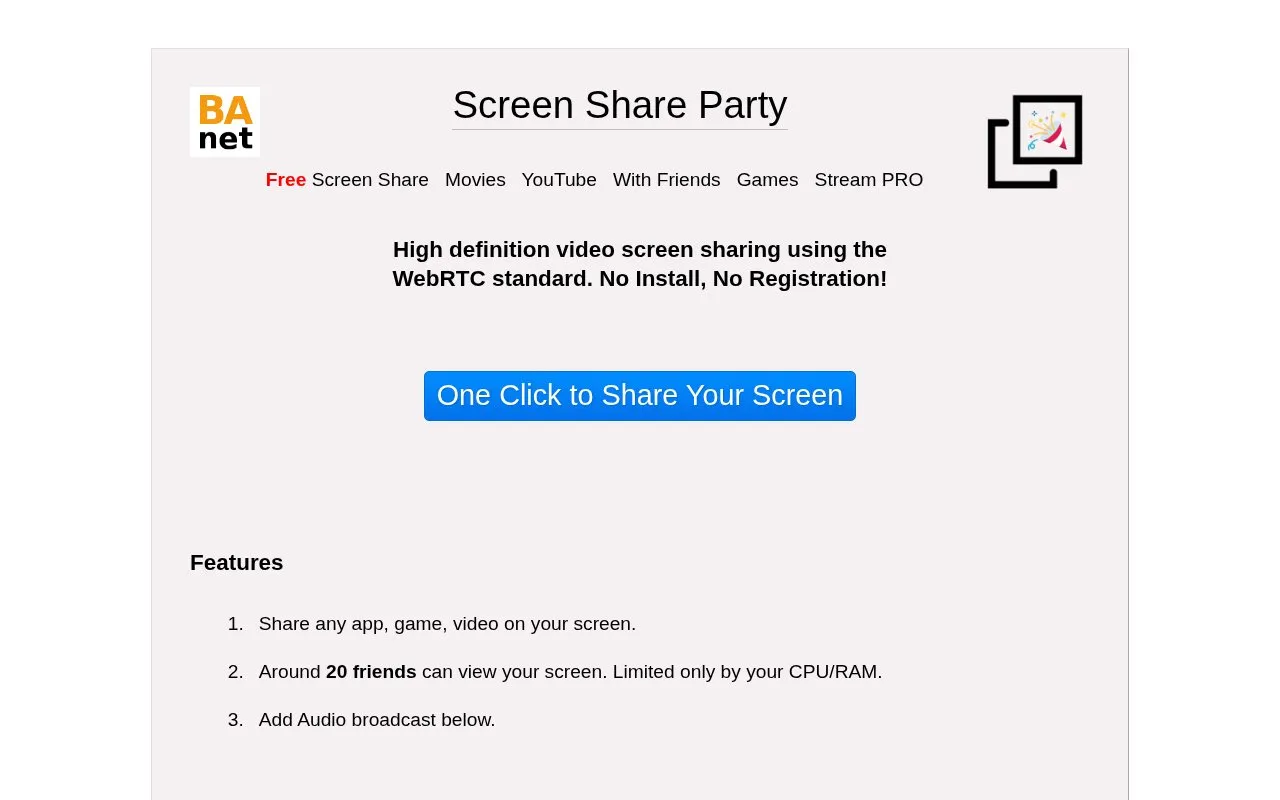
Screen Share Party is a free, browser-based tool for sharing a screen with other people. The directory describes it as a way to share video, movies, YouTube, games and livestreams. The homepage states that it uses the WebRTC standard for high-definition screen sharing and that no installation or registration is required.
Sharing starts with one click, and the homepage says any app, game or video on the screen can be shared. Audio broadcast can be added. The homepage says about 20 friends can view a shared screen, and that the limit is set by the sharer's CPU and RAM. The directory lists WebRTC encryption, but the source does not describe the details of that encryption, so no specific privacy guarantee is made here.
Key features
- High-definition video screen sharing using the WebRTC standard
- One-click screen sharing from the browser
- Shares any app, game or video shown on the screen
- Optional audio broadcast added alongside screen sharing
- Uses the WebRTC getDisplayMedia API
- No installation or registration required
Best for: People who want to quickly share their screen, such as a movie, video or game, with a small group of friends in a web browser without installing software.
Good for
- No installation or registration is required, according to the homepage
- Sharing starts with a single click
- Supports high-definition video screen sharing
Watch out for
- The homepage says viewer capacity is limited by the sharer's CPU and RAM
Screen Share Party at a glance
- Website
- ba.net/screen
- Category
- Design & Creative › Video Editing & Animation
- Type
- Online tool
- Pricing
- Not confirmed. Check the site
- Platforms
- Web
- Open source
- Not stated
- Language
- English
- Last checked
- Oct 6, 2026 · Online when checked
- Listed
- Oct 5, 2026
Guides for Video Editing & Animation

Screen Share Party alternatives
Tools and sites you could use instead, ranked by how closely they match.
Broadcast Box streams video in real time using video codecs and WebRTC, according to its product description.
Popular in Video Editing & Animation
Well-known listings from the same topic.
Animakeranimaker.com8mb.video8mb.videoASM Lessonsgithub.com/FFmpeg/asm-lessonsCuttrcuttr.inVideo Cuttervideo-cutter-js.comMotionPlacesmotionplaces.com


Screen Share Party FAQ
Do I need to install anything to use Screen Share Party?
The homepage states that no installation and no registration are needed.
How many people can view a shared screen?
The homepage says around 20 friends can view a screen. It also says the limit is set by the sharer's CPU and RAM.
Can audio be shared along with the screen?
The homepage says an audio broadcast can be added to the screen share.
Is something wrong or out of date?
Tell us and an editor will check it.
Own this website?
Claim this listing
Claim the listing and suggest updates yourself. An editor checks every claim first.