
Screenpipe
Screenpipe records screen activity locally and provides that context to AI agents.
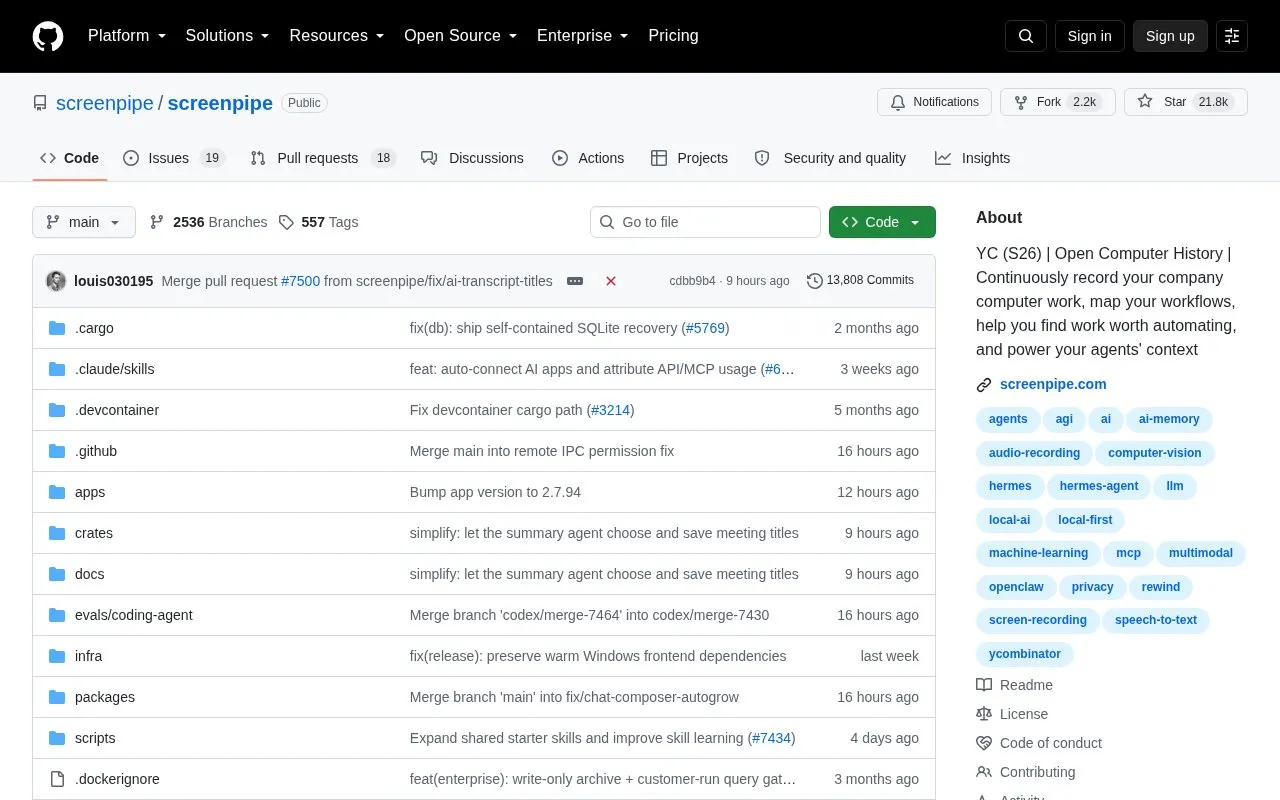
About Screenpipe
Screenpipe is a source-available tool that continuously records computer work — screen and audio — and keeps that history on the device by default, then makes it usable by AI. It captures the full accessibility tree with OCR as a fallback, plus transcription, speaker information, keyboard inputs and app switches. The resulting history can be searched in natural language, used to map workflows and find work worth automating, and supplied to AI agents through an MCP server or CLI, including Claude Code, Codex, Gemini CLI and Cursor.
It is available as a desktop app for macOS, Windows and Linux, or through CLI commands such as npx screenpipe record and npx screenpipe setup. Capture filters cover windows, apps, Chrome extensions, passwords and a PII model, and encryption at rest is optional. Local capture and search work offline after setup, while cloud AI, sync and connected services require network access. Available features depend on the plan.
Key features
- Continuous local screen and audio capture stored on the device by default
- Captures accessibility tree, OCR fallback, transcription, speakers, keyboard inputs, app switches
- Natural language AI search over recorded history
- Maps workflows and surfaces work worth automating
- MCP server and CLI that give coding agents recorded context
- Filters for windows, apps, extensions, passwords; optional encryption at rest
- Local-first design keeps capture history on the device by default
- Source-available, so the code can be inspected, modified and audited under the license
- Sets up MCP and skills for coding agents through a single CLI command
- Cloud AI, sync and connected services require network access
- Available features depend on the plan
- Storage needs vary with activity, displays, audio, settings and retention, and should be measured on a representative day
Screenpipe at a glance
- Category
- Privacy & Security › Desktop & OS Privacy
- Type
- Open-source project
- Pricing
- Not confirmed. Check the site
- Open source
- Not stated
- Language
- English
- Last checked
- Oct 5, 2026 · Online when checked
- Listed
- Oct 5, 2026
Popular in Desktop & OS Privacy
Well-known listings from the same topic.


Screenpipe FAQ
Where is the recorded data stored?
Does Screenpipe work offline?
How much CPU, memory and storage does capture use?
Tell us and an editor will check it.
Claim the listing and suggest updates yourself. An editor checks every claim first.