

This repository collects links to BSD operating systems, software, and related resources.
Scrot
scrot captures screen images from a command line on Linux and Unix systems.
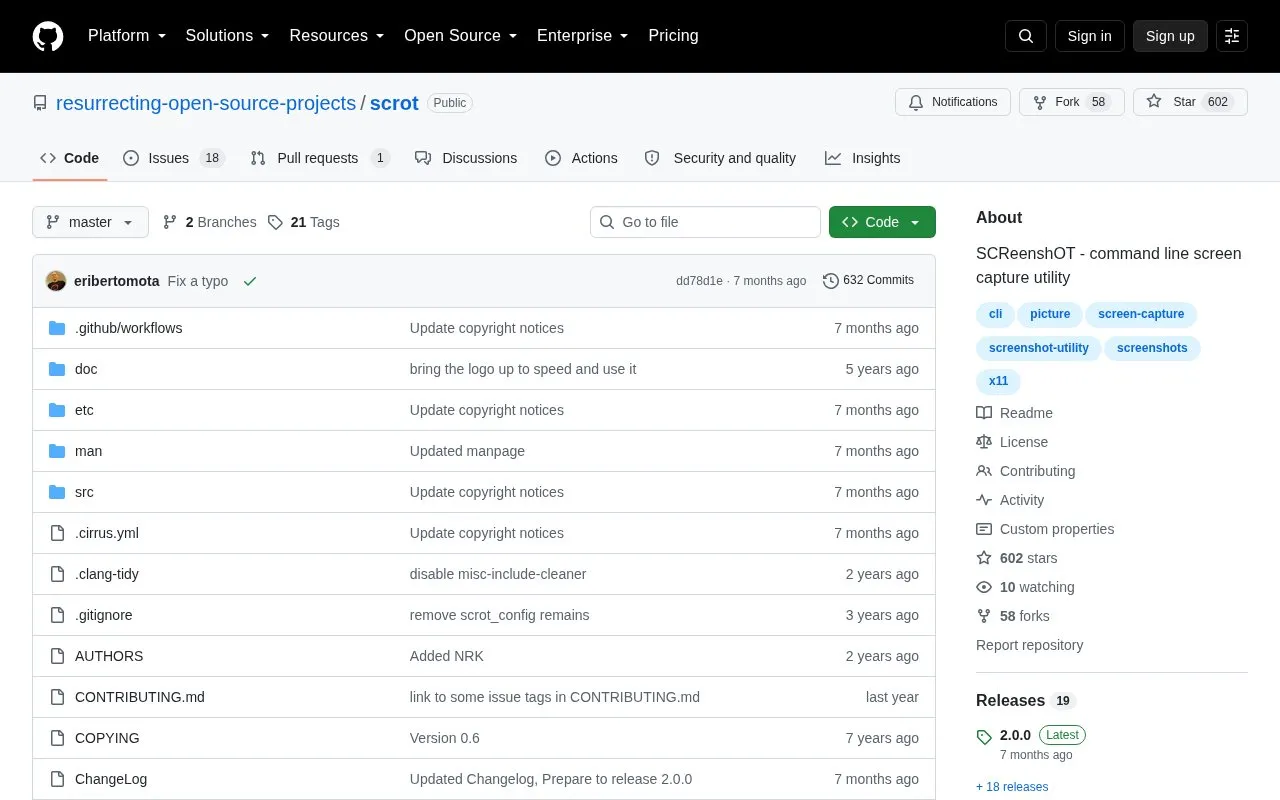
About Scrot
Scrot is a command line screen capture utility for Linux and BSD systems that uses imlib2 to grab and save images. It supports JPG, PNG, GIF and other formats supported by Imlib2 with configurable quality, and can capture a specific window or a rectangular area of the screen.
Because it runs from the command line, it can be scripted, for example to monitor an X server. It is available in the official repositories of many Linux/BSD distributions and can also be built from source, which requires an X11 implementation, imlib2 with X support, and related libraries.
Key features
- Captures screen images via command line on Linux and Unix systems
- Saves in JPG, PNG, GIF and other Imlib2-supported formats
- Configurable screenshot quality
- Captures a specific window or rectangular screen area
- Can be scripted for uses such as monitoring an X server
- Installable via system package manager, e.g. apt on Debian
Best for: Best for Linux and BSD users who want to take and script screenshots from the command line.
Good for
- Supports multiple image formats through Imlib2
- Supports window, rectangular area, and scripted captures
- Available in official repositories of many Linux/BSD distributions
Watch out for
- Command-line operation with no graphical interface described
- Requires an X11 implementation and imlib2 with X support
Scrot at a glance
- Category
- Software & Utilities › Linux Apps
- Type
- Open-source project
- Pricing
- Not confirmed. Check the site
- Platforms
- Linux
- Open source
- Not stated
- Language
- English
- Last checked
- Oct 5, 2026 · Online when checked
- Listed
- Oct 5, 2026
Scrot alternatives
Tools and sites you could use instead, ranked by how closely they match.

altbox catalogs alternative command-line tools for common Unix utilities across Linux, Unix, and macOS.
Pick
23 alternatives
Canoeboot distributes BIOS and UEFI boot firmware based on coreboot for starting Linux and BSD systems.

Log in to Linux or BSD with Ly, a display manager controlled through a text interface.

fcp copies large files and directories as an alternative to the Unix cp command, with a focus on faster transfer.
Open source
24 alternatives
Linux Wi-Fi Hotspot creates wireless hotspots on Linux through a graphical or command-line interface.
Open source
24 alternativesPopular in Linux Apps
Well-known listings from the same topic.
The Levelatorarchive.org/details/conversationsnetwork_org-l…Alacrittyalacritty.orgShellScriptshellscript.shghostwriterghostwriter.kde.orgLibrebootlibreboot.orgShellCheckshellcheck.net


Scrot FAQ
What is scrot?
A command line screen capture utility that uses imlib2 to grab and save images.
How do I install scrot on Debian?
Use the system package manager with the command: sudo apt install scrot.
How do I build scrot from source?
Run ./configure && make, then install with make install or sudo make install. From a git checkout, run ./autogen.sh first.
Is something wrong or out of date?
Tell us and an editor will check it.
Own this website?
Claim this listing
Claim the listing and suggest updates yourself. An editor checks every claim first.