
Social Trends
Search public social network results through Google Programmable Search without signing in.
About Social Trends
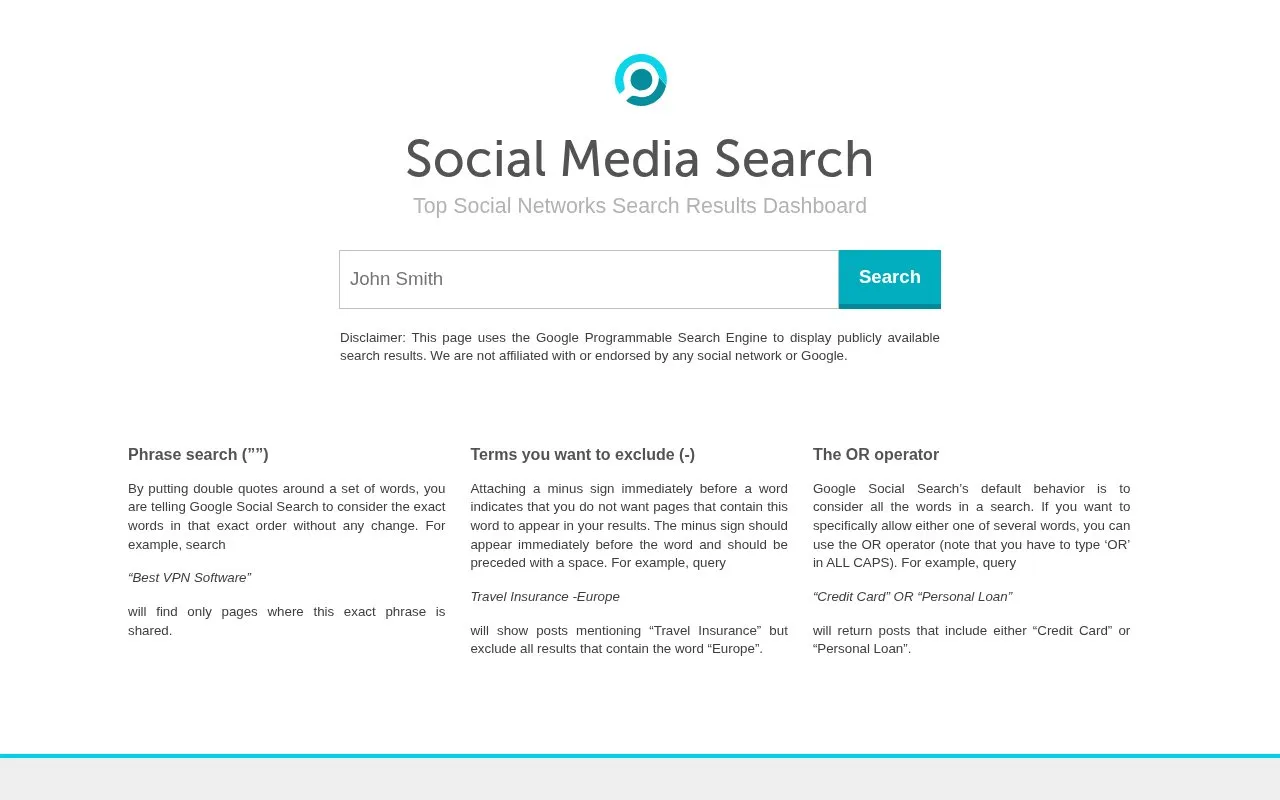
Social Trends (Social Media Search) is a web dashboard that displays publicly available social network search results using the Google Programmable Search Engine. It can be used without logging in, and the page states it is not affiliated with or endorsed by any social network or Google.
Key features
- Searches public social network results without signing in
- Exact phrase search using double quotation marks
- Excludes unwanted words with a minus sign before the term
- OR operator returns results matching either of two terms
- Results shown through Google Programmable Search Engine
Best for: People who want quick, no-login searches of public social posts using standard Google-style search operators.
Good for
- Searching does not require an account or sign-in
- Supports phrase, exclusion and OR query operators
- Results come from publicly available search data
Watch out for
- Only public search results are displayed, via a third-party search engine
- Not affiliated with or endorsed by any social network or Google
- Pricing is not stated on the page
Social Trends at a glance
- Category
- Marketing & SEO › SEO & Web Analytics
- Type
- Website
- Pricing
- Not confirmed. Check the site
- Platforms
- Web
- Open source
- Not stated
- Language
- English
- Last checked
- Oct 5, 2026 · Online when checked
- Listed
- Oct 5, 2026
Guides for SEO & Web Analytics
Social Trends alternatives
Tools and sites you could use instead, ranked by how closely they match.

Use Keyword Surfer, a free Chrome extension, to view search volume, cost per click, and estimated traffic in Google results.
Free
24 alternatives
Retrieve real-time Google search results through an API that handles proxies, scraping and parsing.

Check a keyword's position in Google search results and create a shareable report with SearchEngineReports.

Simple Analytics measures website traffic alongside GA4 and reports visits without cookies, personal data, or visitor IDs, according to its page.

Jekyll SEO Tag adds metadata tags for search engines and social networks to help index and display site content.
Open source
24 alternatives
Run a self-hosted search results API for Google, Bing, Yandex and other engines, with browser rendering and page extraction.
Open source
24 alternativesPopular in SEO & Web Analytics
Well-known listings from the same topic.
MS Clarityclarity.microsoft.comGoogle Consolesearch.google.com/search-consoleGoogle Search Consolesearch.google.com/search-console/aboutCloudflare Web Analyticscloudflare.com/web-analyticsBing Webmaster Toolsbing.com/webmasters/aboutBing Webmaster Toolsbing.com/toolbox/webmaster


Social Trends FAQ
How do I search for an exact phrase?
Put double quotes around the words, for example "Best VPN Software", so only pages containing that exact word order are returned.
How do I exclude a word from results?
Place a minus sign immediately before the word, preceded by a space, for example Travel Insurance -Europe.
How do I search for either of two terms?
Use the OR operator in capital letters, for example "Credit Card" OR "Personal Loan".
Is something wrong or out of date?
Tell us and an editor will check it.
Own this website?
Claim this listing
Claim the listing and suggest updates yourself. An editor checks every claim first.