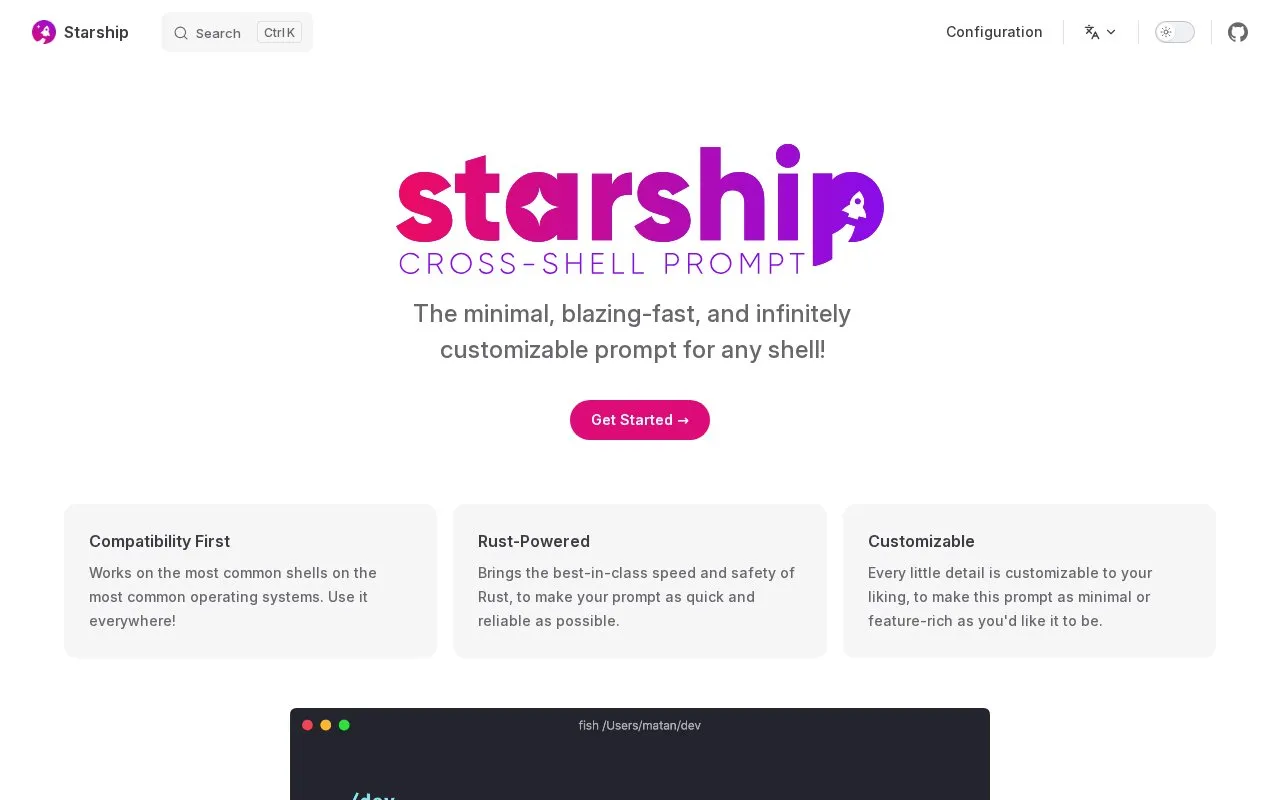
Starship is a customizable prompt for command-line shells. Its project page lists support for Bash, Fish, Zsh, Ion, Tcsh, Elvish, Nu, Xonsh, Cmd, and PowerShell across common operating systems, and it describes the prompt as minimal, fast, and highly configurable. Install the Starship binary either with the provided shell script or through a package manager such as Homebrew or Winget, then add an init line to each shell's configuration file.
A Nerd Font must be installed and enabled in the terminal. Some shells have version requirements: Elvish needs v0.18 or higher, Nushell needs v0.96 or higher, and Cmd requires Clink v1.2.30 or higher. Rerunning the install script updates Starship, replacing the current version without touching its configuration. Pricing information is not stated on the homepage.
Key features
Works with Bash, Fish, Zsh, Ion, Tcsh, Elvish, Nu, Xonsh, Cmd, and PowerShell
Prompt details are customizable to be minimal or feature-rich
Distributed as a Rust-based binary
Installs via shell script or package managers such as Homebrew and Winget
Shell-specific init commands added to each shell's config file
Install script can update Starship while preserving its configuration
Best for: Developers who use multiple shells or operating systems and want one configurable prompt across them.
Good for
Supports many common shells and operating systems
Prompt appearance can be customized in detail
Can be installed with a script or common package managers
Watch out for
Requires a Nerd Font installed and enabled in the terminal
Some supported shells require minimum versions, such as Elvish v0.18+ and Nushell v0.96+