
Use Sony’s PS Remote Play service to play from PlayStation 5 or PlayStation 4 consoles on supported devices.
Steam Link
Stream games from a computer to supported devices using Steam Remote Play.
About Steam Link
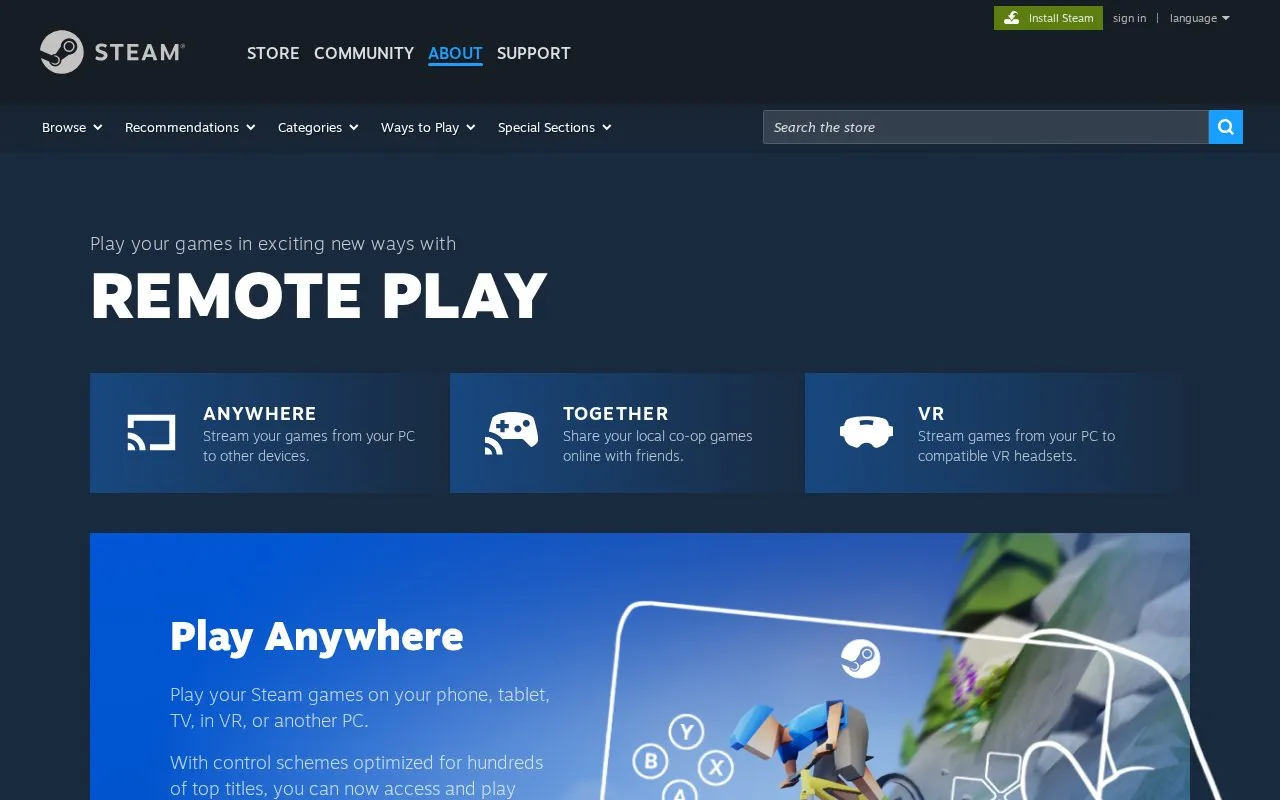
Steam Link, presented on its homepage as Steam Remote Play, streams games from a computer running Steam to other supported devices. The homepage lists phones, tablets, TVs, Apple Vision Pro, Meta Quest headsets, Raspberry Pi boards, and other PCs as possible destinations. The host computer must be running Steam, and the user must be logged into Steam on both computers or devices.
Remote Play Together lets a host run a local multiplayer game and invite Steam friends to join over the internet. The homepage states that video, audio, and voice are streamed between players, and that streaming works best on a fast internet connection. Only the game is shown to friends, not the host's desktop, and the host can choose whether to share keyboard and mouse control.
Key features
- Stream games from a PC to iOS, Android, Apple TV, and Android TV devices
- Stream games to Meta Quest headsets for VR play
- Play a Steam library on another PC by logging into Steam
- Share local multiplayer games with Steam friends over the internet
- Control games with your own controllers, or share keyboard and mouse
- Adjust voice and game volume settings during a Remote Play Together session
Best for: Steam users who want to play games from a home PC on phones, tablets, TVs, or other computers, or who want to play local multiplayer games with friends online.
Good for
- Control schemes are optimized for hundreds of top titles, according to the homepage.
- Remote Play Together lets friends join local multiplayer games that do not natively support online play.
- Supports a wide range of devices, including Windows, Linux, macOS, Android, iOS, and Meta Quest.
Watch out for
- Requires a computer running Steam and a Steam login on each device.
- Streaming quality depends on a fast internet connection, according to the homepage.
- Mobile Remote Play Together requires a host PC that is running the game.
Steam Link at a glance
- Category
- Gaming › Game Utilities & Launchers
- Type
- Online tool
- Pricing
- Not confirmed. Check the site
- Platforms
- Android, iOS, Web
- Open source
- Not stated
- Language
- English
- Last checked
- Oct 6, 2026 · Online when checked
- Listed
- Oct 5, 2026
Steam Link alternatives
Tools and sites you could use instead, ranked by how closely they match.

Better xCloud adds features to Xbox's cloud play service and enables Remote Play through the xCloud website.

Connect to PlayStation Remote Play with Chiaki, a free and open-source client.

The Better Xcloud userscript adds browser support for Xbox's cloud service and Remote Play, according to its repository.
Open source
24 alternatives
Next-Generation of Chiaki (the open-source remote play client for PlayStation)
Open source
24 alternatives
Stream Nintendo Switch gameplay to a computer over USB or a network with SysDVR.
Open source
24 alternativesPopular in Game Utilities & Launchers
Well-known listings from the same topic.
Archivearchive.org/details/MemcardRex1.8cancerogenoslabsites.google.com/view/cancerogenoslabGameSave Managergamesave-manager.comGameGuidesgamerguides.comBalatro Wikibalatrowiki.orgWikiwiki.hacks.guide


Steam Link FAQ
Do I need a Steam account to use Steam Link?
Yes. The homepage says to log into Steam on the gaming PC, and on any other PC you want to use for streaming.
How many friends can join a Remote Play Together session?
The homepage says up to four players can join, or more with fast connections.
Can friends see my whole desktop during a session?
No. The homepage states that only the game is displayed to friends, not the desktop. The host can also choose whether to share keyboard and mouse access.
Is something wrong or out of date?
Tell us and an editor will check it.
Own this website?
Claim this listing
Claim the listing and suggest updates yourself. An editor checks every claim first.