

Storyboarder
Storyboarder helps writers and artists visualize stories by drawing scenes, testing ideas, and creating animatics to share.
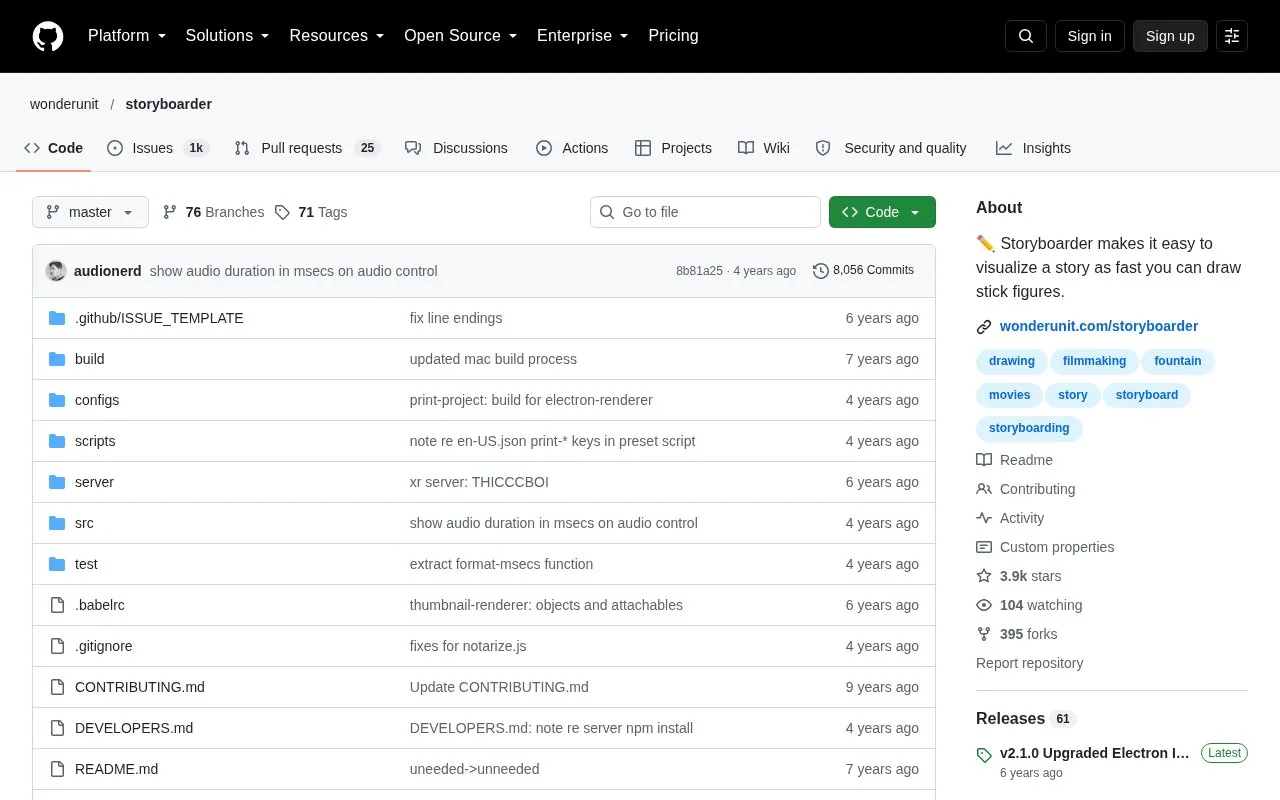
About Storyboarder
Storyboarder is a tool for visualizing stories by drawing storyboard panels quickly. Users can sketch scenes to test whether an idea works, then play the boards back as an animatic to share with others. The homepage says it can start from a blank storyboard or open a Fountain screenplay, and that boards can be flipped through, played back, and changed.
It uses a deliberately simple set of tools: four brush types, adjustable brush sizes, and five guide overlays. Drawings can be sent to Photoshop for more polished editing, and changes are returned to Storyboarder. The project states that it has no layers, by design. Pricing is not stated in the source.
Key features
- Four brush types: light pencil, pencil, pen, and brush
- Three brush sizes per brush type, each with a five-color palette
- Five guide overlays: grid, center marks, thirds, angles, and onion skin
- Opens Fountain screenplay files to build storyboards from
- Edit drawings in Photoshop, with saved changes updating in Storyboarder
- Printed worksheets for drawing boards on paper
Best for: Story artists, writers, directors, and advertising teams who want to sketch storyboards and animatics quickly without complex drawing software.
Good for
- Simple interface with few buttons and options, according to the homepage
- Works with a mouse, Wacom tablets, and other pen tablets
- Supports Fountain screenplay files as a starting point
Watch out for
- Has no layers, which limits the kind of layered artwork that can be built
- Designed for quick boarding rather than detailed finished artwork
Storyboarder at a glance
- Category
- Design & Creative › Video Editing & Animation
- Type
- Open-source project
- Pricing
- Not confirmed. Check the site
- Open source
- Not stated
- Language
- English
- Last checked
- Oct 6, 2026 · Online when checked
- Listed
- Oct 5, 2026
Guides for Video Editing & Animation

Storyboarder alternatives
Tools and sites you could use instead, ranked by how closely they match.

WUI.AI creates short-form videos from ideas, with scripts, scenes, visuals, and subtitles.

Turn images and prompts into 3D motion with Viggle's generative platform for creating animated scenes.
Popular in Video Editing & Animation
Well-known listings from the same topic.
Animakeranimaker.com8mb.video8mb.videoCuttrcuttr.inASM Lessonsgithub.com/FFmpeg/asm-lessonsVideo Cuttervideo-cutter-js.comMotionPlacesmotionplaces.com


Storyboarder FAQ
Can I polish drawings in another program?
Yes. The homepage says you can click a button to edit a drawing in Photoshop, and when you save, the change updates in Storyboarder.
Can I start from an existing screenplay?
Yes. The homepage says you can open a Fountain screenplay as a starting point.
How do I correct mistakes while drawing?
The homepage lists erase, undo and redo (Cmd+z and Cmd+y), and a clear command for the whole board. Shapes can also be shifted or scaled.
Is something wrong or out of date?
Tell us and an editor will check it.
Own this website?
Claim this listing
Claim the listing and suggest updates yourself. An editor checks every claim first.