
Get targeted hints for computer games by selecting a question and revealing only the help needed.
Free trial
24 alternativesCheck whether your computer meets the requirements for selected games with Can You RUN It.
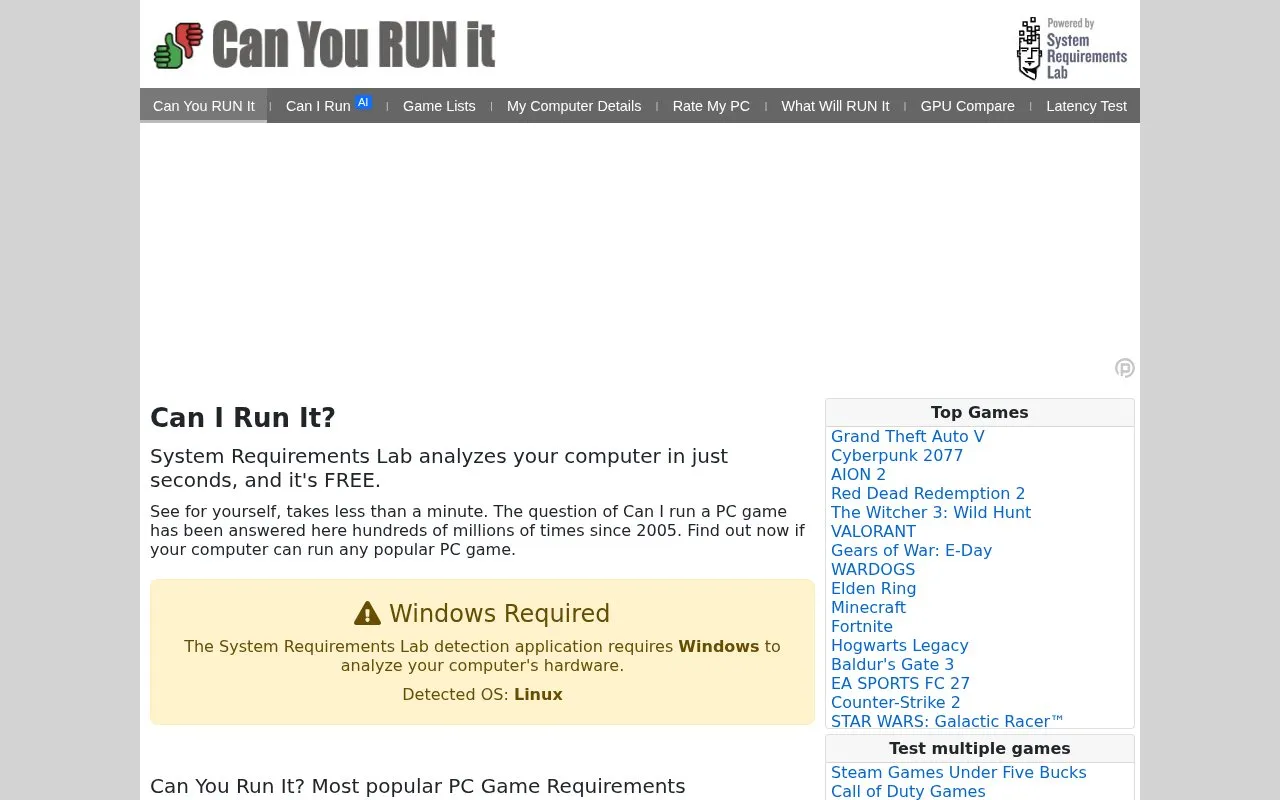
System Requirements Lab's Can You RUN It tool checks whether a Windows computer meets the minimum and recommended requirements of selected PC games. It analyzes the computer's hardware and system software in one step and returns a report that compares each component with the game's listed requirements. The homepage says the analysis takes less than a minute and is free.
The tool can test one computer against many games at once, and the homepage says it covers over 19,000 PC games. For components that fall short, the report includes suggestions for updating or upgrading them. The homepage notes that some fixes need only a free software download, while others may require a different video card. The homepage also states that only hardware and system software are evaluated and that no personally identifiable information is collected. The detection application requires Windows, so the tool cannot analyze a computer running another operating system.
Tools and sites you could use instead, ranked by how closely they match.
Get targeted hints for computer games by selecting a question and revealing only the help needed.
Aim400kg provides training exercises for mouse accuracy, reaction time, and quickness, with activity statistics.
Steam.Design crops Steam profile backgrounds to display a selected area on a user’s profile.
Test controller buttons and inputs in your browser with the Gamepad-Tester hardware checking page.
Compare mousepads by speed, texture, firmness, size, and price, and check sleeve compatibility with MouseCTRL.
Radmin VPN securely connects remote computers into a local network for shared access and multiplayer sessions.
Well-known listings from the same topic.
Tell us and an editor will check it.
Claim the listing and suggest updates yourself. An editor checks every claim first.


