

Labelbox provides data and simulated environments for training AI systems and deploying agents across business applications.
Tasklet
Tasklet connects business tools and delegates operational work to AI agents through an agent-based business platform.
About Tasklet
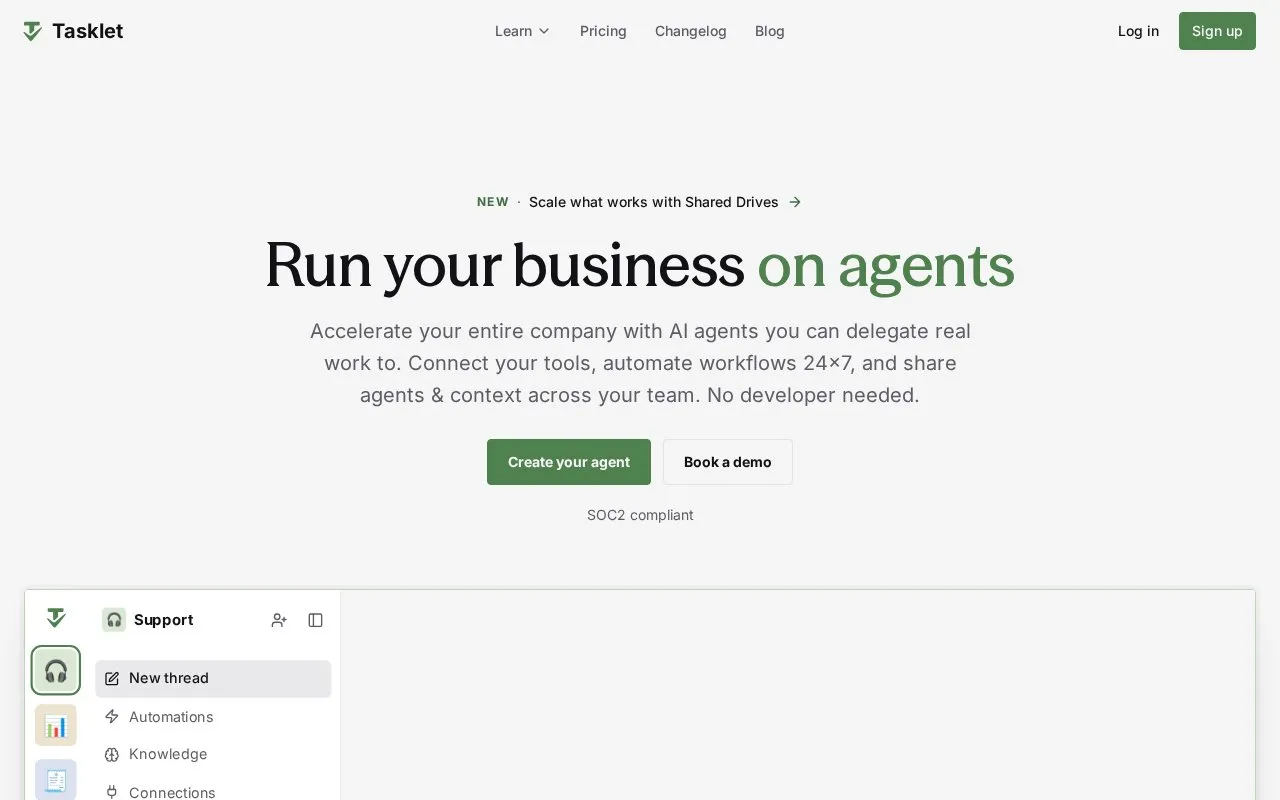
Tasklet is a web platform for creating AI agents that perform business tasks. Users describe a goal in conversation, connect tools such as Gmail, Slack, HubSpot, Apollo and Zendesk, and set agents to run on a schedule or when new items arrive.
Shown uses include saving draft email replies in Gmail for review, enriching contacts, updating records, creating documents, and flagging items for review. Agents and context can be shared with teammates with manage or use access, and tool permissions can be adjusted per agent. Use requires connecting external business tools, which involves sharing data with those services.
Key features
- Create agents by describing goals in conversation
- Connect tools such as Gmail, Slack, HubSpot and Apollo
- Run automations on schedules or new-item triggers
- Save draft email replies in Gmail for review
- Share agents with teammates with manage or use access
- Limit agent actions with per-tool permissions
Best for: Teams in sales, support, marketing, operations, finance, and admin that need shared agents for routine tasks.
Good for
- States SOC 2 compliance on its homepage
- Supports both scheduled runs and event-based triggers
- Allows team sharing with separate manage and use roles
Tasklet at a glance
- Website
- tasklet.ai
- Type
- Website
- Pricing
- Not confirmed. Check the site
- Platforms
- Web
- Open source
- Not stated
- Language
- English
- Last checked
- Oct 5, 2026 · Online when checked
- Listed
- Oct 5, 2026
Tasklet alternatives
Tools and sites you could use instead, ranked by how closely they match.

Developers can use Superexpert.AI to build and deploy multi-task AI agents on an open-source platform, with a downloadable project and live demo.
Mem0 provides a persistent memory layer that helps AI agents and applications learn from past user interactions.

Hyperbrowser provides cloud browser infrastructure for AI agents and applications.

Parloa provides an AI agent management platform for contact centers and customer service operations.

Private AI for individuals, teams, and organizations. Workspaces, agents, models, and knowledge—one connected system on your terms.
Popular in AI Infrastructure & MLOps
Well-known listings from the same topic.
Guild AIguild.aiFlow AIflow-ai.comsystemprompt.iosystemprompt.ioKili Technologykili-technology.comAPI docsdocs.x.aiEyePop.aieyepop.ai


Tasklet FAQ
How does creating an agent work?
Describe your goal, connect your tools, set automation to run on a schedule or trigger, and share it with your team.
Can I control what an agent can do?
Yes, you control which tools an agent can use and can change tool permissions in Connections.
Can I share an agent with my team?
Yes, you can invite people by email and give them Can manage or Can use access.
Is something wrong or out of date?
Tell us and an editor will check it.
Own this website?
Claim this listing
Claim the listing and suggest updates yourself. An editor checks every claim first.