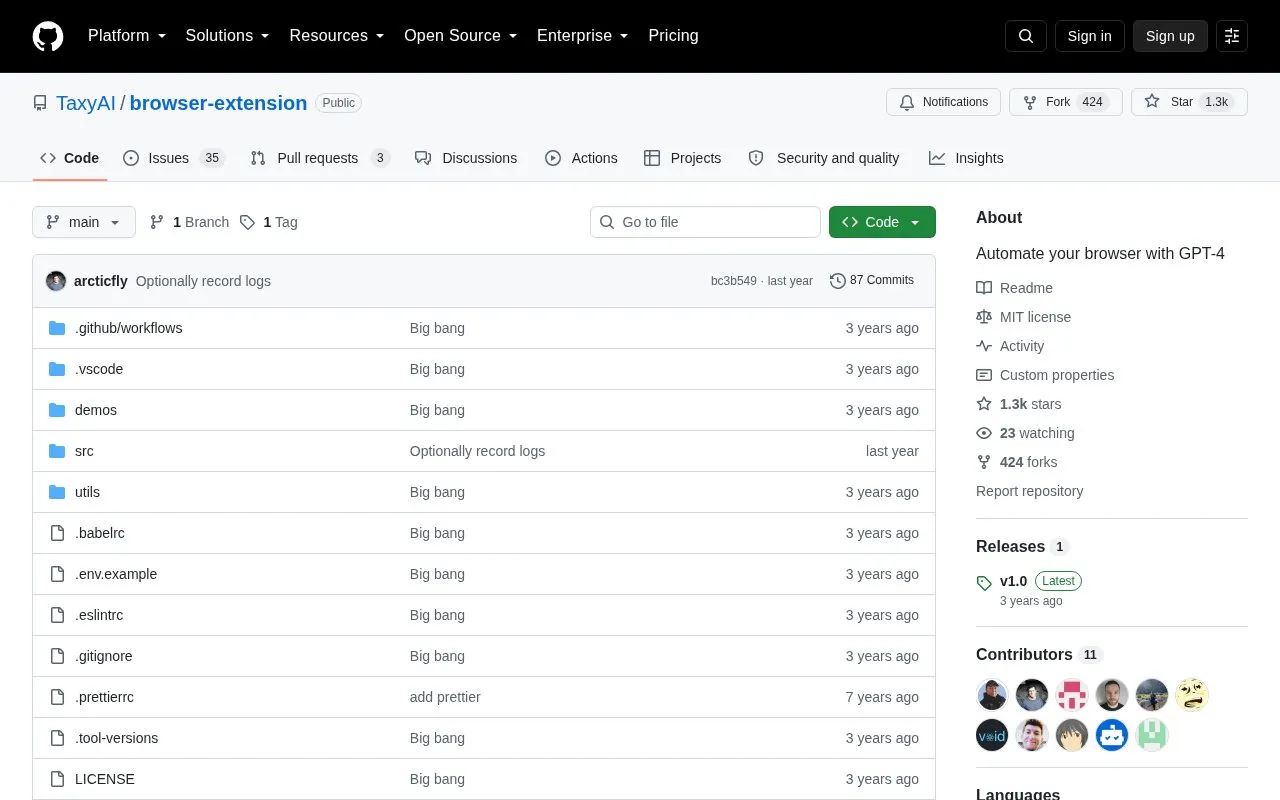
Taxy AI is an open-source browser extension that performs repetitive browser tasks from user-written instructions using GPT-4 and GPT-3.5. It extracts the page DOM, simplifies it to interactive elements, sends it with the instructions to the selected model, then executes click and text-input actions in a loop until the task is marked complete, stopped by the user, or halted on error.
It is in research preview and currently supports only ad-hoc instructions; saved and scheduled workflows are planned for the future. Installation requires cloning the GitHub repository, building locally with Node.js, loading it as an unpacked Chrome extension, and supplying an OpenAI API key. The project notes that many workflows fail or confuse the agent.
Key features
Executes browser tasks from ad-hoc user-written instructions
Supports GPT-4 and GPT-3.5 as the selected language model
Simplifies page DOM to interactive elements to reduce tokens
Performs click and text-entry actions via parsed model output
Opens as popup with keyboard shortcut or extension icon
Opens as devtools panel inside browser developer tools
Best for: Best for technical users willing to build the extension locally and test experimental automation with their own OpenAI API key.
Good for
Open source with local build available through GitHub repository
Project states it does not send page contents or instructions to its own servers
Allows user to stop execution at any time and halts on unexpected responses
Watch out for
Research preview status with many workflows failing or confusing the agent
Not released on Chrome Web Store; requires local build and developer-mode install
Currently limited to ad-hoc instructions; saved and scheduled workflows are not yet available
Ensure Node.js >= 16, clone the repository, run yarn and yarn start, then load the generated build folder as an unpacked extension in chrome://extensions/ with Developer mode enabled.
What do I need to run it after installation?
Create or access an OpenAI API key and paste it in the provided box, then navigate to a webpage you want Taxy to act upon. The project states the key is stored in the browser and not uploaded to a third party.
How do I open the extension?
As a popup with cmd+shift+y on Mac or ctrl+shift+y on Windows/Linux or by clicking the extension logo, or as a devtools panel after opening the browser's developer tools.
Is something wrong or out of date?
Tell us and an editor will check it.
Own this website?
Claim the listing and suggest updates yourself. An editor checks every claim first.