Antigravity Link

Antigravity Link connects a phone to Google’s Antigravity IDE to mirror sessions, send messages, and automate actions.

github.com/cafeTechne/antigravity-link-extension
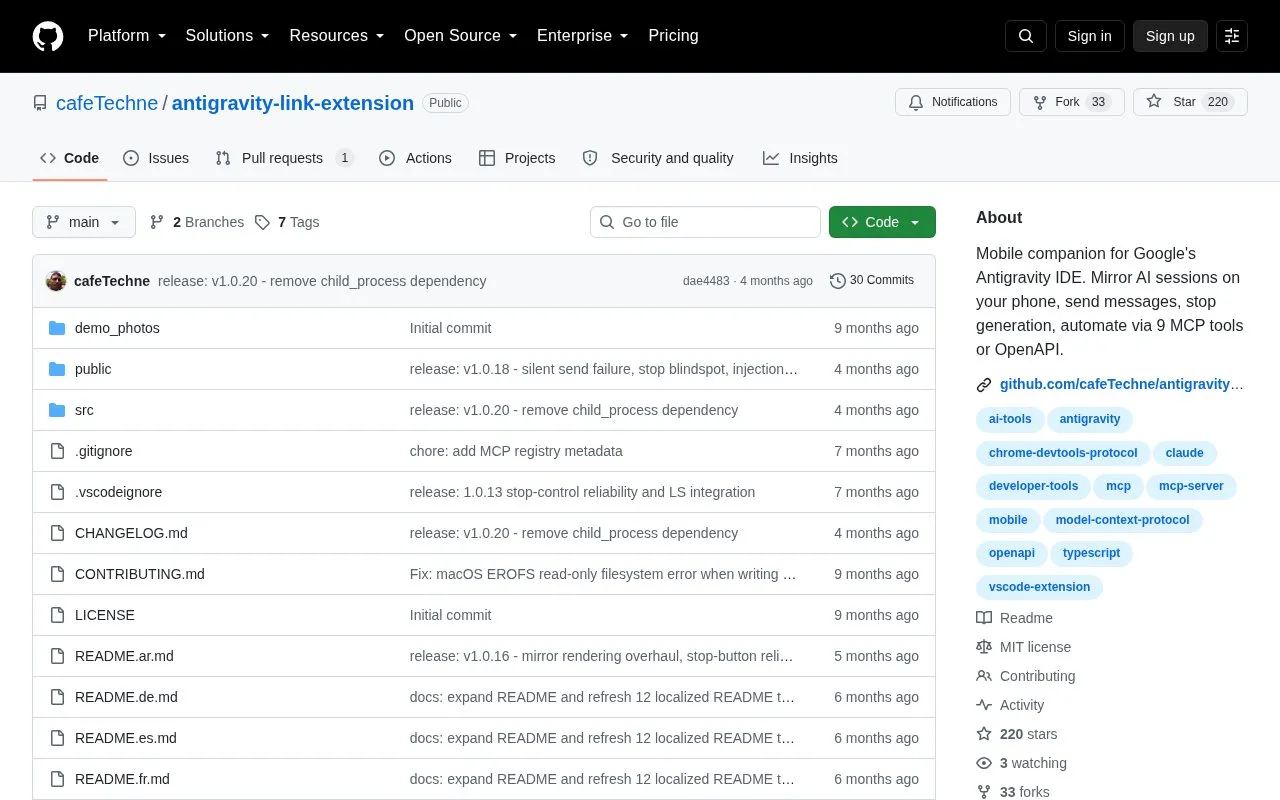
Antigravity Link homepage screenshot

About Antigravity Link

Antigravity Link is an extension that connects a phone to Google's Antigravity IDE. After starting a local bridge server and scanning a QR code, the phone shows a live mirror of the active chat in a mobile browser, where users can read streamed responses, send messages, stop generation, upload files, use voice-to-text, and switch between windows.

It requires Antigravity IDE running with the remote debugging flag and the phone and computer on the same Wi-Fi network. It also exposes a local HTTP API and an MCP server so agents and external tools can control sessions programmatically.

Key features

  • Live mirror of active Antigravity chat on phone
  • Send messages and stop generation from mobile
  • Upload files into active chat from phone
  • Voice-to-text input from mobile, requires HTTPS
  • Switch between multiple Antigravity windows
  • Local HTTP API and MCP server for automation
Best for: People running Antigravity IDE sessions who need to monitor and interact with them from a phone on the same local network.
Good for
  • Local-only server with token authentication
  • Interface in 16 languages with automatic detection and RTL support
  • Includes local HTTP API and MCP server for programmatic use
Watch out for
  • Requires Antigravity launched with remote debugging flag to discover sessions
  • Requires phone and computer on same Wi-Fi network
  • Mobile browser warns about self-signed certificate on connection

Antigravity Link at a glance

Type
Open-source project
Pricing
Not confirmed. Check the site
Open source
Yes · Source code
Language
English
Last checked
Oct 5, 2026 · Online when checked
Listed
Oct 5, 2026

Antigravity Link alternatives

Tools and sites you could use instead, ranked by how closely they match.

All 24 alternatives

Popular in AI Agents & Automation

Well-known listings from the same topic.

All 313

Antigravity Link FAQ

What is needed before starting the server?
Antigravity IDE installed and running, phone and computer on the same Wi-Fi network, and Antigravity launched with --remote-debugging-port=9000.
How do I connect my phone?
Run Antigravity Link: Start Server, then run Antigravity Link: Show QR Code and scan the code with the phone.
Why does the phone warn the connection is unsafe?
The certificate is self-signed, which is expected for local HTTPS. Use the browser's Advanced option to proceed.
Is something wrong or out of date?

Tell us and an editor will check it.

Own this website?

Claim the listing and suggest updates yourself. An editor checks every claim first.

Claim this listing