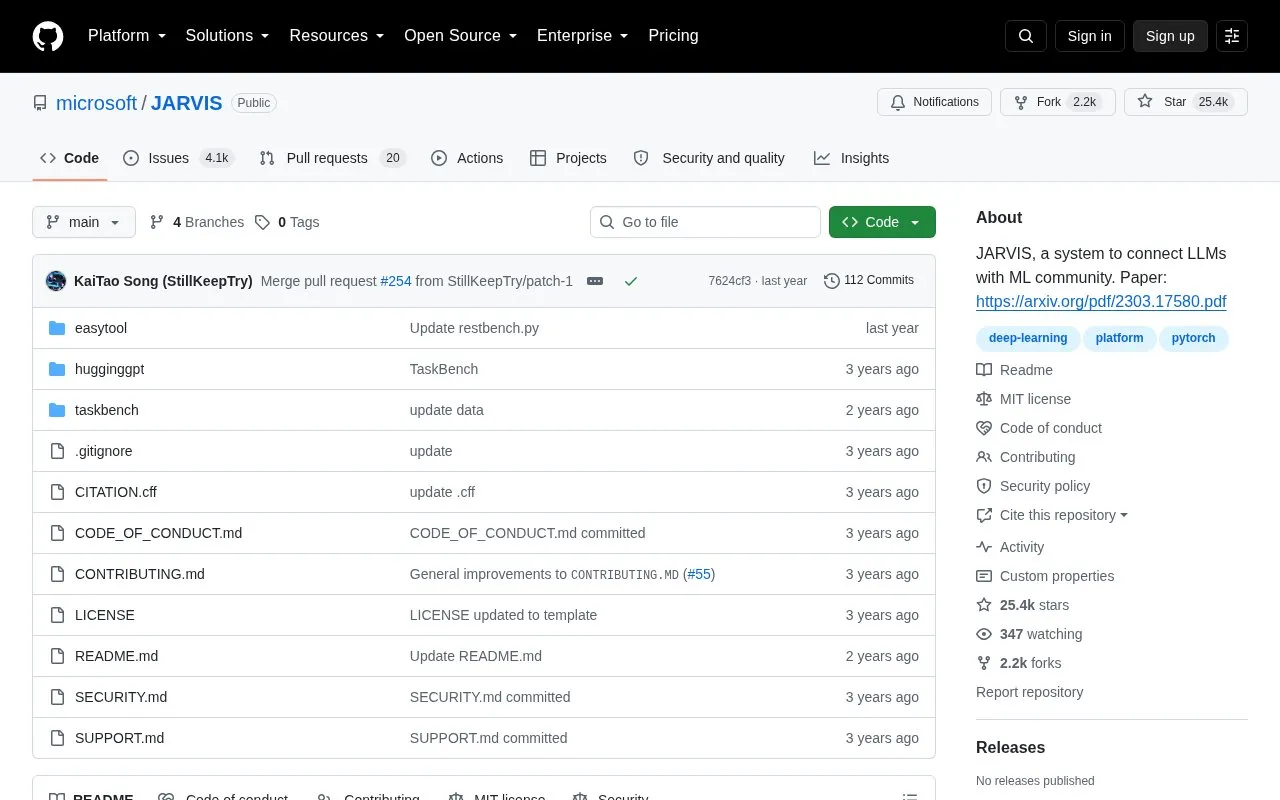
microsoft/JARVIS is an open-source research system that uses a large language model as a controller to work with expert models from Hugging Face Hub. It plans user requests into tasks, selects models based on their descriptions, executes them, and combines the outputs into a response.
Use requires an OpenAI key and a Hugging Face token. The default configuration lists Ubuntu 16.04 LTS, 24GB or more VRAM, and over 284GB disk space. A lite configuration avoids local model deployment but is limited to models running on Hugging Face Inference Endpoints.
Key features
Plans user requests into solvable subtasks using LLM controller
Selects Hugging Face expert models based on descriptions
Invokes selected models and returns results for integration
Generates combined response from multiple model outputs
Provides CLI mode and server mode with task APIs
Supports Azure OpenAI service and GPT-4 model
Best for: Researchers and developers studying or building LLM-controlled workflows across multiple Hugging Face models.
Good for
Open-source code with related EasyTool and TaskBench code and datasets
Offers CLI mode, server mode, and web APIs for tasks and results
Lite configuration allows use without deploying models locally
Watch out for
Default configuration requires 24GB+ VRAM and 284GB+ disk space
Lite configuration is limited to stable Hugging Face Inference Endpoints models
Requires user-supplied OpenAI key and Hugging Face token
A personal OpenAI key and Hugging Face token, set in the config file or as OPENAI_API_KEY and HUGGINGFACE_ACCESS_TOKEN environment variables.
What are the system requirements?
The default configuration lists Ubuntu 16.04 LTS, 24GB or more VRAM, and over 284GB disk space. The lite configuration lists Ubuntu 16.04 LTS with no local model deployment required.
How does JARVIS process a request?
Through four stages: task planning, model selection, task execution, and response generation.
Is something wrong or out of date?
Tell us and an editor will check it.
Own this website?
Claim the listing and suggest updates yourself. An editor checks every claim first.